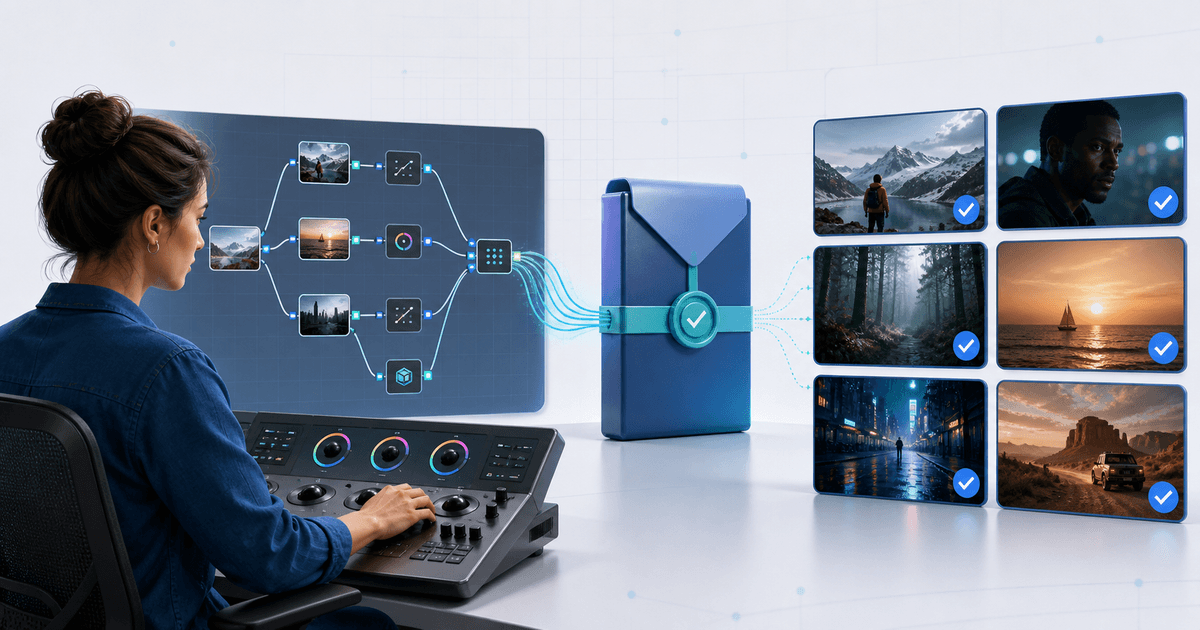
Sell a DaVinci Resolve PowerGrade only after the exact customer download imports into a clean Gallery, rebuilds the promised node tree and produces an explainable result on footage beyond your demo shot. Package the grade, preview still, dependencies, color-management assumptions and license as one versioned product.
This workflow is for colorists selling original PowerGrades rather than flattened LUTs. Its original asset is a six-clip compatibility matrix that exposes brittle qualifiers, missing plug-ins and color-space assumptions before buyers do.
Define What the Buyer Can Edit
| Product | What it carries | Buyer value | Main disclosure |
|---|---|---|---|
| PowerGrade | Resolve grade and editable node structure | Inspect and adjust the look | Resolve version, color pipeline and dependencies |
| LUT | Fixed color transform | Broad, simple application | Input/output color assumptions and intensity |
| DCTL or OFX workflow | Code or plug-in-driven processing | Specialized controls | Studio requirement, install path and license |
| Project template | Timeline, bins and project settings | Wider production setup | Media, fonts, plug-ins and project version |
Do not label a PowerGrade “a LUT with nodes.” Buyers choose it because they can inspect and adapt the structure. State whether it was built in DaVinci YRGB or color managed, the timeline color space, output transform, Resolve version and whether the Free or Studio edition was tested.
Package the DRX and Its Dependencies
Blackmagic Design's Colorist Guide explains that a shared grade uses the DRX data together with its exported still. Newer Resolve documentation also describes exporting DRX-only grades, so test the exact method you tell buyers to use rather than assuming every Resolve version behaves identically.
Create one folder per named look. Include the exported grade, its preview still when your tested export requires it, a before/after reference, a START-HERE file and a machine-readable or plain-text manifest. List every LUT, DCTL, OFX plug-in and font by source and version. Do not redistribute third-party dependencies unless their licenses permit it.
Run the Six-Clip Matrix
Test the retail archive on six deliberately different clips: correctly exposed daylight skin, underexposed skin, mixed lighting, high dynamic range exterior, saturated product color and a different camera/log profile. Record the input transform, expected adjustment and failure mode for each.
The purpose is not to promise one-click perfection. It is to show which parts are creative, which are technical and which must be adjusted per shot. A skin qualifier that collapses under mixed light or a fixed CST built for one camera should be disclosed or redesigned.
Then import the final download into a clean PowerGrade album on another workstation or user library. Confirm node labels, parallel/layer structure, key outputs, still association and missing-dependency warnings. Apply it without access to the creator folder. If Resolve silently finds a LUT elsewhere on your machine, the test has not proved portability.
Build the Listing Around Evidence
Show the six ungraded source frames and graded results under the same display transform. State which examples needed per-shot balancing. List the number of looks, file types, download size, tested Resolve editions and the commercial-use boundary.
License the grade itself separately from the buyer's output. A practical license can allow use in the buyer's own and client films while prohibiting redistribution of the raw DRX pack, resale as another preset bundle or sharing through a team beyond the purchased seat terms.
Deliver the Approved Version
Use the video preset and LUT product workflow for the offer and protected file delivery for the tested archive. Give the ZIP and manifest the same version number, replace both together and complete a real provider-backed test order.
Publish only when the retail download imports cleanly, the six-clip matrix explains its boundaries, every dependency is lawful and visible, and the buyer receives the exact version shown on the product page.