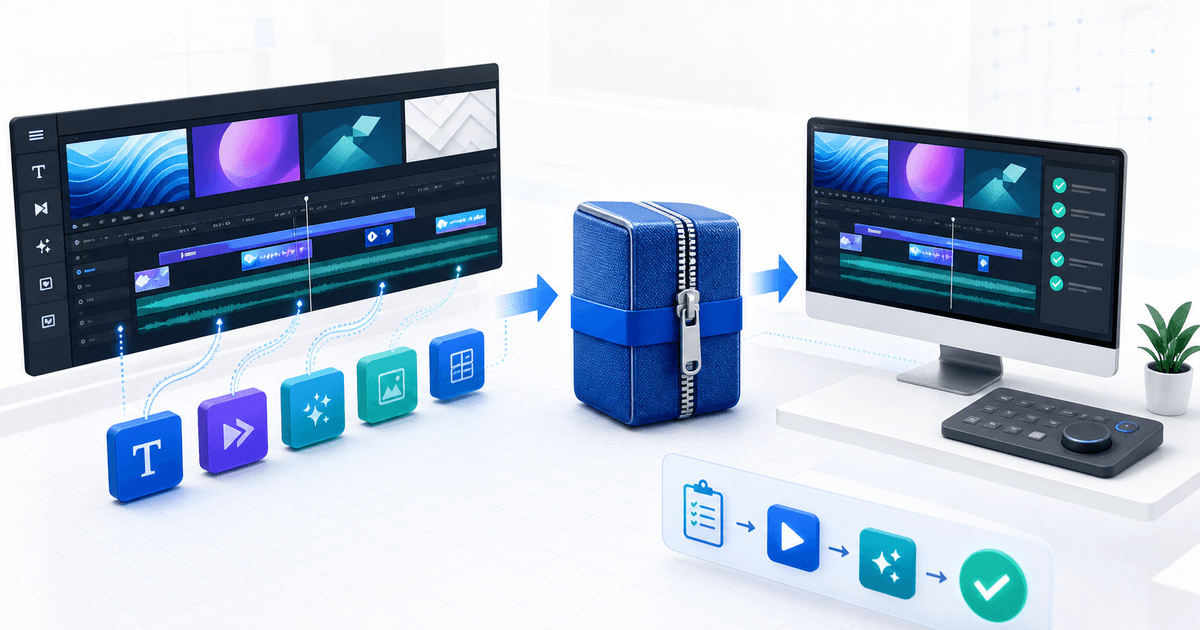
Sell a Final Cut Pro template only after the exact customer archive installs on a clean Mac, appears in the correct Final Cut Pro browser and exposes every control promised on the product page. A polished preview is not a compatibility test: fonts, external media, plug-ins, Motion versions and folder paths can all break the buyer's install.
This guide is for independent Apple Motion designers selling titles, transitions, effects or generators. Its original asset is a four-project release matrix that joins the retail ZIP, installed template and buyer-visible result.
Define the Template You Are Selling
Apple identifies four Motion template types for Final Cut Pro: effects, transitions, titles and generators. Record the type before packaging because it determines the browser location and how the buyer uses it. Apple's current Motion template guide also explains that creators choose which parameters to publish for editing in Final Cut Pro.
| Release field | Record | Buyer-facing promise |
|---|---|---|
| Template type | Title, transition, effect or generator | Exact Final Cut Pro browser location |
| Minimum versions | Tested macOS, Motion and Final Cut Pro versions | A narrow compatibility statement |
| Published controls | Names, ranges and defaults | Only controls the buyer can actually edit |
| Dependencies | Fonts, media, plug-ins and audio | Included items and separate requirements |
| Color and format | SDR/HDR test, frame sizes and rates | Tested project conditions, not “works everywhere” |
Do not call a Motion project a Final Cut Pro template merely because it opens on the seller's computer. The retail product is the installed buyer experience.
Build the Four-Project Release Matrix
Create four small Final Cut Pro projects on a clean test Mac. Import or install from the retail ZIP, never from your development folder.
| Project | Test condition | Pass result |
|---|---|---|
| Standard HD | 1920×1080 SDR, common frame rate | Layout, timing and controls match the preview |
| Vertical | 1080×1920 | Published layout controls remain usable or the limitation is disclosed |
| UHD | 3840×2160 | Text, shapes and raster media remain sharp |
| Dependency test | Fonts or optional media removed | Clear fallback or an accurate missing-dependency instruction |
For each project, record template version, source ZIP checksum, install path, browser category, duration behavior, published parameters, render result and any warning. Open the test after restarting Final Cut Pro so an already-cached development copy cannot hide a packaging mistake.
Apple states that current Motion templates can automatically conform to the color space of the Final Cut Pro project when built appropriately. Treat that as a capability to test, not a label to copy. Compare one representative SDR and HDR project if you advertise both.
Remove Private Paths and Hidden Dependencies
Collect every permitted asset into the release. Replace development-only file paths and confirm linked images, video and audio still resolve after the original working folder is unavailable. Use fonts and stock assets whose licenses permit redistribution; otherwise state the dependency and give the buyer a lawful source.
Publish only the controls a buyer needs. Give them plain names, useful defaults and safe ranges. Test reset behavior and extreme values. A title whose tracking slider can push every character off-screen may technically work but still fails as a commercial template.
Package the Retail ZIP
Use one top-level folder with the template files, a START-HERE guide, license, changelog and dependency list. The guide should identify the supported Final Cut Pro and macOS versions, installation path, browser category, editable controls, included media, font requirements, update policy and support route.
Keep the editable Motion source separate unless the license explicitly includes it. Buyers of a Final Cut Pro template may be purchasing usage and customization through published controls, not ownership of the source project.
Run a checksum on the final ZIP, move it to a clean account or second Mac and follow only the included guide. Then archive the tested ZIP and matrix together so a support question can be matched to the delivered version.
Connect Checkout to the Tested File
Create one product per materially different license or bundle. On the listing, show a real rendered preview and name the template types, versions, resolutions, frame rates, fonts and plug-ins actually tested. Avoid screenshots that imply editable controls the package does not expose.
PayRequest's digital template workflow can deliver the versioned ZIP after confirmed payment. Protected file delivery keeps the paid archive behind the order flow instead of exposing a public cloud link. Attach the exact ZIP that passed the clean-Mac matrix, complete one provider-backed buyer order and install the receipt download again.
The release is ready when another editor can identify the template, install it, find it, customize the advertised controls and reproduce the preview without access to your development machine.