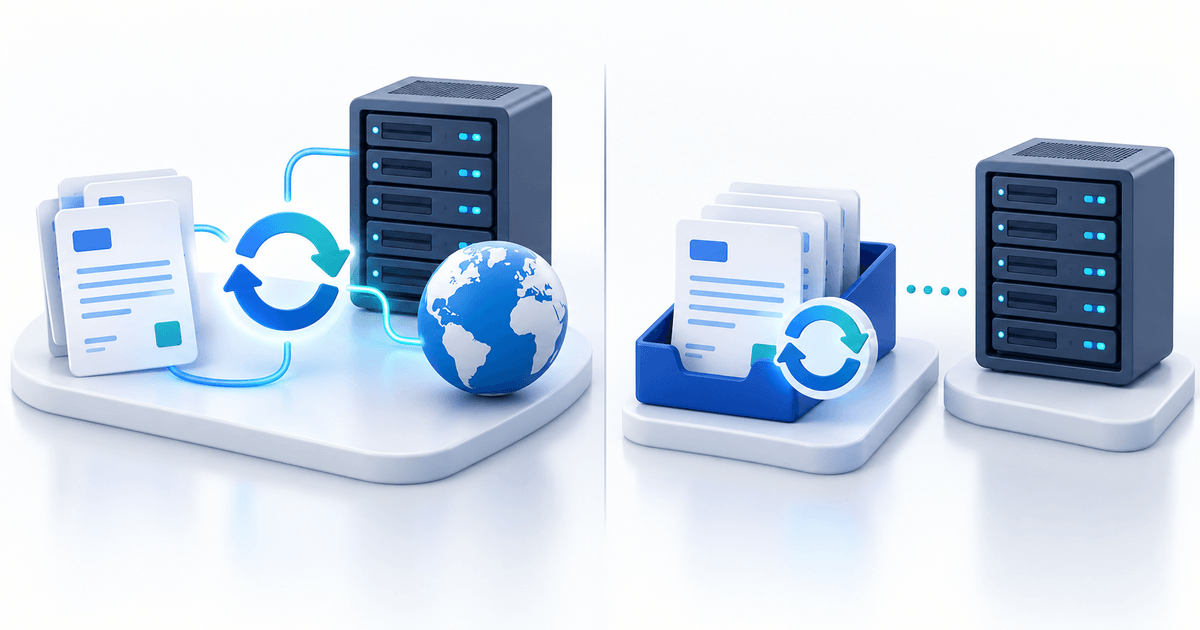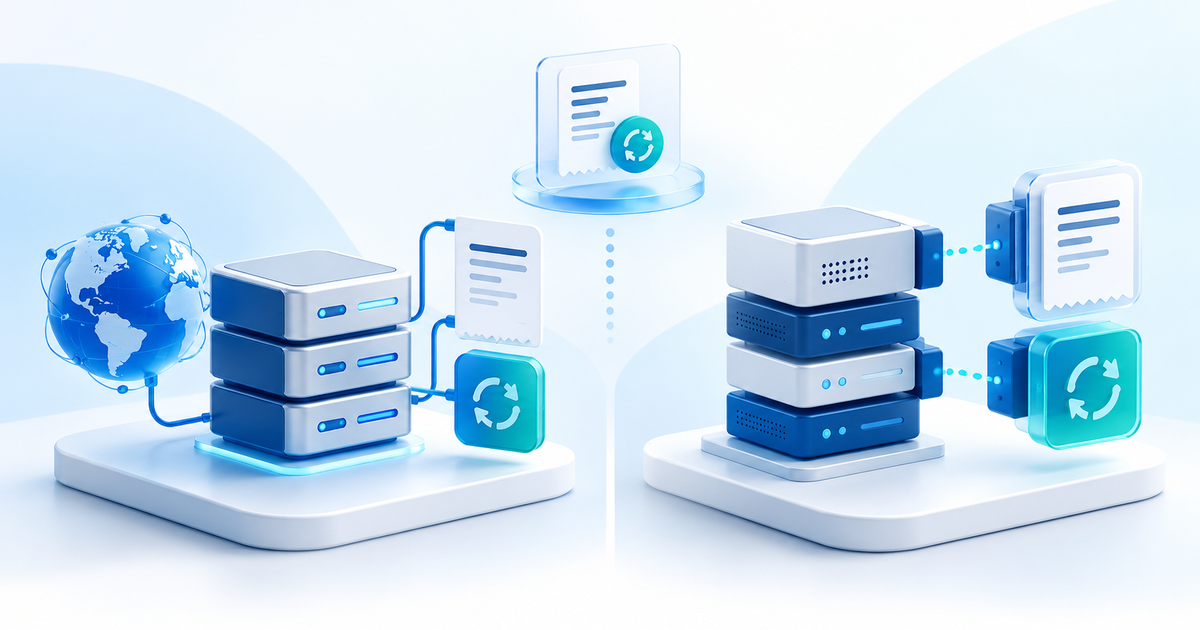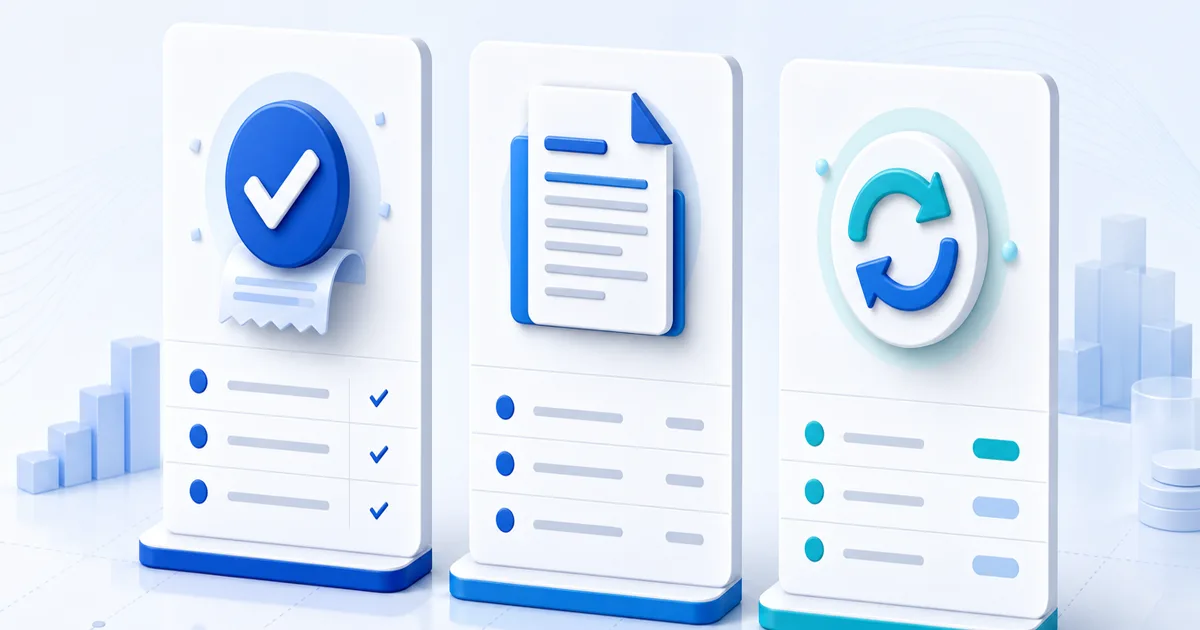
A PayPal invoice asks for payment, a receipt records a payment, and the transaction record shows the provider's current payment state. They are related documents, but substituting one for another creates accounting mistakes and delivery risk.
Use this guide to choose the right record before payment, immediately after payment and later when a customer, bookkeeper or dispute team asks what happened.
The Short Answer
| Document | Created when | Main job | Proves payment? |
|---|---|---|---|
| Invoice | Before payment | State what the buyer owes and why | No |
| Receipt | After a payment event | Acknowledge the amount received | Only as supporting documentation |
| PayPal transaction record | When PayPal processes the event | Show current provider status and identifiers | Verify in the account |
| Delivery record | When goods or access are supplied | Show fulfilment | No, but supports the order history |
For a clean audit trail, connect all four with the same order reference. Do not edit an invoice to look like a receipt or use a receipt to hide a pending transaction.
What a PayPal Invoice Does
An invoice describes a seller, buyer, items or services, amount, currency, payment terms and due date. It is a request for money. PayPal Invoicing can also provide a hosted way for the customer to pay, but an invoice existing or being sent does not mean it has been paid.
Use an invoice for named client work, itemized orders, deposits tied to a project, or any sale where the buyer needs a formal amount due. After payment, keep the original invoice number unchanged so the request and payment remain traceable.
What a Payment Receipt Does
A receipt acknowledges money received and normally includes the date, amount, currency, seller, buyer or payer reference, payment method and transaction reference. It helps the buyer with expenses and helps both sides identify the sale later.
A receipt should be factual. Never label a transaction completed when it is pending, invent a transaction ID or imply that a manually generated document was issued by PayPal. If you use the PayPal receipt generator, copy details from a transaction you have already verified and retain the provider record.
What the Transaction Record Adds
The transaction view inside your PayPal account is where you check the provider-side ID, current status, gross amount, fees, net amount, currency, payer and eligibility details. Status can change after an initial notification because of review, refund, dispute or reversal activity.
That makes the live record operationally stronger than a static screenshot. Sign in independently and retrieve it yourself. The buyer's copy may help identify a mismatch, but it does not control your fulfilment decision.
Which Document Should You Send?
| Situation | Send or retain |
|---|---|
| Client has not paid | Invoice with scope, amount and due date |
| Payment completed | Receipt plus access to the paid invoice where relevant |
| Buyer asks “where did my money go?” | Transaction reference and support-safe receipt; never expose unrelated account data |
| Bookkeeper closes the month | Invoice, receipt/provider export, fees and refund records |
| Physical order dispute | Payment record plus tracking and delivery evidence |
| Digital delivery dispute | Payment record plus product terms and access/download log |
Tax invoice requirements differ by country. A payment-provider receipt may not contain every field required for VAT or local invoicing. Ask your accountant which document your business must issue and preserve.
Use One Reference Across the Entire Order
Create an internal order number before asking for payment. Put it on the invoice, preserve it in the payment description where supported, include it on the receipt and attach it to fulfilment records.
For example, order PR-1048 can connect a €240 design deposit, its PayPal transaction, the receipt and the final file handoff. Searching one reference then reconstructs the story without relying on names or approximate dates.
A Five-Step Document Workflow
- Create the offer or invoice with a unique reference and clear terms.
- Let the buyer pay through a trusted hosted checkout.
- Verify the payment in the connected provider account.
- Issue or store the receipt using the verified amount, currency and ID.
- Attach delivery, refund and dispute events to the same customer and order.
PayRequest payment pages help put the offer and payment choices in one flow, while PayRequest for PayPal connects PayPal as a checkout method. The Free plan includes the standard selling and billing features; PayRequest charges 2% per successful payment, capped at €25 per transaction, in addition to provider fees. Check current pricing before launch.
Common Record-Keeping Mistakes
- Sending a receipt before the transaction is verified.
- Treating a paid invoice label in an editable document as provider proof.
- Recording the gross amount as revenue without preserving fees, tax and refunds separately.
- Reusing transaction IDs or invoice numbers.
- Storing only screenshots instead of downloadable records and structured exports.
- Including full addresses or account details when a customer needs only a safe receipt.
The best document is not one oversized PDF. It is a connected trail in which each record does one clear job.