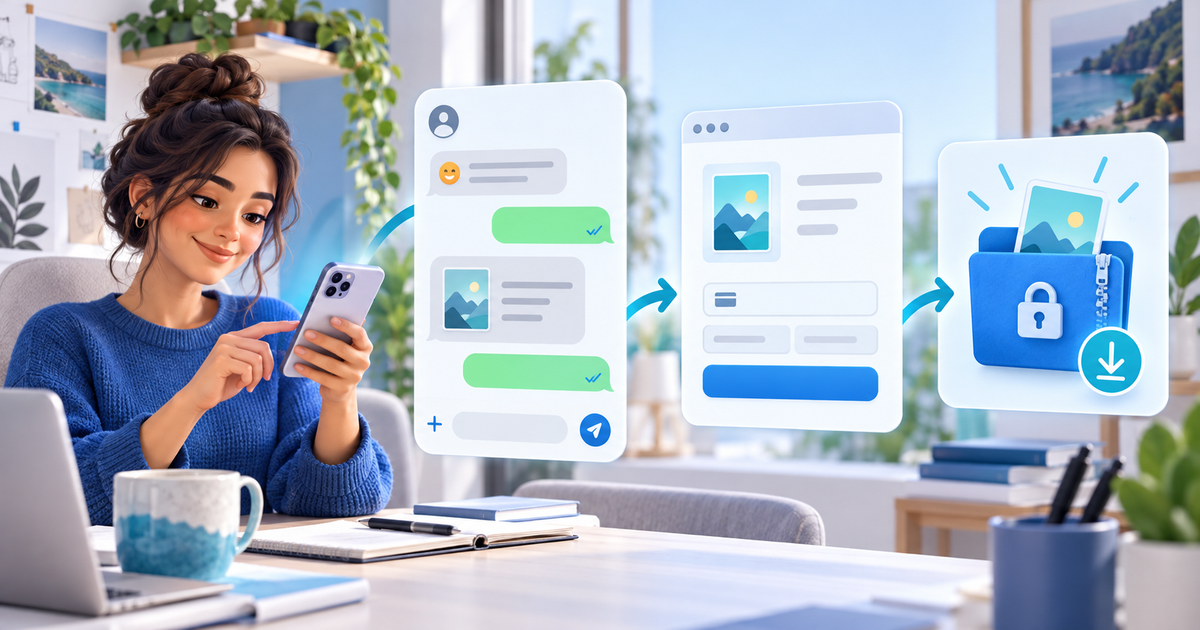
To sell digital downloads on WhatsApp, use the chat for discovery and buyer questions, then send one product-specific checkout link and deliver the exact file only after the payment is confirmed. The practical workflow is preview → offer → hosted checkout → protected delivery → support record. It works for ebooks, presets, templates, audio packs and other files when the buyer can see exactly what they receive.
This guide is for creators selling from WhatsApp conversations or communities. WhatsApp is the conversation layer; it should not be the public location of the paid archive or the only record of an order.
What to put beside the link
Give the buyer enough information to make a decision without asking you to restate the offer in chat: product name, file type, version date, license, price and delivery promise. A preview can show a few pages, sample images or a short audio excerpt, but it should not expose the full paid archive.
Use a separate link for a materially different product or license. A generic “buy my files” link makes it harder to match a payment to a download, especially when several people are asking questions at once.
The WhatsApp download workflow
| Stage | What the creator sends or records | Pass condition |
|---|---|---|
| Preview | Safe sample, use case and product ID | The sample is useful but not the paid archive |
| Offer | File type, version, license, price and currency | The buyer knows the exact entitlement |
| Checkout | Product-specific hosted payment link | Checkout wording matches the chat |
| Confirmation | Provider confirmation and order reference | No screenshot alone unlocks the file |
| Delivery | Versioned ZIP or file plus instructions | The delivered file matches the offer |
| Support | Buyer email, version and issue | A replacement can be tied to the order |
In PayRequest, create a digital product and share its payment link in the WhatsApp conversation. Keep the paid file behind the product delivery flow. PayRequest can support the checkout and digital delivery path; it does not decide whether your license is legally sufficient or whether a file is compatible with every buyer's software.
A small release test prevents large support threads
Before you share the link, buy or preview the product as a buyer would. Check the mobile product name, amount and currency; confirm that the success state is clear; download the file; unzip it on a clean device; and open the installation or usage guide. Record the tested version next to the product ID.
For a fictional €18 template pack, the platform charge at 2% would be €0.36 before provider fees, taxes and creation time. This is arithmetic for planning, not a profit forecast. Review PayRequest pricing and the connected provider's current terms before setting your price.
What to do when a buyer sends a screenshot
A screenshot can be useful context, but it is not the payment state you should use to unlock a file. Check the transaction in the connected provider or PayRequest record, match the amount and product ID, and then send the confirmed delivery. If the payment is pending or the product version has changed, explain the next step instead of sending an untracked replacement.
Editorial note: AI assisted with this article and its illustrative cover. The release matrix and €18 example are original planning tools; no live WhatsApp conversation or payment test is claimed.