Selling audio files online is no longer limited to streaming royalties, stock-music libraries, or a full ecommerce store. If you already reach listeners through social media, a newsletter, a podcast, or a community, you can sell a track directly with a free preview and one checkout link.
This guide explains how to prepare, preview, price, and deliver paid audio without exposing the full file before payment.
What Audio Can You Sell Directly?
Direct audio sales work best when the buyer wants the file itself or access to something specific—not just another stream.
- Original songs, demos, and alternate mixes
- Beats, loops, samples, and sound effects
- Guided meditations and sleep audio
- Premium podcast episodes
- Language lessons and pronunciation packs
- Recorded coaching or training sessions
- DJ edits and live performance recordings you own
Only sell audio you created or are licensed to distribute. A beat containing an uncleared sample or a recording featuring performers without the necessary release can create problems no checkout tool can solve.
Why a Free Audio Preview Converts
Buyers want to hear production quality, voice, style, and relevance before paying. Sending the entire track defeats the purpose; showing only cover art asks for too much trust.
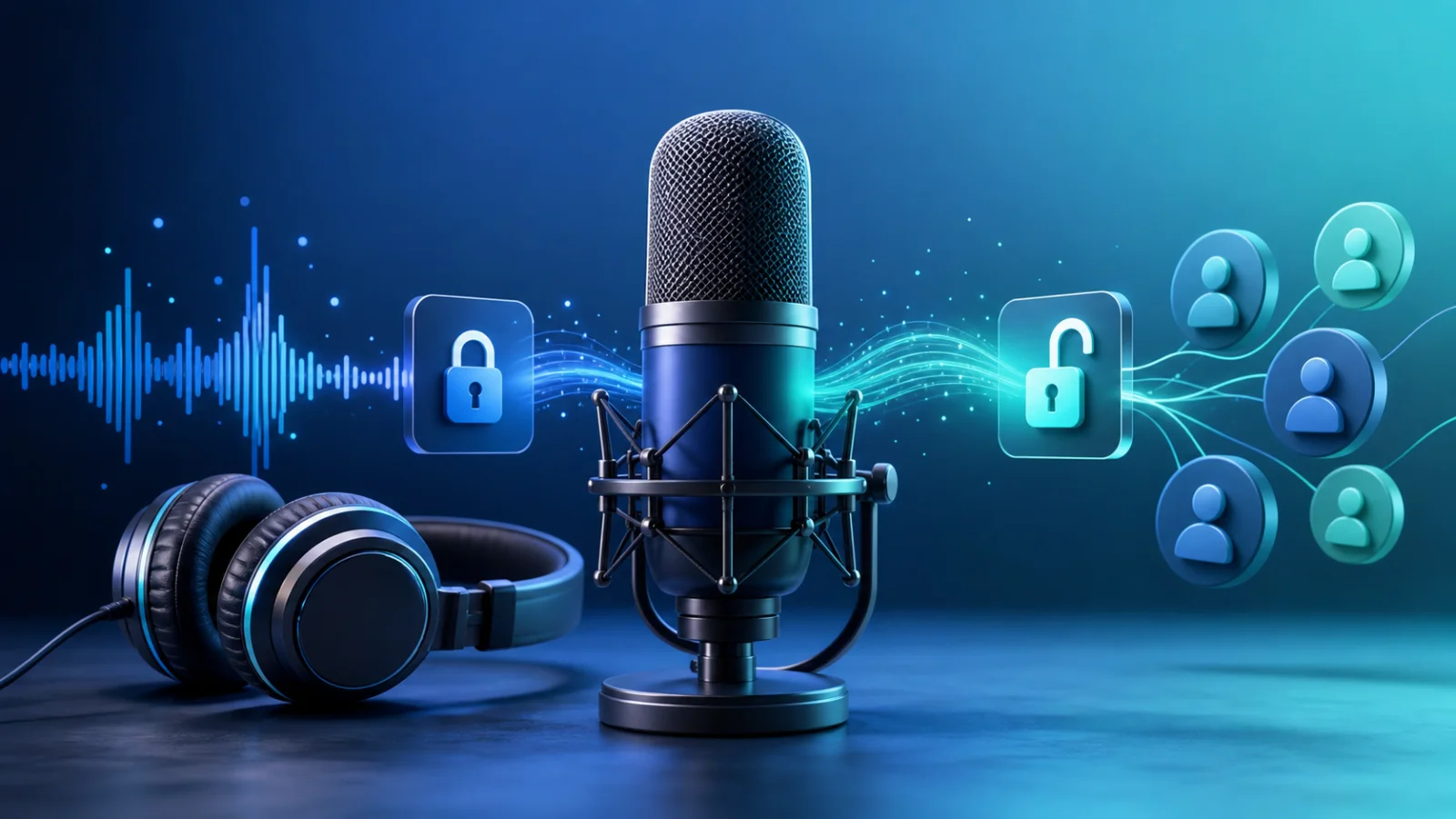
A short preview closes that gap. PayRequest creates a physically separate audio clip from the private original. Customers can play the clip publicly, but the rest of the track is not hidden somewhere in the browser. It simply is not part of the preview file.
For most tracks, 15–30 seconds is enough. Use a section that demonstrates the value without giving away the complete payoff. A producer might preview the hook of a beat, while a meditation creator might preview the voice, pacing, and atmosphere.
How to Sell an Audio File in Five Steps
- Export the customer-ready MP3, WAV, or FLAC file.
- Create a Pay to Unlock Audio product and upload the original.
- Choose a free preview between 5 and 60 seconds.
- Add optional cover art, a clear title, and a one-time price.
- Publish the link and test the complete purchase and download flow.
After payment, the customer receives the original on the success page, by email, and through the customer portal. That removes the manual work of checking a payment and sending an attachment through DMs.
How Much Should You Charge?
Price depends more on intended use and exclusivity than duration.
| Audio product | Practical starting range |
|---|---|
| Premium podcast or meditation | €3–€15 |
| Finished independent track | €5–€25 |
| Beat or sample pack with standard license | €15–€75 |
| Specialist lesson or training audio | €19–€99 |
| Exclusive or commercial-use license | Quote separately |
These are testing ranges, not fixed market rates. State exactly what the buyer receives and whether personal or commercial use is allowed. A €29 file with a clear outcome and license is easier to trust than a €9 file with vague rights.
Where to Share Your Audio Unlock Link
Use the channels where people already hear or discuss your work: a link in your TikTok or Instagram bio, a pinned X post, a YouTube description, a podcast show note, a Discord announcement, Telegram, WhatsApp, or your email list.
The public preview should do the selling. Your social post only needs a clear promise: what the audio is, who it is for, how long the full track is, and what happens after payment.
Protecting the Original Audio
A player that loads the full file and stops after 25 seconds is not a secure preview. Anyone who inspects the page may still find the complete source. A separate preview clip is safer because it contains no hidden remainder to retrieve.
You should still set honest expectations: no digital delivery system can prevent a paying customer from copying a file after receiving it. Secure delivery protects the file before purchase; clear licensing explains what the customer may do afterward.
Start With One Track
Do not build a large catalog before testing demand. Publish one focused audio product, share it with the audience most likely to care, and learn from completed purchases and support questions. Once the first link converts, reuse the same process for a bundle, premium edition, or follow-up release.
Explore Pay to Unlock for images, audio and video, or create your free account and publish your first audio unlock link.