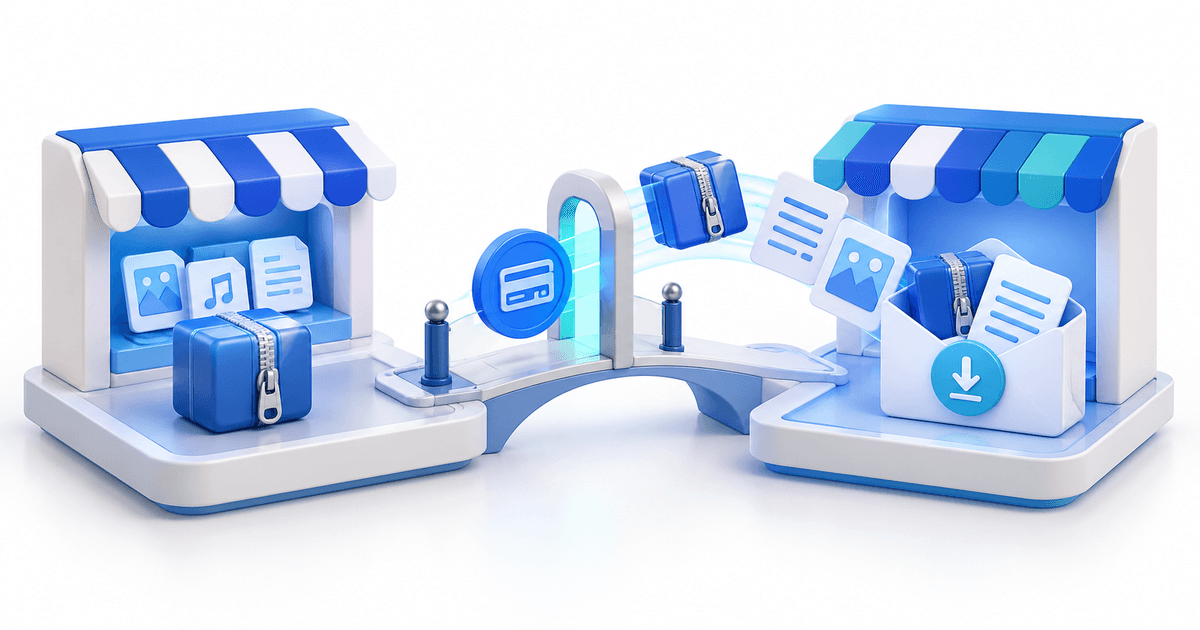
To sell a large digital file, use a checkout that supports the actual upload size, describe the download before payment, package the files predictably and deliver them through a protected order-specific link. Do not compress valuable source material merely to fit an email attachment or expose a permanent public cloud-storage URL.
PayRequest supports digital-asset uploads up to 25 GB for large products such as video courses, RAW photo collections, 3D assets, game files and audio libraries. Sellers should still optimize the package because a technically supported file can be inconvenient for a buyer on a slow or metered connection.
Decide What the Buyer Should Download
Start with the buyer's job, not the maximum file limit. A 20 GB master archive may be convenient for the seller but frustrating for a buyer who needs only one module.
| Product | Practical package |
|---|---|
| Video course | Modules or chapters plus one resources archive |
| Photo collection | Preview gallery plus organised high-resolution folders |
| 3D asset | Model, textures, supported formats, licence and README |
| Audio library | Clearly named WAV or AIFF folders plus lightweight previews |
| Software bundle | Versioned release, checksums, documentation and dependencies |
Use separate products or editions when buyers genuinely need different formats. Use one ZIP when the contents belong together and should always be downloaded as a unit.
Prepare the Archive
Remove drafts, caches, hidden operating-system files and source material that is not part of the licence. Use descriptive folder names and include a start-here document with:
- Product name and version
- Included formats and approximate extracted size
- Supported software and minimum version
- Installation or import steps
- Personal, commercial or team licence terms
- Support contact and update policy
Open the final archive on another machine or a clean user account. A successful ZIP creation does not prove that every file extracts, imports or plays correctly.
Compression Without Damaging the Product
Compress losslessly when buyers need original files. ZIP packaging improves organisation but will not dramatically shrink media that is already compressed, such as MP4, JPEG or MP3. Re-encoding video, images or audio can reduce size, but it also changes the deliverable.
Offer an optimized edition only when it still matches the product description. Keep production masters offline and never replace a promised lossless or editable source package with a smaller lossy version without telling existing buyers.
Build the Sales Page Around Download Reality
Before checkout, state the download size, file formats, required software, licence, expected contents and whether mobile devices can use the product. For very large files, recommend a stable connection and enough free disk space for both the archive and extracted copy.
Preview the value without exposing the paid file. Use screenshots, short video samples, watermarked previews, a table of contents or a manifest. Avoid placing the final archive in a public Drive or Dropbox link that can be forwarded independently of the order.
Configure Protected Delivery
With PayRequest, create a digital product, upload the package, set the price and configure the download rules. Each successful purchase can receive a unique token rather than the raw storage location. Download limits and expiry reduce casual sharing while leaving enough room for a buyer to recover from an interrupted download.
For large files, use a generous download count. A failed connection or device change should not force a legitimate customer to repurchase. Publish a support route for reissuing access after verifying the order.
Test the Full Large-File Journey
Run this checklist before launch:
- Buy the product through the public page with a low test price.
- Confirm the payment provider and PayRequest both show the expected state.
- Download through the buyer link, not an administrator shortcut.
- Test on desktop and a realistic network connection.
- Extract the archive and open representative files.
- Confirm the download counter and expiry behave as described.
- Verify the support team can locate the order and reissue access safely.
Handle Updates Without Breaking Buyers
Version filenames clearly, for example environment-pack-v1.2.zip, and keep release notes. If an update replaces the hosted file, document whether earlier customers receive it and whether old links continue serving the version purchased. Never assume a storage replacement automatically communicates a licence or compatibility change.
Start with PayRequest digital products for protected sales, or use file delivery when a client should pay before unlocking a project handover.