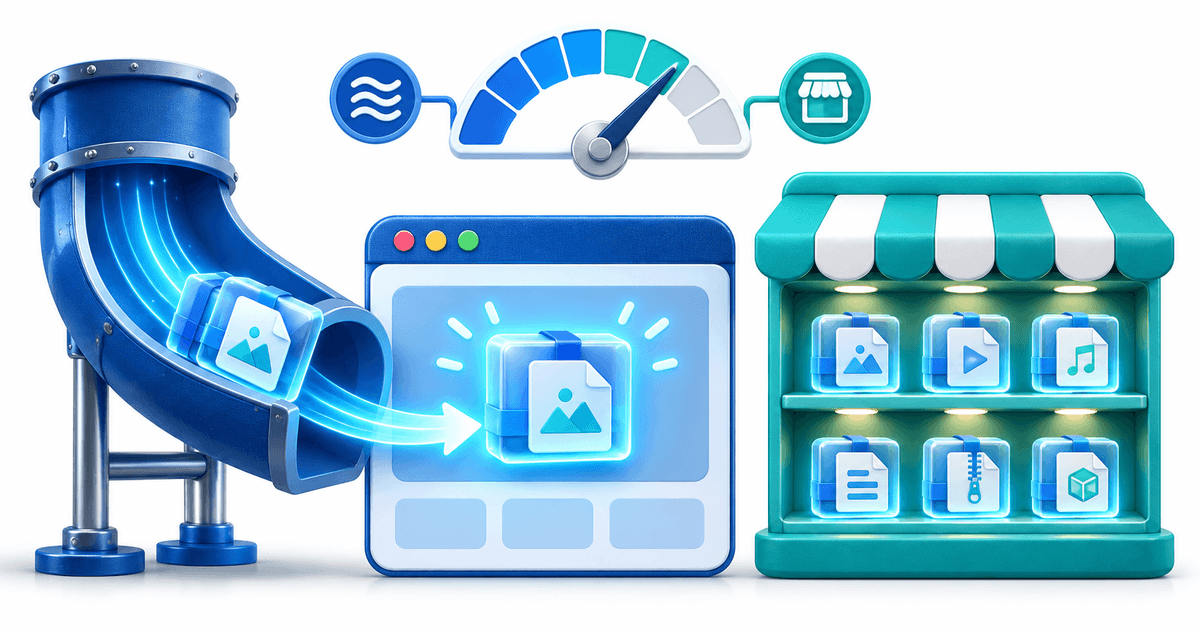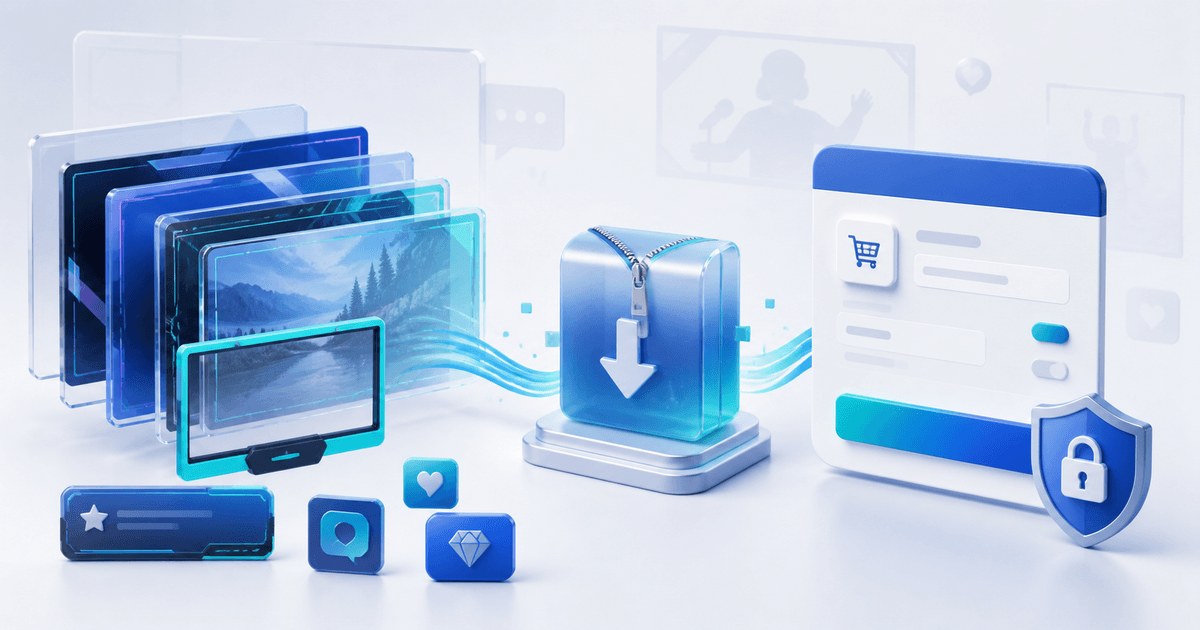
To sell an OBS stream-overlay pack that buyers can actually install, ship the rendered assets, a scene manifest, setup instructions and a clear license—not only the editable design file. Test every advertised source in a clean OBS profile, record its canvas and frame-rate assumptions, and deliver the exact ZIP shown on the product page.
This workflow is for designers selling webcam frames, alerts, panels, stingers and complete scene packs. Its original asset is an OBS release matrix that turns “works with OBS” into a reproducible claim.
Build an OBS Release Matrix
| Asset | Retail format | Test condition | Pass result |
|---|---|---|---|
| Static frame | Transparent PNG | 1920×1080 canvas | Edges align without scaling artifacts |
| Animated overlay | WebM with alpha | 30 and 60 fps profiles | Animation loops and transparency remain clean |
| Stinger | WebM plus transition point | Scene A to Scene B | Cut occurs on the documented frame |
| Alert | Browser-source files or provider import | Fresh browser source | Animation and permitted audio load |
| Scene collection | Exported JSON when included | Clean OBS profile | Sources resolve without private local paths |
| Guide | PDF or HTML | Buyer follows only the guide | Pack installs without author assistance |
OBS Studio's official source guide distinguishes image, media, browser and other source types. Name the source each asset needs; “drag it into OBS” is not enough for a browser alert or timed transition.
Separate Rendered Assets From Editable Source
Most buyers need ready-to-use PNG, WebM or browser-source assets. Editable Photoshop, After Effects, Figma or Blender files are a different entitlement. State whether they are included, sold in a higher tier or not provided.
Create three lists on the product page:
- Included: exact file formats, scene count, canvas sizes, frame rates and documentation.
- Required: supported OBS version, fonts, alert provider, plug-ins or codecs the buyer must obtain.
- Preview only: game footage, music, fonts, logos or mockups that demonstrate the pack but are not redistributed.
Do not include game art, team marks, music or fonts merely because they appeared in a client mockup. Confirm that every third-party license permits redistribution inside a paid asset pack.
Test the Retail ZIP in a Clean Profile
- Export only the files intended for the buyer and create a versioned ZIP.
- Create a fresh OBS profile and scene collection on a separate user account.
- Add every PNG, WebM, browser source and transition using the written guide.
- Test the advertised canvas sizes and frame rates.
- Restart OBS and confirm local paths, browser assets and audio still resolve.
- Record missing fonts, plug-ins, permissions, codecs and platform-specific differences.
- Screen-record a short reference installation and compare it with the sales preview.
If you advertise Streamlabs or StreamElements compatibility too, repeat the test there. Visual similarity does not prove that an OBS scene export imports into another application.
Define a License Buyers Can Apply
A useful overlay license says how many channels or seats one purchase covers, whether client streams and monetized broadcasts are allowed, whether the buyer may edit the pack, and whether raw-file redistribution is prohibited. Treat commissioned exclusivity separately from a non-exclusive store license.
State what happens to finished recordings: buyers usually need permission to publish and monetize streams or videos containing the rendered overlay. That is different from permission to resell the overlay files themselves. This is a drafting framework, not legal advice.
Package the Product and Preview Honestly
Keep a stable folder structure such as `01-static`, `02-animated`, `03-alerts`, `04-transitions` and `docs`. Add a manifest with version, supported software, canvas sizes, frame rates, file list, checksums where useful, license and change log.
Use screenshots and short clips generated from the retail ZIP. Show at least one busy scene and one low-contrast game scene so buyers can judge legibility. Do not imply that chat, donations or follower events work automatically when the pack still needs a supported alert provider.
PayRequest can host the product page, collect payment through a connected provider and release the approved ZIP after successful payment. Create a digital design product and use secure file delivery to keep the order tied to the released pack.
Final Release Gate
Publish only when a clean-profile install reproduces the preview, every dependency is disclosed, the license covers the buyer's actual stream use and the downloaded ZIP matches the manifest. Complete one buyer-view purchase and download on desktop and mobile before sharing the link.