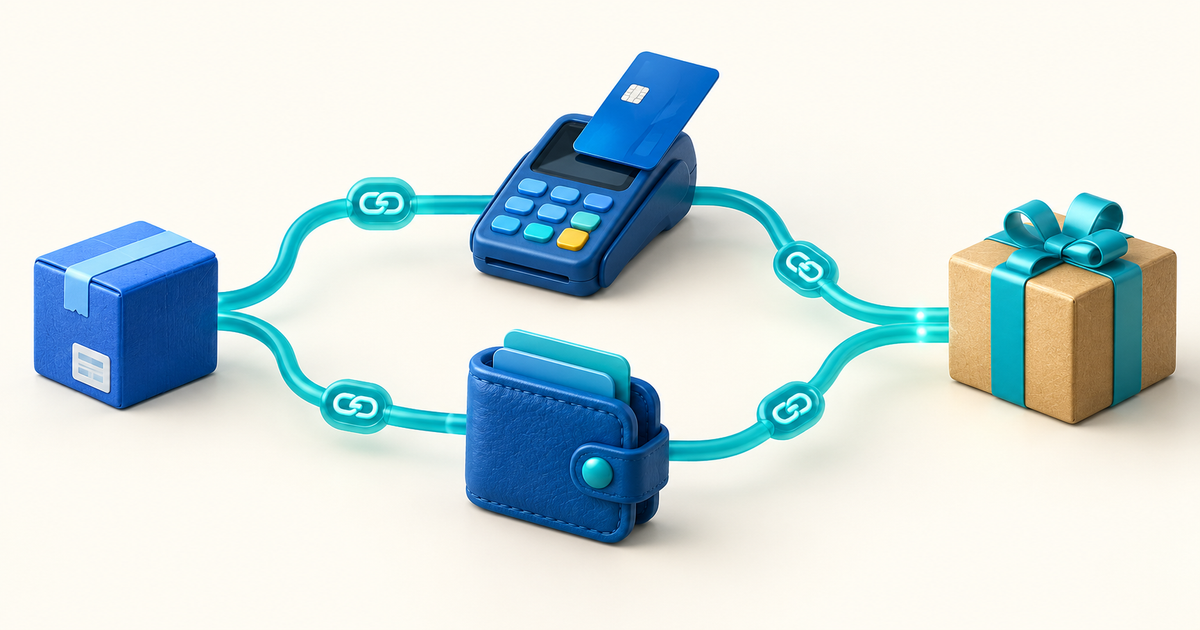
Telegram is excellent for building an audience, but a chat message is not a complete photo storefront. If you manually collect a transfer, check a screenshot and then send every file yourself, each sale adds more admin and more room for mistakes.
A pay-to-unlock link gives the buyer a preview, secure checkout and gated delivery from one URL. You can share that link in a Telegram channel, group or direct conversation without building a website or custom bot.
Three Ways to Sell Photos Through Telegram
| Model | Best for | Delivery | Main risk |
|---|---|---|---|
| Manual DM sale | Rare custom requests | You send files after checking payment | Slow, inconsistent and easy to fake |
| Paid channel or membership | Ongoing photo drops | Recurring access | Requires a steady publishing promise |
| Pay-to-unlock link | Individual photos or bundles | Buyer unlocks after payment | Preview and license must be clear |
Use a membership when the recurring access is the product. Use pay-to-unlock when a buyer chooses a specific image, gallery, set or downloadable bundle.
How the Pay-to-Unlock Flow Works
- You upload the protected photo or photo bundle
- You add a public title, safe preview, price and description
- PayRequest creates a shareable checkout link
- You post that URL in Telegram
- The buyer opens the page and completes payment
- The protected content becomes available through the delivery flow
PayRequest hosts the sales and unlock page; Telegram is the discovery and conversation channel. This separation means you do not have to maintain a payment bot merely to sell a file.
Set Up Your First Photo Unlock
Export the paid image at the promised resolution and format. For a bundle, use clear filenames and a simple archive. Remove private metadata such as home location or device information when it is not required.
Show enough for the buyer to understand the subject and quality without giving away the full product. Depending on the work, use a crop, lower-resolution version or tasteful watermark. Do not make the preview so obscured that the buyer cannot judge the offer.
Include the number of images, resolution, file type, subject, usage license and delivery method. State whether editing, redistribution, resale or commercial use is allowed.
Price the creative work, rarity, resolution and rights—not only the file size. A personal-use wallpaper and a commercial campaign license should not carry the same terms or price.
Connect an eligible payment provider and complete any verification before promoting the link. Available methods depend on provider, seller location, buyer and transaction.
Open the complete journey from Telegram's in-app browser. Verify the preview, checkout, post-payment access and mobile layout before asking an audience to pay.
What to Write in the Telegram Post
Good promotional copy is concrete and honest:
Add the price and currency when possible. Tell buyers whether the link opens outside Telegram and where they can contact you about an order. Avoid artificial countdowns or misleading claims about scarcity.
Sell Individual Photos, Bundles or Membership Access?
Individual unlocks work for flagship images, event galleries, tutorials, behind-the-scenes sets or themed packs. Bundles raise order value when the images belong together. A membership fits creators who can deliver worthwhile new work on a predictable schedule.
Start with one paid bundle before launching a subscription. A single-product test reveals whether the audience will pay, which preview converts and what support questions appear—without committing you to a monthly publishing calendar.
Rights, Privacy and Safety
- Sell only photos you own or have the necessary rights to distribute
- Obtain appropriate model and property releases where required
- Do not publish intimate, illegal, exploitative or non-consensual material
- Remove location and device metadata that could expose someone
- Use age gates and specialist providers when legally required; PayRequest does not replace compliance review
- State personal versus commercial usage rights
- Keep records of the offer, transaction and delivered files
- Provide accurate refund and contact information
Payment gating cannot stop every screenshot or unauthorized copy. Use it to create a clear purchase and delivery experience, not as a promise of perfect digital-rights protection.
Avoid Fake Payment Screenshots
Never release files because someone sends an image claiming they paid. Open the provider or PayRequest dashboard directly and confirm the transaction status there. Do not click “payment verification” links sent by an unknown buyer, and never share a one-time login code.
Automated gated delivery removes much of this risk because access follows the verified payment state instead of a chat claim.
How to Get More Sales From the Same Audience
- Pin one clear catalogue or best-selling unlock link
- Use a consistent preview style so followers recognize paid drops
- Publish free work between promotions to maintain audience trust
- Group related images into a better-value bundle
- Ask buyers which themes they want next
- Link to a branded creator page where buyers can see more than one offer
- Track which Telegram post and placement creates actual purchases
Do not flood groups with the same link. Build permission and relevance first; a smaller engaged channel converts better than a large audience trained to ignore promotions.
Costs and First Steps
PayRequest includes every standard feature on the Free plan and charges 2% per successful payment, capped at EUR 25, in addition to the connected provider's fee.
To begin, create a free PayRequest account, prepare one rights-cleared photo bundle, create a truthful preview and test the entire mobile unlock flow. Then share the link in the Telegram conversation where people already ask to buy your work.