To sell a Photoshop mockup template, deliver a self-contained PSD whose replacement layer, perspective, lighting and export path work with a buyer's artwork—not only with the polished sample used in your listing. State the required Photoshop version, canvas size, editable controls and license before checkout, then test the exact ZIP on a clean machine.
This workflow is for designers selling original PSD mockups. Its original asset is a five-design substitution test that exposes broken Smart Objects, hidden dependencies and previews the retail file cannot reproduce.
Use a Five-Design Substitution Test
| Test design | What it stresses | Pass condition |
|---|---|---|
| Square logo | Scale and centering | No stretching or unintended crop |
| Wide wordmark | Aspect-ratio extremes | Entire mark remains controllable |
| Edge-to-edge pattern | Seams, warp and masks | Coverage reaches every intended edge |
| Pale artwork | Highlights and contrast | Design stays visible without fake shadows |
| Dark artwork | Multiply layers and clipping | Blacks retain detail and correct color |
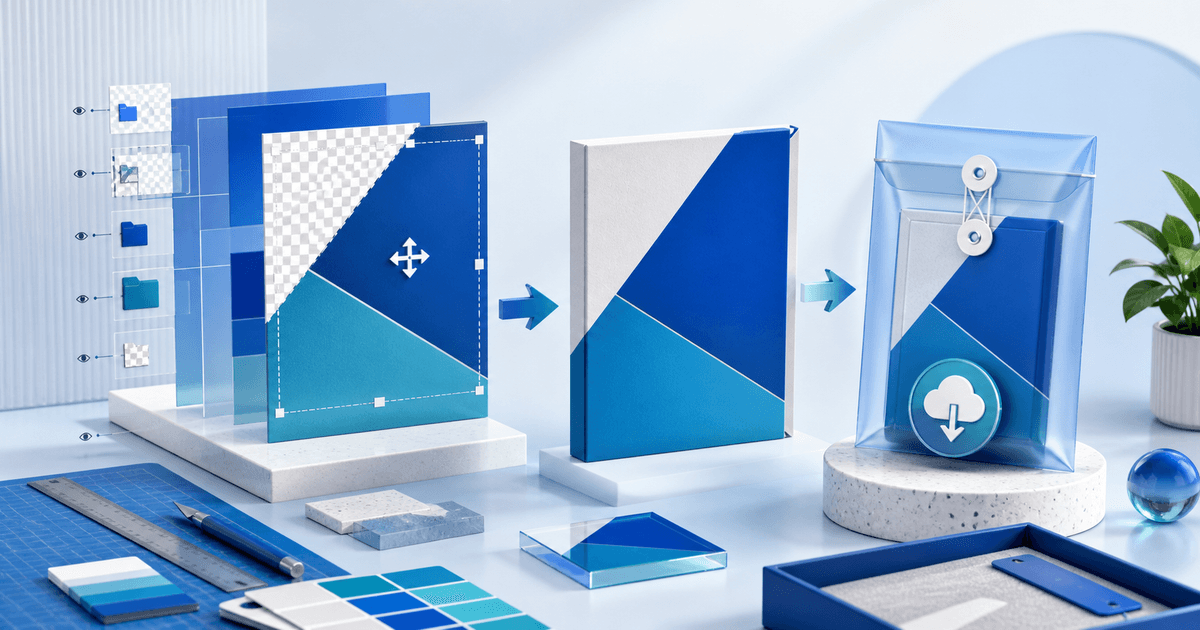
Replace the placeholder with each design through the buyer-facing Smart Object. Save, close and reopen the PSD, then export the advertised result. A beautiful original preview is not a pass if another design breaks the illusion.
Make the Retail PSD Self-Contained
Adobe distinguishes embedded Smart Objects, whose source data travels inside the document, from linked Smart Objects that depend on an external file. Adobe's current Embed Linked Smart Objects guide explains that embedding makes a Photoshop document portable when the original file is moved or deleted.
Before release, inspect every Smart Object, font, texture and placed file. Embed buyer-critical sources or use Photoshop's packaging workflow when a legitimate external dependency must ship. Remove local absolute paths and reopen the retail PSD from a different folder or computer. Do not distribute fonts, photos or textures unless their licenses permit redistribution inside an editable product.
Label the Buyer Controls
Use plain layer names such as `PLACE DESIGN HERE`, `BACKGROUND COLOR`, `HIGHLIGHTS`, `SHADOWS` and `GRAIN`. Group optional effects, preserve a sensible default state and avoid forcing the buyer to inspect dozens of unnamed layers.
Publish the PSD or PSB format, pixel dimensions, resolution, color mode, approximate file size, Smart Object dimensions, minimum tested Photoshop version and whether other editors are supported. If you have not tested Photopea, Affinity Photo or an iPad workflow, do not imply compatibility from the file extension alone.
Separate the Preview From the Promise
Show the unchanged base scene, the placeholder location, at least three different inserted designs and a close crop of the edge treatment. Identify any preview-only artwork. If the listing uses effects or retouching that are absent from the delivered template, label that work rather than letting the preview overpromise.
Keep a simple release card:
- product and version;
- retail filename and checksum or size;
- tested Photoshop version and operating system;
- five substitution results;
- embedded or packaged dependency result;
- export dimensions and color result;
- license and read-me filenames.
License the Template, Not Third-Party Ingredients
State whether the buyer may use rendered outputs for portfolios, client presentations, paid advertising or products for sale. Separately prohibit reselling, sharing or uploading the editable PSD as a competing template. Rights vary, so this is an operational checklist rather than legal advice.
Using a purchased mockup to create listing images rarely grants the right to resell its editable PSD. Build the template from material you created or can redistribute in source form, and keep the license evidence with the release record.
Package and Deliver the Approved Version
Use a versioned ZIP containing the PSD or PSB, a short start-here PDF, the license and only the assets the buyer needs. Keep preview exports outside the working-file folder unless they help the buyer identify variants. Extract the ZIP on a clean machine and complete the five-design test using only included instructions.
PayRequest can present the offer, collect payment through a connected provider and deliver the approved ZIP after successful payment. Start with graphics and design downloads and use secure file delivery for large editable files.
Publish only when every advertised control survives substitution, no undisclosed dependency breaks the file and the delivered version matches the preview and license.