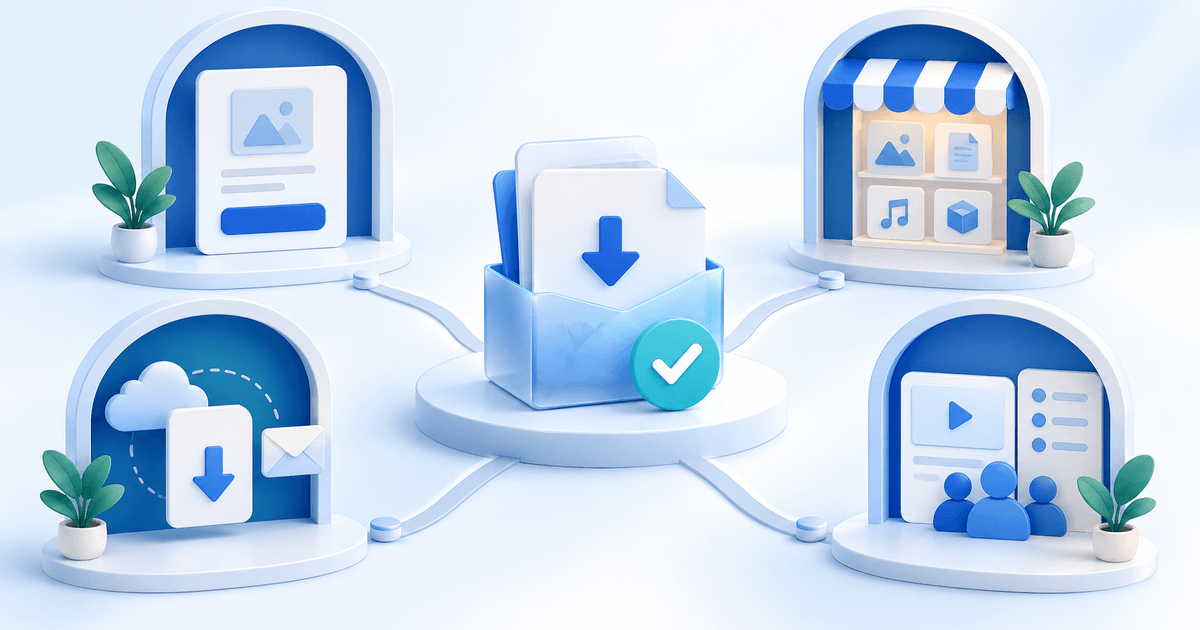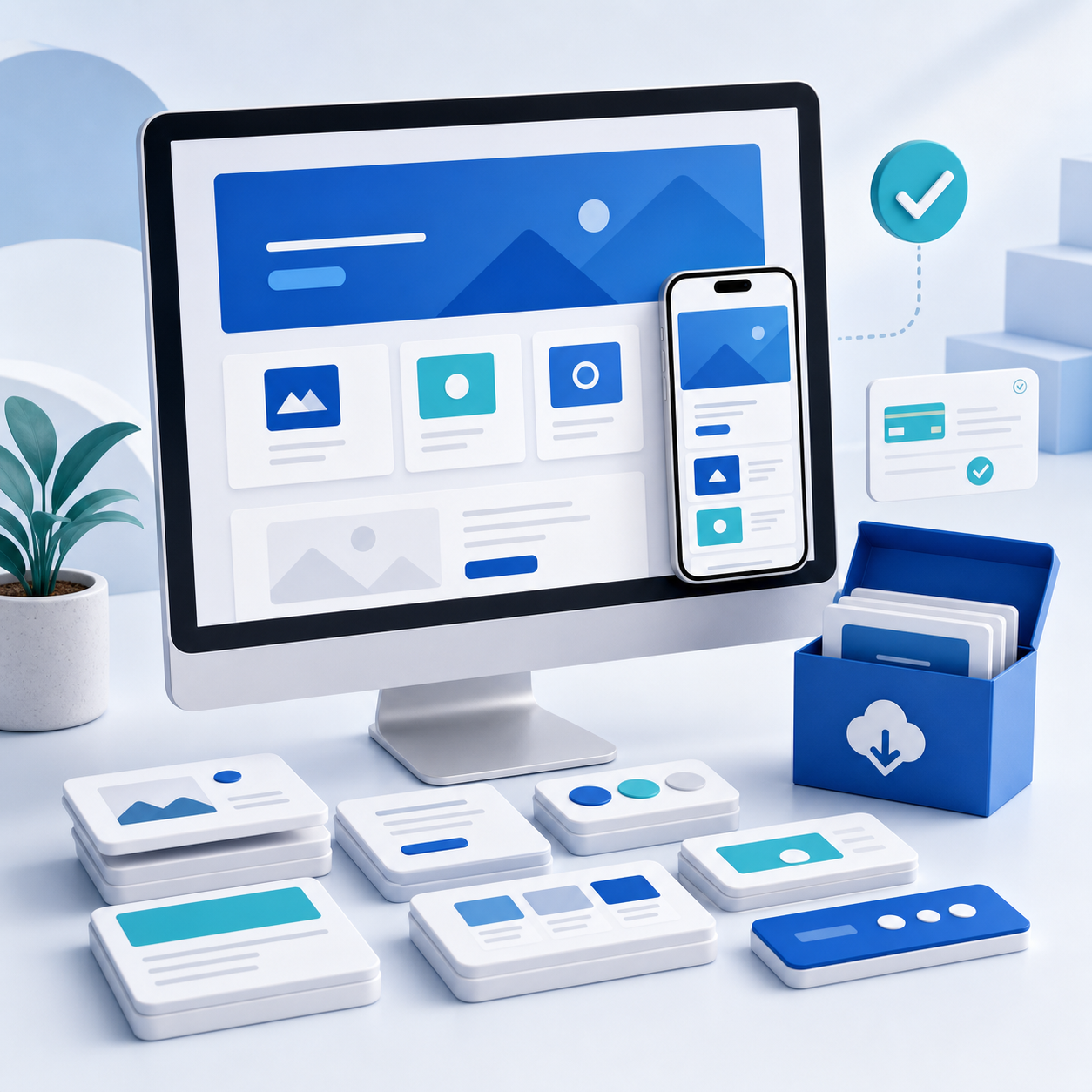
A website template is more than a collection of attractive screens. Buyers pay for a reliable shortcut: a coherent design system, responsive pages, reusable components and documentation that helps them replace the demo with a real business site.
Whether you sell coded templates or files for a visual builder, the quality of the setup experience determines reviews, refunds and support time.
Key Takeaways
- Choose one platform and one buyer before designing
- Build a complete use case, not a random page collection
- Test responsive behavior, forms, navigation and accessibility
- Remove licensed demo assets you cannot redistribute
- Offer clear single-site, multi-site and extended licenses
- Include documentation, version notes and a working demo
Pick a Buyer, Platform and Outcome
“Modern website template” is too vague. “Five-page booking website for independent nutritionists” tells you which sections, calls to action and content states to build.
Define:
- Buyer: designer, developer, agency or business owner
- Platform: plain HTML, React/Next.js, WordPress, Framer, Webflow or another builder
- Outcome: portfolio, lead generation, booking, product launch, documentation or storefront
- Skill level: no-code beginner, designer or developer
Platform choice affects everything: file structure, licensing, installation, update expectations and the type of support customers need. Do not advertise a design file as a production-ready coded theme.
Build a Complete Template System
Start from the buyer's content journey. A service-business template might need home, services, service detail, about, case study, contact, privacy and thank-you pages. A SaaS template needs pricing, feature detail, integration, login and documentation states.
Create reusable rules for type, spacing, color, buttons, cards, forms and navigation. Include real states—not only the ideal desktop screenshot:
- Mobile and tablet navigation
- Empty, error and success states
- Long headings and multi-line buttons
- Form validation and confirmation
- Blog or CMS examples where supported
- 404 and legal pages
- Keyboard focus and hover states
A template becomes valuable when a buyer can make broad changes safely. Use variables, tokens or platform styles instead of dozens of disconnected one-off values.
Test Before You Sell
Use a release checklist for every update:
- Install or duplicate the template using only the customer instructions
- Test current versions of the browsers you claim to support
- Check common mobile, tablet and desktop widths
- Navigate every link and submit every form
- Test keyboard navigation and visible focus
- Check headings, labels, color contrast and image alt text
- Run a performance audit on the public demo
- Replace demo copy with long and short content
- Scan the archive for secrets, analytics IDs and personal data
For coded templates, include dependency and runtime versions and decide how updates are handled. Never ship API keys, environment files, private endpoints or a customer database in the example project.
Use Demo Assets Legally
The right to display a photo in your demo does not always include the right to redistribute that file inside a paid template. Read asset and font licenses carefully.
Use assets you created, assets with explicit redistribution rights or placeholders that buyers replace. Maintain an attribution file where required. Explain which fonts, plugins or integrations are free, paid or separately licensed.
If a live demo uses premium imagery that is not included, say so near the gallery and in the package notes—not only after purchase.
Package the Product
A professional download includes:
- The clean template source or duplication link
- A quick-start guide
- Full documentation for structure and customization
- A component or style reference
- License terms
- Changelog and version number
- Credits and third-party dependency list
- Demo content or safe placeholders
Record a five-minute setup walkthrough. It often prevents more support tickets than another 20 pages of documentation.
For visual builders, test the duplication or remix link while logged out. For code, clone or unpack the final customer ZIP into an empty folder and follow the README without relying on tools or environment settings from your own machine.
How to Price Website Templates
| Product | Typical scope | Sensible starting range |
|---|---|---|
| Landing-page template | One focused page and basic components | €19–€49 |
| Multi-page niche template | Complete small-business site | €49–€129 |
| Advanced application or commerce UI | Larger system, CMS or code integration | €99–€249 |
| Agency or extended license | Multiple projects or client use | €199–€599+ |
Platform norms matter, but do not race to the lowest price. Strong documentation, accessibility, niche-specific sections and updates can justify a premium.
Use clear license tiers. A single-site license may cover one end project; a multi-site or agency license can cover several client projects; an extended license may address use inside a product sold to end users. Define the limits in plain language and avoid inventing rights you do not own for third-party assets.
Build a Demo That Converts
The live demo is the product's proof. It should load quickly, work on mobile and make it easy to preview key pages without losing the purchase link.
Your sales page should include:
- The exact platform and required version
- Page and component inventory
- Responsive previews
- Customization examples
- Accessibility and performance notes
- Included and excluded assets
- License comparison
- Update and support policy
- Refund terms for digital downloads
Show how the system adapts. One before-and-after theme change or content swap communicates flexibility better than ten nearly identical desktop screenshots.
Sell Directly or Use a Marketplace?
Marketplaces can bring discovery, reviews and standardized browsing, but they also control listing rules, customer access and fees. Direct selling gives you more control over positioning, bundles, customer relationships and follow-up content.
Many creators use both: a marketplace for discovery and a direct product page for their audience, tutorials, bundles and specialist licenses. Keep versions and support promises consistent across channels.
With PayRequest digital downloads, you can accept payment and automatically deliver the template ZIP. Use a sales page for the demo, comparison and FAQs, then link it from design communities, tutorials and your portfolio.
Launch With Useful Content
Teach the problem your template solves. For a restaurant template, publish a checklist for a menu site that converts mobile visitors. For a SaaS template, explain pricing-page structure or onboarding states.
A simple launch sequence:
- Release a free section or small component
- Publish a build walkthrough
- Invite five target users to install the full template
- Fix every setup problem they encounter
- Launch with the demo, documentation and version roadmap
- Ask buyers what almost stopped them purchasing
- Turn repeated questions into documentation and tutorials
Frequently Asked Questions
No. You can sell templates for supported visual builders, but clearly identify the platform and distinguish editable design assets from functional production templates.
Only when their licenses permit redistribution in a paid template. Otherwise use safe placeholders or require buyers to obtain the assets separately and disclose that before purchase.
Choose a policy you can maintain. You might include fixes and compatible minor updates for a stated period, then charge for major redesigns or a new platform version.
Offer a multi-site or agency tier that clearly states how many client projects are covered, whether the source can be handed to clients and whether resale as another template is prohibited.
Sell a Reliable Starting Point
The best website templates reduce decisions without removing flexibility. Build for one recognizable buyer, test the unglamorous states and make the first hour after purchase feel effortless.
Create your free PayRequest account to sell and deliver a website template, or explore more options for selling templates online.