You can sell Canva templates with PayPal by treating the template link as a digital product, not as the payment itself. The buyer should see a clear preview and license, complete a commercial PayPal checkout and receive a protected PDF or delivery page containing the correct Canva access link.
PayPal's current Canva payment-link guidance describes connecting PayPal to a Canva site or using a PayPal-hosted payment link. That solves checkout. You still need a dependable way to deliver the template, explain Canva requirements and prevent the editable master from being exposed publicly.
Prepare the Template for Sale
Start with one specific buyer and job: a real-estate listing kit, a coach's workbook, a restaurant menu pack or a social-content calendar. A narrow promise is easier to preview and price than “hundreds of editable designs.”
Create a buyer-ready bundle containing:
- A PDF with the Canva template link and copy instructions
- A preview PDF or image set showing the actual pages
- A license explaining personal, business and client-use rights
- A short quick-start guide
- The version date and support contact
Test the template link in a private browser window. Confirm that a buyer can make a copy without editing your master. Check every page for missing fonts, broken elements, placeholder text and assets the buyer cannot legally reuse.
Check Canva Licensing Before You Sell
Canva's help guidance on products for sale distinguishes between different kinds of content and says templates containing Pro Content may need to be sold as Canva template links. Do not promise ownership of Canva library assets, and do not copy a Pro element into a downloadable asset when the applicable license does not permit that use.
Write the license in plain language. Say whether the buyer may use the design for one business, for clients, for paid ads or for redistribution. If the template uses a third-party font, photo or mockup, identify the buyer's responsibility to obtain any required license.
Connect PayPal Without Exposing the Master
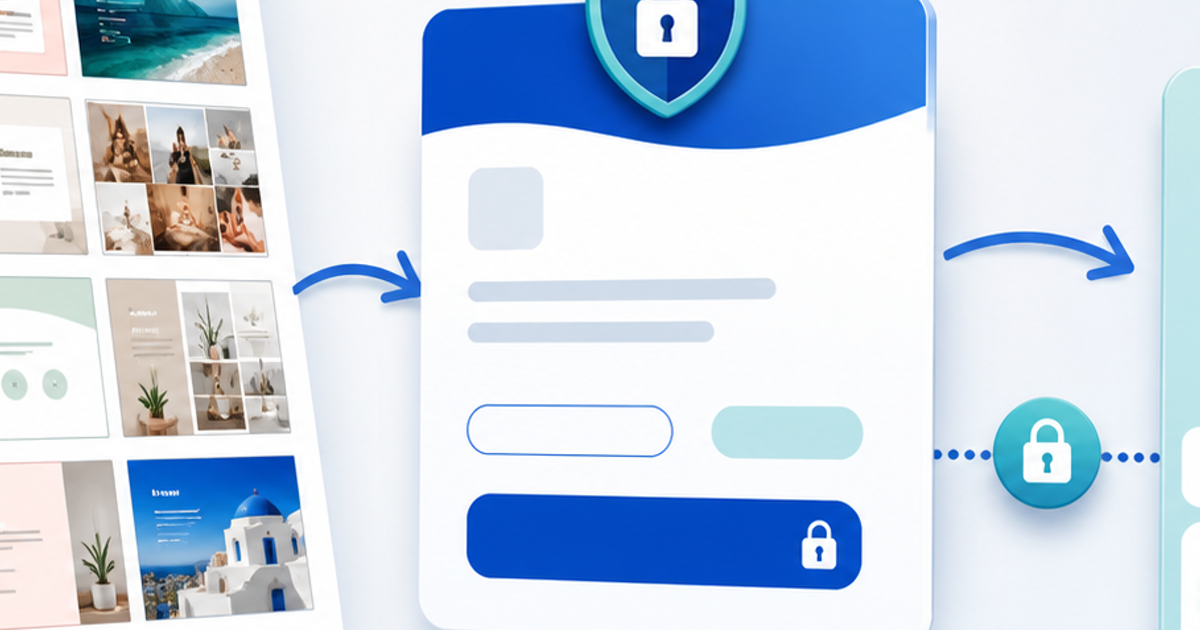
- Build the public product page with screenshots, included pages, Canva requirements and license terms.
- Put the actual template link in a delivery PDF or protected delivery page—not in the public description.
- Connect an eligible commercial PayPal account.
- Set the product price, currency and support policy.
- Complete a real test purchase from the public URL.
- Confirm that payment is successful before the delivery link is issued.
- Test the delivery as a new customer and make sure the master remains untouched.
PayPal says its Payment Links can be shared without a full website, and customers may be able to use available PayPal, card or wallet methods depending on region and seller settings. Display only the methods you have actually enabled and tested.
A Simple Product Page That Converts
The page should answer the questions that otherwise become support messages:
- Who is this template for?
- What can the buyer customize?
- How many pages or designs are included?
- Is Canva Free enough, or is Canva Pro required?
- What happens immediately after payment?
- Can the buyer use the finished design for clients or resale?
- Are updates included?
Show a realistic example, not only a grid of thumbnails. If the product is a social pack, show one workflow from blank template to finished post. If it is a workbook, show how a buyer edits, exports and uses a page.
PayPal Checkout vs Delivery Workflow
| Stage | PayPal provides | Your product workflow provides |
|---|---|---|
| Checkout | Payment page and transaction | Product promise and license context |
| Confirmation | Payment status | Order matched to the product |
| Fulfillment | Not the template file | Protected PDF or access instructions |
| Support evidence | Transaction details | Version, delivery event and support history |
With PayRequest digital products, you can create the product page, connect PayPal and automatically deliver the file that contains the template access instructions. Keep the delivery bundle versioned so you can update a broken link without changing the public sales message.
Common Canva Template Mistakes
- Delivering the editable master instead of a copy link
- Putting the template URL in a public social post
- Claiming every asset is included for commercial redistribution
- Hiding that Canva Pro is required
- Selling a large bundle with no preview or use case
- Failing to test while signed out
- Treating a payment email or screenshot as proof of completed payment
PayPal's digital-goods dispute guidance recommends keeping evidence that the intangible item was delivered or fulfilled. Keep the PayPal transaction ID, buyer email as shown in the transaction, product version, delivery record and support messages. This helps you explain the order; it does not guarantee a dispute decision.
Publish With a Controlled Test
Buy your own template from a phone and desktop. Check the price and currency, payment confirmation, delivery email, PDF link, copy flow, license and support instructions. Then update the template link once as a maintenance test and confirm that future buyers receive the current version.
The best Canva product is a small, specific workflow that a buyer can use immediately. Create a PayRequest digital product, connect PayPal and deliver the access instructions only after the order is confirmed.
Frequently Asked Questions
Yes. Use an eligible commercial PayPal checkout and deliver the template access instructions through a protected digital-product workflow.
No. Put the buyer's copy or access link in protected fulfillment so it is not publicly indexed or casually forwarded.
Not automatically. Follow Canva's current license and product-for-sale guidance, and explain any Canva Pro requirement to buyers.
It depends on the elements and features used. State the requirement clearly and test the template with the account type you advertise.