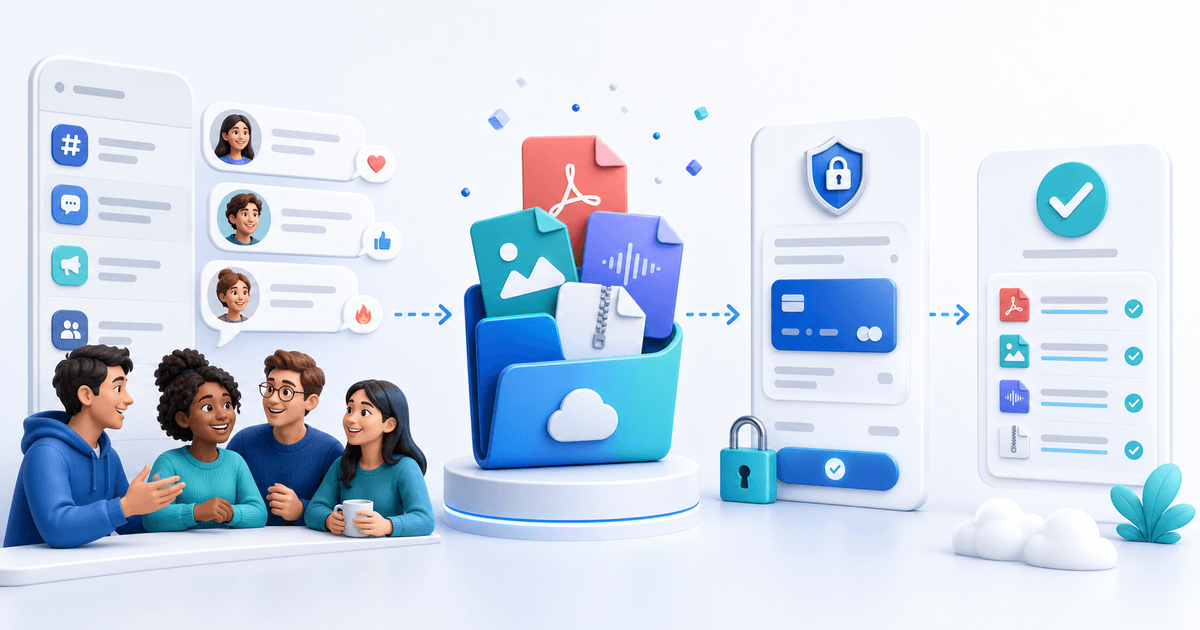
You can sell digital downloads through Discord without turning the server itself into a checkout. Use Discord for discovery, previews and customer support; send buyers to a hosted product page that collects payment and automatically delivers the purchased file.
Discord also offers native Server Shop downloadables to eligible monetized servers. Discord's creator documentation currently lists PNG, MOV, PDF, JPEG and GIF as supported downloadable types. A separate hosted checkout is useful when you need other file formats, a provider you already use, a public product page outside Discord or one delivery workflow across several communities.
Pick the Delivery Model Before Posting
| Model | Works best when | Main tradeoff |
|---|---|---|
| Discord Server Shop | Your server is eligible and the file type is supported | Tied to Discord eligibility and formats |
| Hosted digital-product checkout | You need broader formats and automatic email delivery | Buyer briefly opens an external checkout |
| Manual invoice and DM delivery | Every order is custom | Slow and easy to mishandle |
| Paid role or private channel | The value is continuing access | Requires access management, not only file delivery |
Do not sell a one-off ZIP as a “membership” simply because the buyer came from Discord. Match the payment model to what the customer actually receives.
Build a Product Channel That Answers Buying Questions
Create one read-only channel for each product family or a small catalogue channel for the whole server. Pin a product card containing:
- the problem the download solves;
- exact file types and approximate sizes;
- compatible apps or versions;
- personal, commercial or team license terms;
- what updates are included;
- the price and currency;
- a preview that does not reveal the complete product;
- the official checkout link;
- the support channel and response expectation.
Keep discussion in a separate channel so the canonical product card does not disappear under chat. When an answer changes, update the pinned card rather than leaving contradictory replies throughout the server.
Prepare the Download Bundle
Buyers need more than a file with an unexplained name. A reliable package can contain the main asset, a quick-start PDF, a license, a changelog and a README listing supported software.
Use a versioned filename such as discord-overlay-pack-v1-2.zip. Remove personal metadata and private source paths. Scan the archive, extract it on a different device and verify every link. If the product includes fonts, stock media, code or templates from other creators, confirm that your license permits redistribution.
Then make a real test purchase in a private browser. Confirm that payment succeeds, the delivery email arrives, the download opens and the buyer can identify the current version.
Create the Checkout and Delivery
The product page should repeat the essential promise from Discord. A buyer should never click a €19 offer and reach a checkout showing a different name, price or currency.
For automatic delivery:
- Upload the final archive to your digital-product tool.
- Set the title, price, license summary and delivery message.
- Add screenshots or a watermarked preview.
- Connect the payment provider and methods you actually support.
- Publish the product and copy its permanent link.
- Complete a test purchase before pinning it in Discord.
Do not upload paid files directly to a public channel. Discord attachments can be copied and reshared, and deleting the message does not recall copies that buyers already downloaded.
Reduce Fraud and Impersonation
List one official checkout domain in the server rules and product channel. Tell members that staff will never request passwords, card numbers or one-time codes in DMs. Consider disabling unsolicited staff DMs as an order method; impersonators often copy moderator names and avatars.
Discord's deceptive-practices policy prohibits phishing and other attempts to obtain sensitive information. Your own workflow should make the legitimate path obvious: one pinned link, one seller identity and one support channel.
If you sell license keys or limited inventory, deliver each key only after confirmed payment and prevent accidental reuse. For higher-risk orders, pause delivery for review instead of asking for excessive identity documents in chat.
Launch With a Useful Preview
Avoid announcing only “new product—buy now.” Show one small result buyers can evaluate: a before-and-after preset, a page from the guide, a short audio preview or a recorded template workflow.
Use this launch sequence:
- Preview the problem and ask members how they handle it.
- Publish a useful free example or demonstration.
- Announce the complete paid version with its exact contents.
- Pin the canonical product card.
- Answer questions publicly when the answer helps everyone.
- Collect product feedback without pressuring buyers for positive reviews.
Sell Through PayRequest
PayRequest digital products combines a hosted product page, payment and automatic file delivery. Share the product link in your Discord product channel, while keeping previews and support inside the community. The dedicated Discord payment-link guide covers link placement, and a PayRequest store can group several downloads behind one profile link.
Use Discord as the trusted room where buyers understand the product—not as an improvised database of card details and manual attachments. Create your free PayRequest account when the tested bundle is ready.

