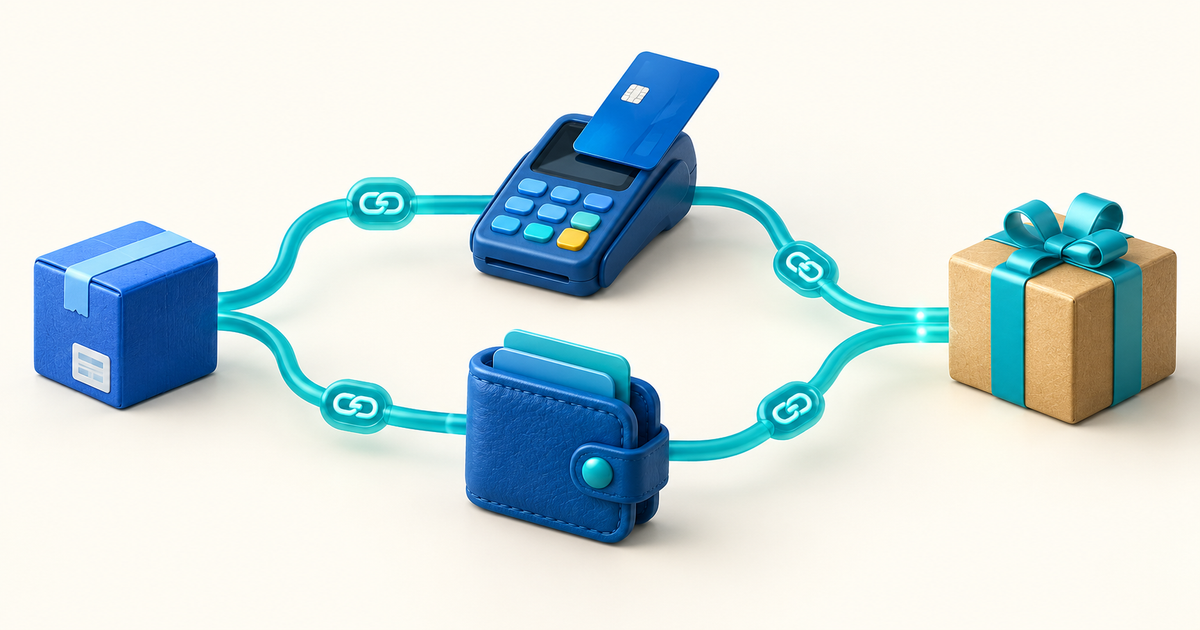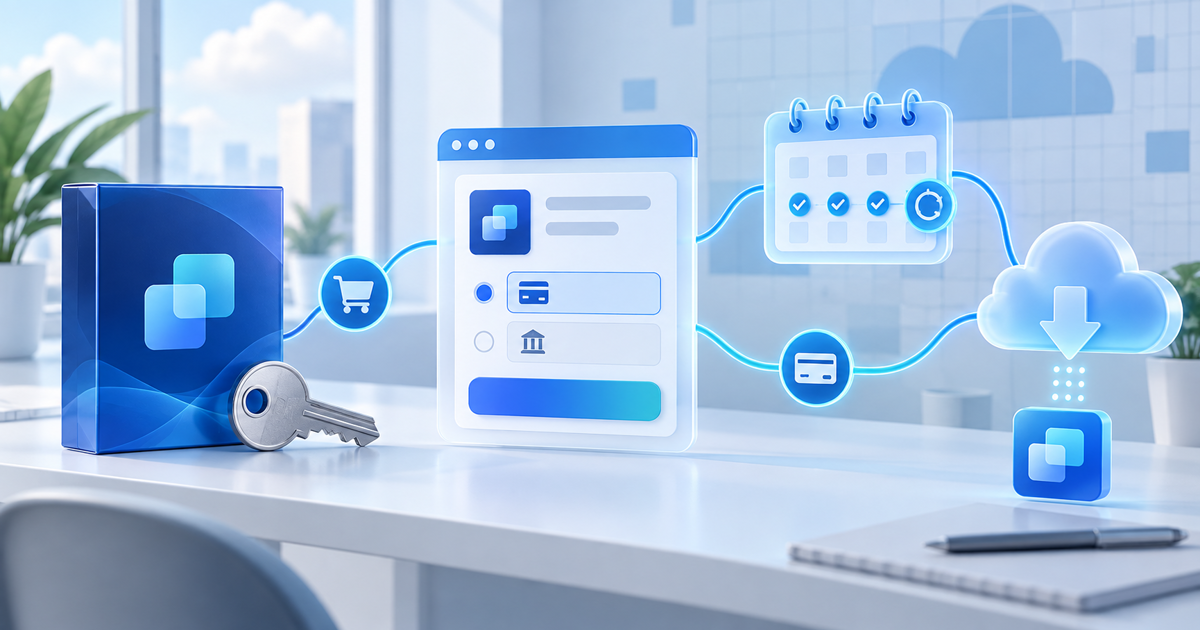
Selling software online is a combination of three jobs: explaining the outcome, collecting payment and giving the buyer the correct access. A downloadable app, plugin or script can use a one-time product flow. A hosted SaaS product usually needs recurring billing and an access handoff to your own application.
This guide helps indie developers and small software teams choose a practical selling model before they build a complicated commerce stack.
Choose the product model first
| Software offer | Payment model | Delivery or access model |
|---|---|---|
| Plugin, script or desktop app | One-time payment | Download plus installation instructions |
| Versioned asset or developer tool | One-time payment | File, documentation and update policy |
| Hosted SaaS | Recurring payment | Account activation and subscription state |
| Support or maintenance plan | Recurring payment | Service terms and renewal workflow |
Do not describe a downloadable file as a subscription unless the customer is actually charged for ongoing access or updates. Likewise, a subscription payment does not automatically create a user account in your application; the payment state has to be connected to your activation workflow.
A reliable software sales workflow
State who the software is for, what problem it solves, supported platforms, current version, system requirements and what happens after payment. Buyers need to know whether they are buying a file, a licence, access to a hosted service or a support commitment.
Include a short demo, screenshots or a sample output. Make the limits visible: supported versions, dependencies, usage rights, refund conditions and whether updates are included.
Create a clear software product page and connect it to a hosted checkout. Use a separate offer when the price, licence, version or entitlement changes. Product-specific checkout copy reduces the risk of sending a buyer the wrong download or applying the wrong access rule.
For SaaS, use software subscriptions or the subscriptions feature for recurring billing. Your application still needs to read the resulting status and decide whether a user is active, past due, cancelled or expired.
The payment confirmation should tell the buyer what happens next. For a download, that may be an automatic file delivery page with installation instructions. For SaaS, it may be an invite or a link to create an account. Keep the payment reference available so support can match a customer to the correct plan or version.
If your product needs unique licence keys or an API-based activation system, treat that as a separate technical component. PayRequest can support payment, product delivery and recurring billing; it does not replace your application’s entitlement database or licensing rules.
The minimum test matrix
Before sending traffic to the product, test these states:
| Test | Pass condition |
|---|---|
| Successful one-time payment | Correct file or access instruction is delivered |
| Failed payment | No paid access is granted |
| Subscription renewal | Application keeps the intended access state |
| Failed renewal | Customer sees a useful next step and access follows your policy |
| Cancellation | Renewal stops and paid-through access is explained |
| Version update | Existing buyers know what changed and how to update |
| Refund or reversal | Your team knows how access is reviewed or removed |
Run the download and installation test on a clean device. For SaaS, test the provider status, webhook or integration handoff and application access separately. Do not treat a successful checkout page as proof that the product activation works.
Pricing software without guessing
Separate your price from your cost model. Consider support time, infrastructure, updates, provider fees, refunds, taxes and the value of the problem solved. A low launch price can be useful for a beta release, but tell early customers what is included and whether their price is locked.
PayRequest includes every standard feature on the Free plan and charges 2% per successful payment, capped at €25 per transaction, plus the connected payment provider's processing fee. For a fictional €99 purchase, that platform charge is €1.98 before provider fees. Treat this as transparent arithmetic, not a profitability forecast.
Downloadable software or SaaS?
Choose downloadable software when the buyer can install and use a stable version without a continuing service. Choose SaaS when the value depends on hosted infrastructure, live data, ongoing processing or frequent updates. A hybrid model can sell a one-time setup package with a separate recurring support or access plan, but make each entitlement explicit.
PayRequest workflow
Start with the smallest offer that can be fulfilled reliably. Create the software product, write the installation or activation instructions, connect eligible payment providers and run the test matrix. If the product is recurring, connect the subscription state to the application before launch. Link to payment providers and PayRequest pricing when customers need to evaluate the full payment setup.
Editorial note: AI assisted with this article and its illustrative cover. The product-model table, seven-state test matrix and €99 example are original planning tools; no live software deployment or licence-key test is claimed.