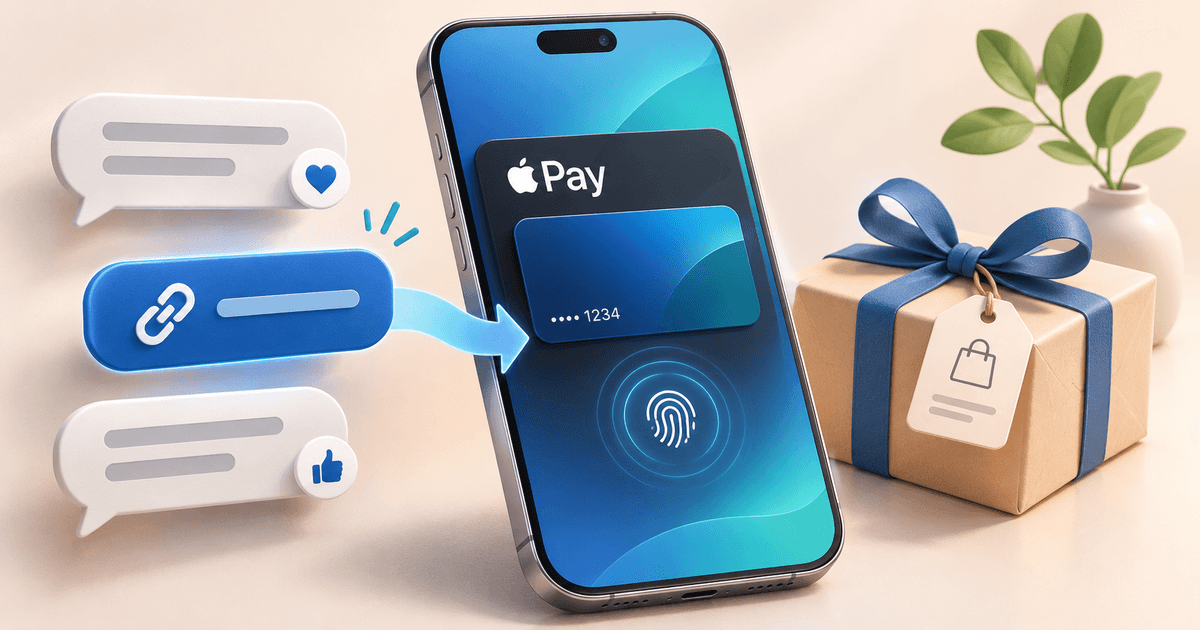
You can accept Apple Pay for WhatsApp and Instagram sales by sharing a PayRequest payment link in the customer conversation. In the documented Mollie flow, enable cards and Apple Pay on your connected, approved Mollie profile and include Apple Pay in any custom PayRequest method selection. Eligible customers continue to Mollie's secure checkout to authorize payment.
This suits businesses that already sell through messages and need a clear way for customers to pay. Apple Pay is a wallet payment option at checkout; it does not turn the conversation itself into a payment terminal. You do not need to build a webshop for the hosted-link workflow, but your provider account must be approved and ready to receive payments.
How does Apple Pay work in a social sale?
The sale begins with an agreement: what the buyer is ordering, the total and when it will be delivered or collected. A shared link opens a hosted payment page where the buyer reviews the transaction and chooses from the available methods. Apple Pay appears when your Mollie profile offers it and the customer's browser supports it.
The customer then continues to Mollie to authorize the payment. The authorization experience depends on the browser, device and Apple Pay configuration. Supported desktop browsers can also offer Apple Pay, so it is inaccurate to describe the PayRequest option as available only when a link is opened on an iPhone.
This article focuses on the conversation-to-payment process. For a general introduction to the method, use the Apple Pay payment-link guide. For exact settings and troubleshooting, follow the PayRequest Apple Pay documentation.
A hosted link also keeps payment details out of the chat. Share the URL and enough order context for the customer to recognize it. Do not ask them to send a card number or a screenshot of their wallet. Payment authorization belongs in the provider checkout, while the conversation remains the place for the sales agreement and delivery questions.
Prepare an Apple Pay order before sending the link
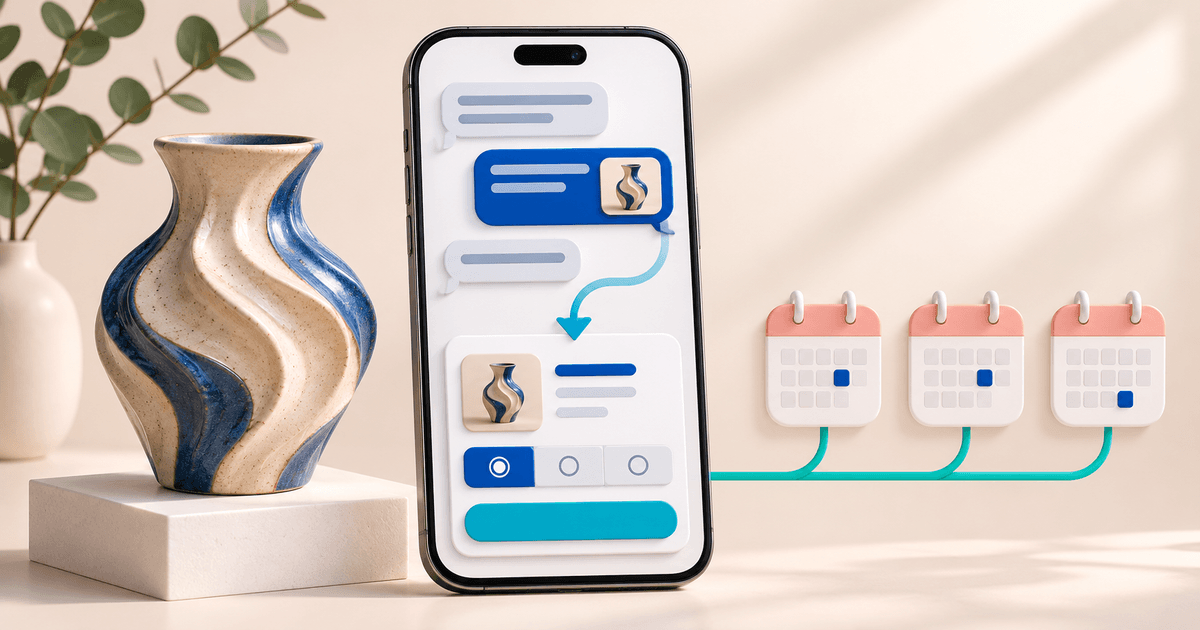
Imagine an illustrative independent gift shop taking a €65 order for a gift box with local collection. This is an example, not a report of a live payment test. The buyer contacts the shop on Instagram, confirms the contents and agrees a collection time. The seller needs to make the amount and order identity visible before asking for payment.
Use a reference such as GIFT-208 and a description such as “Gift box, agreed contents, collection Saturday, order GIFT-208.” Confirm whether the agreed total includes every charge. If the customer changes the order after the link is created, review the amount before sending it again rather than relying on a correction buried earlier in the conversation.
A practical message is: “Your gift box order GIFT-208 is €65, with collection on Saturday as agreed. Pay securely here: [your payment link]. Apple Pay appears when available for your browser and setup; you can also choose another offered method. We will confirm your order once payment is recorded.” Replace all illustrative details with the actual agreement.
The same structure works in WhatsApp. The important elements are a recognizable seller, an accurate order description, a total and a secure next step. Adding “Apple Pay accepted” to your profile may attract interest, but the order message still needs to explain what the customer is paying for.
Enable Apple Pay through the correct Mollie profile
First connect your own Mollie account and complete any approval needed to receive payments. Then open the Mollie website profile connected to PayRequest and enable both cards and Apple Pay. These are documented requirements; switching on Apple Pay alone does not replace the card-method setup.
Next, open PayRequest Provider Settings. If you have selected a custom list of Mollie payment methods, include Apple Pay. A method enabled in your provider account may still be left out by that custom selection. Review the public Page or payment link you actually send to customers rather than a different profile or an old screenshot.
The Apple Pay payment-link feature page is the relevant product page, and the broader payment-page feature explains the hosted destination. The flow described here does not require building your own Apple Pay integration. If you use a separate Stripe connection, check its own requirements instead of assuming that a working Mollie setup proves Stripe is configured too.
Mollie's Apple Pay documentation explains the underlying card and wallet activation. Your business-country eligibility is a separate provider decision. A customer's ability to use Apple Pay does not establish that your own business can open or activate a Mollie account.
Check Apple Pay from the buyer's starting point
A useful pre-launch check begins with the exact message and link a buyer will receive. Open the link from the intended conversation, review the seller and amount, and check the available methods. Record the browser and device used. If the messaging app opens an embedded browser, compare the same link in another supported browser before concluding that the provider connection is broken.
Do not label the entire setup “tested successfully” just because a button appeared. There are several separate observations: the page loads, Apple Pay is visible, authorization is offered and the payment is recorded. Only an actual completed transaction establishes the last step. Any real payment test should follow provider guidance and document the outcome.
| Check | What it tells you | What it does not prove |
|---|---|---|
| Link opens from the message | The buyer can reach the page | The amount and description are correct |
| Order details match | The page represents the agreement | Apple Pay is available on every browser |
| Apple Pay is visible | That environment passes the availability check | Authorization will succeed |
| Provider authorization completes | The buyer completed that authorization step | You can ignore the recorded transaction status |
| Recorded payment is checked | You have a status for the order | Every future attempt will behave identically |
Keep these checks small enough that another team member can repeat them. A note such as “link reviewed on mobile browser, correct total, Apple Pay visible, no payment attempted” is more informative than a vague green tick. It makes the boundary between inspection and actual payment evidence explicit.
Why is Apple Pay missing from a payment link?
If Apple Pay is absent everywhere, review the Mollie connection, the correct website profile, card activation, Apple Pay activation and the custom method list. Those checks establish whether the business has configured the documented flow. They are a better starting point than replacing links at random.
If the option appears in one environment but not another, review browser compatibility and the customer's Apple Pay setup. Extensions or blocked payment scripts can also affect the availability check. The absence of a button on one browser does not by itself prove that Mollie is disconnected.
Give the buyer a practical fallback: another supported browser or another payment method already offered on the page. If they report a charge or a pending transaction, check the payment state before asking them to retry. Repeated attempts are not a useful way to diagnose an uncertain first payment.
When asking support for help, include the Page URL, browser and device, error message and time of the attempt. Keep card details, passwords and API keys out of the conversation. This gives support relevant context without asking the buyer to disclose credentials or sensitive payment information.
Compare the cost with your current collection process
Apple Pay availability does not make the transaction free. PayRequest platform fees and provider processing fees are separate. At publication, Free is €0 per month with a 2% standard platform fee. Premium is €5 per month and Business €20 per month, with 0% standard platform fees while the paid plan is active. Provider charges and commission-payment exceptions remain separate; verify current pricing and your agreement.
On the illustrative €65 gift box, 2% is €1.30 before provider fees. Ten such standard payments would produce €13 in platform fees on Free. Those are arithmetic examples, not a full plan recommendation: confirm the relevant payment category, provider rates and the terms of a paid plan before comparing your total costs.
Also consider the work you currently do to identify bank transfers, answer “how do I pay?” messages and correct wrong references. A hosted payment page may make that workflow clearer, but do not assume a particular conversion increase. Measure the effect in your own business rather than repeating an unsupported percentage.
Launch one Apple Pay sales workflow and measure it
Start with one product or a small group of similar orders. Agree a standard message, use recognizable order references and decide who checks payment status before collection or delivery. Make sure your team knows what to do when Apple Pay is unavailable, rather than promising that every customer will see the same checkout.
For a short pilot, record links sent, recorded successful payments and support questions. Keep a separate note of the reason for any failed or abandoned attempt when the customer provides it. A buyer who changes their mind about the product is different from a buyer who cannot find a payment option. Avoid treating every unpaid link as a wallet failure.
If your customers ask about paying later, read Klarna without a webshop for social sales. If you need to decide how to present both options, use the Apple Pay versus Klarna payment-page comparison. They address different customer needs and have different availability checks.
Key takeaways: agree the order before sharing a link, enable both cards and Apple Pay through Mollie, check the actual buyer environment and verify the recorded payment before fulfilment. Create one clear link for a real order and use that repeatable process as the basis for your next social sale.
Editorial note: prepared with AI assistance using the linked product documentation, checked on 2 November 2026. The gift-shop order and calculations are illustrative. No live buyer payment test or conversion uplift is claimed.