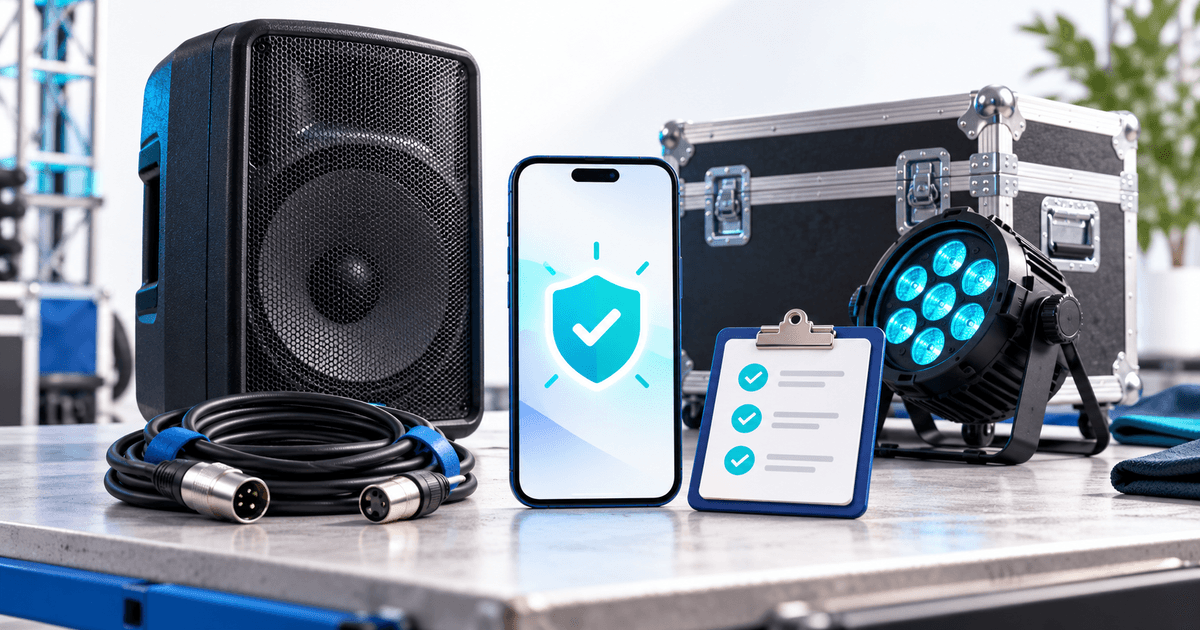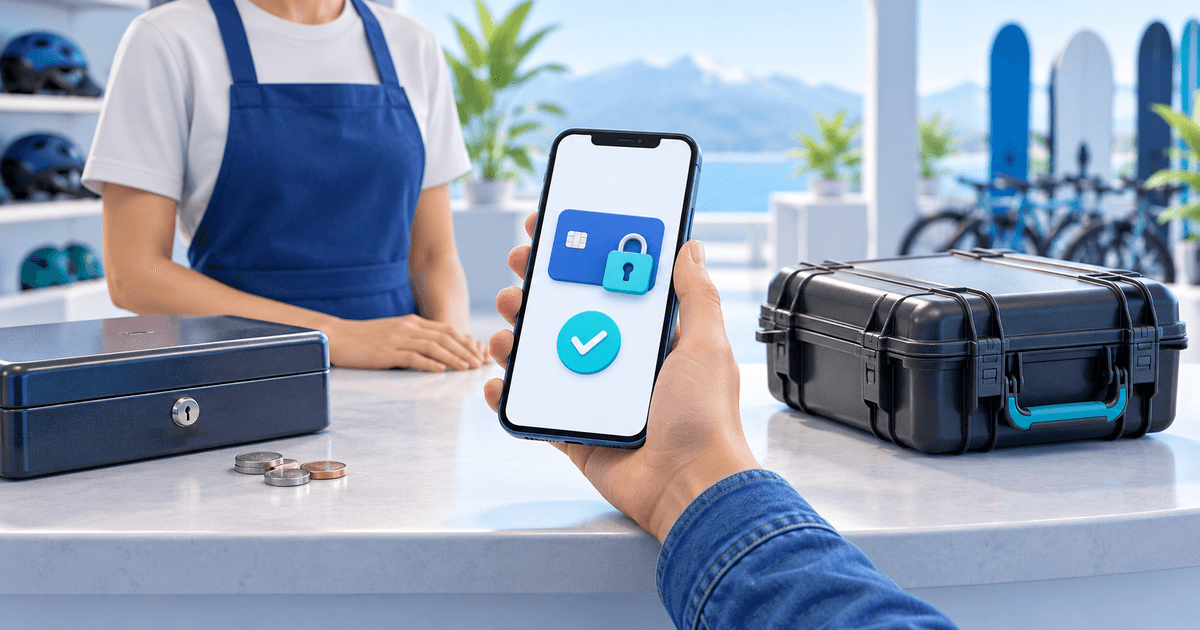
A card authorization link can replace a cash security deposit for a short equipment rental. Your customer reserves an agreed amount on a supported card before pickup. After inspection, you release the reservation or capture a supported amount. You avoid collecting and returning banknotes, while the customer's available card balance or credit is temporarily reduced.
This is for rental businesses replacing a cash handover process, not landlords choosing a residential-tenancy deposit scheme. A card hold is time-limited and is not insurance. Check that your rental, inspection and decision fit the actual provider deadline before choosing it.
Which alternative fits your current cash process?
A normal payment link and a deposit authorization link do different jobs. If you collect a refundable deposit as a payment, money is charged and must later be returned through the appropriate refund process. Releasing an uncaptured hold cancels the remaining reservation instead.
| Method | What the customer provides | What you do after a clean return |
|---|---|---|
| Cash security deposit | Banknotes at handover | Reconcile and return the cash |
| Collected refundable deposit | An actual payment | Arrange the agreed refund; check fees and timing |
| Card authorization | Temporary reservation of available funds | Release the confirmed hold before expiry |
Choose the authorization route when supported cards suit your customers and the timing fits. If most customers cannot use a supported card, define a practical alternative before removing cash. iDEAL and ordinary bank transfers do not create card holds. Stripe's authorization documentation explains supported methods and expiry.
The operational benefit is fewer cash exchanges and refund tasks. Do not describe the customer's money as unaffected: a hold reduces available spending capacity even though no amount has been captured.
Use this seven-point changeover checklist
Before replacing the words “bring cash for the deposit” on your website, agree these fields with the person handling returns:
- Rental reference: one reference connecting the agreement, equipment record and deposit.
- Amount and currency: the disclosed security amount, separate from the rental price.
- Authorization time: close enough to pickup for the provider window to cover return and inspection.
- Inspection appointment: name the staff member and expected decision time.
- Actual expiry: check the confirmed deadline after authorization; an entered duration is not proof.
- Outcome: record full release or one supported final capture, with the reason and amount.
- Customer message: explain what happened and when, using the provider-confirmed result.
Keep already collected cash deposits in your existing register until resolved. A new link does not migrate a cash deposit or justify reserving the same amount twice. Apply the new process to clearly identified future bookings first.
Work through a Friday-to-Monday example
Suppose you rent a speaker kit from Friday 16:00 to Monday 10:00, inspect it by Monday 12:00 and allow six hours to complete the decision. That requires 74 hours from authorization at Friday handover. If the customer authorizes at Thursday 16:00 instead, you need 98 hours. These are planning assumptions, not a promise about card support.
A seven-day window might cover either schedule, but do not calculate permission from an advertised maximum. Read the specific deposit deadline and allow for late returns. If the deadline is too early, change the authorization timing or agree another supported arrangement before dispatch. Do not automatically capture the whole amount merely to prevent expiry.
For a fictional €500 hold and a documented €75 cost, the current PayRequest Stripe flow makes one final €75 capture and releases €425. The released part cannot be captured later. Finish the complete inspection before choosing the amount; use the partial-capture walkthrough for details.
Send a clear message before pickup
Adapt this original customer template to your own agreement:
Do not ask customers to send card numbers, security codes or bank login details through chat. They should authorize through the secure checkout. A sent link is not a completed authorization: check Funds reserved / Authorized before relying on it.
Set up the replacement in PayRequest
Use PayRequest security deposits with an eligible connected Stripe account to create and share a deposit request. Keep your existing equipment inventory and rental agreement; the deposit tool handles the payment workflow. The no-code Stripe setup guide walks through the first request.
Check current plan allowances against your busiest overlap, not only monthly bookings. Free allows three new requests per calendar month and one open request; Premium allows fifteen and five respectively. Pending requests also occupy open capacity. Business provides unlimited allowances subject to account eligibility. Provider fees and any subscription remain separate; ordinary-payment pricing should not be used to calculate deposit costs.
Start with one clearly agreed short rental. Check authorization, match the returned kit, release after inspection and record the result. For an AV business, continue with the weekend sound-and-lighting workflow.
*Editorial note: provider and PayRequest documentation checked on 28 October 2026. AI assisted with the text and illustrative cover. The checklist, message and €500 example are original planning tools; no live transaction, customer result or guaranteed damage recovery is claimed.*