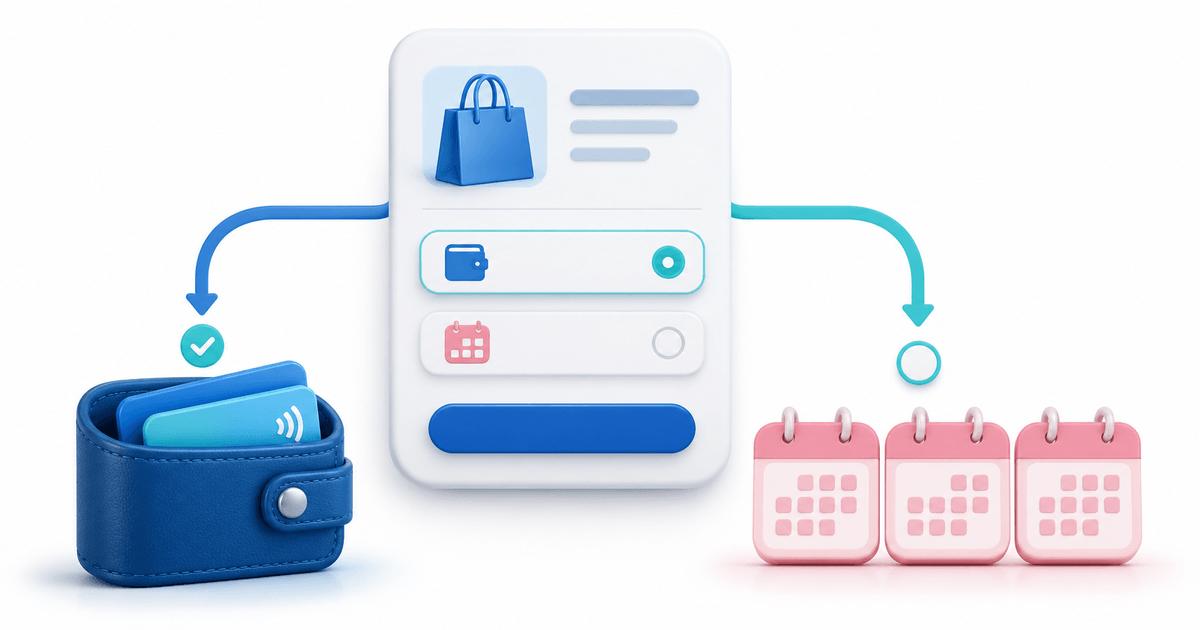
Apple Pay and Klarna solve different checkout jobs. Apple Pay lets an eligible customer authorize a card payment through their wallet. Klarna presents the payment options available to that buyer and transaction, which may include paying later or in instalments. A merchant choosing methods for a PayRequest payment page should compare customer needs, eligibility and the work around the payment.
In the PayRequest flows covered here, both methods are offered through your own approved, payment-ready Mollie account. You can make eligible methods available on your existing Page and payment links. Enabling either method does not guarantee visibility, authorization or approval for every customer, and neither selection should be treated as proof that an order has been paid.
Apple Pay vs Klarna: what is the actual difference?
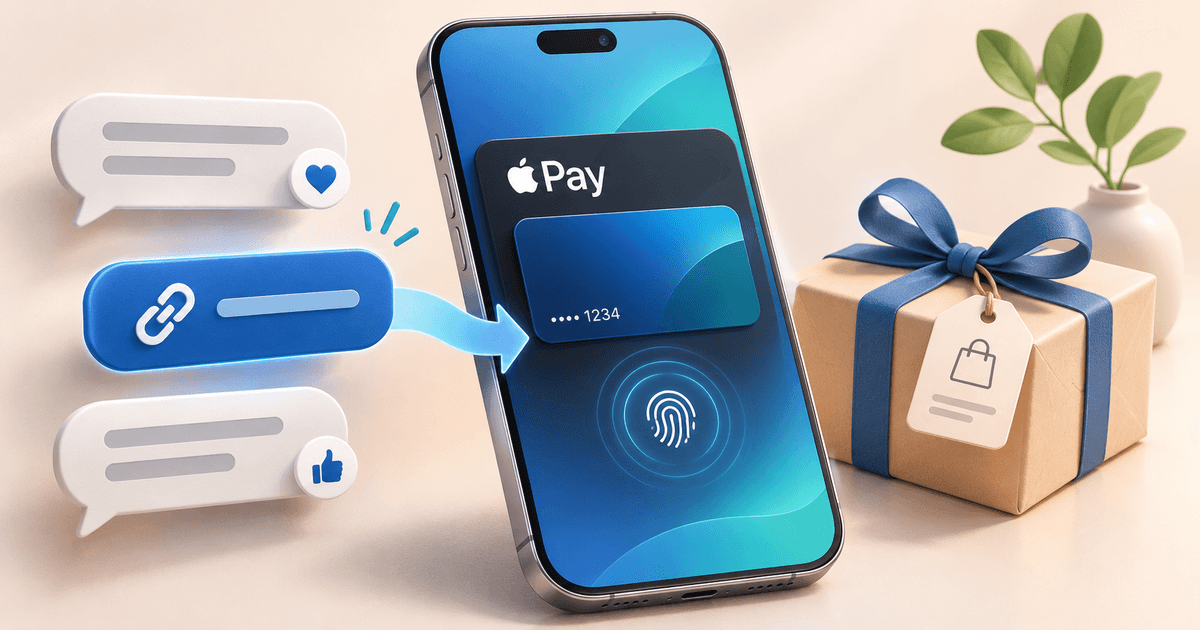
Apple Pay is a digital wallet payment option. A customer with a supported setup can use it instead of manually entering card details in the usual way. Klarna is a separate payment method that determines which payment options to offer after evaluating the customer and transaction. They should not be described as two interchangeable “one-click” buttons.
That distinction affects your customer messaging. “Apple Pay available where supported” describes a wallet option. “Klarna available subject to eligibility and approval” describes a provider-controlled offer. Neither phrase promises a specific checkout experience. If a buyer asks for instalments, do not direct them to Apple Pay on the assumption that the wallet itself creates that arrangement.
This comparison concerns the two methods displayed through the documented PayRequest/Mollie routes. It does not compare every Apple financial product, every Klarna product or every integration offered by another provider. Read the Apple Pay documentation and Klarna documentation for those exact workflows.
| Merchant question | Apple Pay through Mollie | Klarna through Mollie |
|---|---|---|
| What customer need does it address? | Paying with an eligible wallet/card setup | Reviewing the payment options Klarna offers |
| What must the merchant configure? | Cards and Apple Pay on the connected profile; method selection | Klarna availability and approval on the connected profile; method selection |
| What affects availability? | Provider readiness, browser support and customer setup | Business and transaction eligibility, including buyer, country, currency and amount |
| What does the buyer do? | Select Apple Pay and continue to provider authorization | Enter billing details and continue to Mollie/Klarna |
| Is pay later guaranteed? | No pay-later promise follows from this wallet selection | No; Klarna decides the options and approval |
| Does selecting it create a recurring mandate? | Do not infer recurring collection from a one-time checkout | No automatic recurring collection in this flow |
| Does seeing the option prove payment success? | No | No |
Apple also documents instalment options inside Apple Pay for eligible cards and supported lending providers. Those options have their own requirements and approval. They are distinct from enabling Klarna as a separate method on your PayRequest page. Do not infer that a particular Apple Pay instalment offer is available through your checkout simply because you enabled the wallet.
Which should your payment page offer first?
Start with the problem customers actually report. If buyers already intend to pay and ask for a wallet option, Apple Pay is directly relevant. If eligible customers ask whether they can use Klarna, evaluate that method and its commercial requirements. You may decide to offer both when your provider account supports them and your team can explain the differences clearly.
Availability matters more than a hypothetical universal winner. Your customer mix may include browsers where Apple Pay does not appear or transactions that Klarna declines. Keep appropriate alternative methods available rather than building your sales promise around a single button. More displayed methods are not automatically better if the buyer cannot understand the offer.
Consider the order type as well. A clear one-time purchase is a different operational job from an automatically renewed subscription. A payment method's presence on a one-time payment page does not prove it supports every subscription setup. For recurring collection, check the separate subscription payment-method guide and the relevant provider arrangement.
Use the Apple Pay payment-link feature and Klarna payment-link feature as product destinations. They should continue to own the general method-specific product intent; this article provides the merchant's decision process rather than duplicating their setup guides.
A merchant worksheet for choosing Apple Pay or Klarna
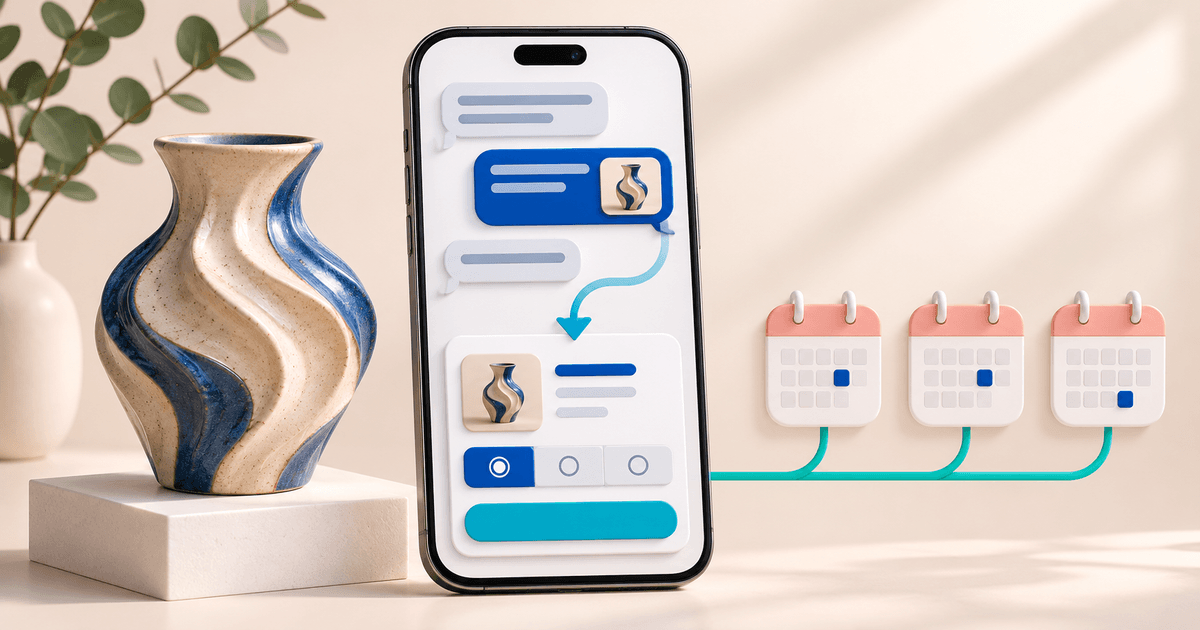
Imagine an illustrative homewares business taking orders through messages and a hosted payment page. Some customers ask for a familiar wallet; others ask about paying later. The business should identify these as different requests and verify the relevant method instead of assuming either logo will solve every abandoned sale.
Before changing the page, the business writes down its common order types, currencies, markets, delivery process and current payment questions. Then it completes a small decision worksheet. The entries below are suggested checks, not observations from a merchant test or a recommendation to extend credit to any customer.
| Customer situation | Candidate response | Evidence to collect before advertising it |
|---|---|---|
| “Can I use my wallet?” | Offer Apple Pay when available | Correct Mollie settings and observed browser availability |
| “Can I use Klarna?” | Offer Klarna where eligible | Method enabled for the business and correct billing fields |
| “The button is missing” | Check context and offer a fallback | Browser/device for Apple Pay; account and method selection for either |
| “Klarna declined me” | Let the buyer select another available method | Recorded status; no claim that reconnecting overrides a decision |
| “Will this renew each month?” | Use the separate subscription setup | Actual recurring support and the required authorization |
| “I paid but see no confirmation” | Review the recorded transaction first | Order reference, payment state and attempt time |
The worksheet makes the next action specific. The wallet request leads to a browser and setup check. The Klarna request leads to eligibility, billing details and provider approval. An uncertain payment leads to a status check before another attempt. Each response addresses the actual issue instead of applying the same troubleshooting script everywhere.
Assign an owner to each check and keep a date beside the result. Payment settings and customer environments can change. A note about what you observed is more useful than a permanent claim that a method “works for everyone.” If you later run real payments as part of validation, distinguish those outcomes from page inspections.
Compare platform fees and provider fees separately
The method name alone does not tell you the merchant's total payment cost. PayRequest platform fees and Mollie processing fees are separate. Your provider rate can depend on the method and agreement. Check the actual terms for your business rather than describing either method as universally free or universally cheaper.
At publication, PayRequest Free costs €0 per month with a 2% standard platform fee. Premium costs €5 per month and Business €20 per month, with 0% standard platform fees while a paid plan is active. Provider charges and commission-payment exceptions remain separate. Use current PayRequest pricing and your provider agreement when budgeting.
For an illustrative month of ten standard €100 payments, the Free platform component is 10 × €100 × 2% = €20, before provider fees. Premium's listed monthly subscription is €5 with no standard platform fee while active, again before provider fees. Under those narrow assumptions, the platform-cost difference is €15 for the month. This is not the total cost of Apple Pay or Klarna.
To finish the comparison, add the provider fees that actually apply to each payment and any relevant exceptions. Do not replace that step with an invented average. Also avoid equating successful payment, settlement and the customer's own repayment schedule: they are different concepts, and your agreement determines the relevant timing.
Plan for missing methods, declines and pending payments
For Apple Pay, first verify that cards and Apple Pay are enabled on the correct Mollie website profile and included in your custom PayRequest selection. Then consider browser compatibility and customer setup. Supported desktop browsers can also offer Apple Pay; an iPhone-only diagnosis misses part of the documented behaviour.
For Klarna, first verify that the business and profile are eligible, the method is enabled and the PayRequest selection includes it. The buyer completes the displayed name, email and billing-address fields before continuing to Mollie/Klarna. If Klarna declines the payment, reconnecting Mollie does not override its decision.
For either method, a pending transaction or a reported charge calls for a status check before another attempt. Keep the order reference consistent and avoid asking the customer to pay a second link while the first payment is unresolved. A useful internal process separates “method unavailable,” “payment declined” and “payment outcome uncertain.”
Mollie's Apple Pay reference and Klarna reference provide the underlying method requirements. Those references do not replace the PayRequest-specific instructions for which account and selection to configure. Keep both levels in view when diagnosing a problem.
Measure whether the payment-page choice helps customers
A useful pilot starts with a baseline: how many payment links you send, how many result in recorded successful payments and which questions require support. After adding a method, record the same observations for comparable orders. Do not attribute every change to the new method when price, audience or product availability also changed.
For example, a business could review its next twenty comparable orders and categorize unpaid outcomes using customer feedback where available. “No longer wants the item,” “cannot find wallet option,” “provider declined” and “still pending” require different responses. This is a proposed measurement plan, not a claim about twenty real PayRequest customers.
Inspect fee totals and support work alongside completed payments. A method may be valuable because existing customers explicitly request it, even before you have enough data to estimate a conversion effect. Conversely, a logo with no observed buyer use is not evidence that a particular financial offer is necessary for every order.
Put the choice into one clear payment workflow
If your priority is a wallet payment for social orders, begin with Apple Pay for WhatsApp and Instagram sales. If customers ask for Klarna on a purchase agreed in chat, use Klarna without a webshop. Both guides use worked examples and explain the limits of a configuration check.
Build the hosted payment page around an accurate amount, recognizable order and appropriate methods. Explain availability honestly, let the provider present its actual offer and check the recorded payment before fulfilment. That process is a stronger basis for choosing methods than a generic claim that one always converts better.
Key takeaways: Apple Pay addresses wallet payment, Klarna determines its available payment offers, and both depend on eligibility. Compare total costs from your own agreements, keep fallback methods available and measure recorded outcomes. The next step is to configure the eligible methods your customers need on one clear payment page.
Editorial note: prepared with AI assistance using the linked product documentation, checked on 2 November 2026. The worksheet, business and cost examples are illustrative. No live buyer test, approval rate or conversion uplift is claimed.