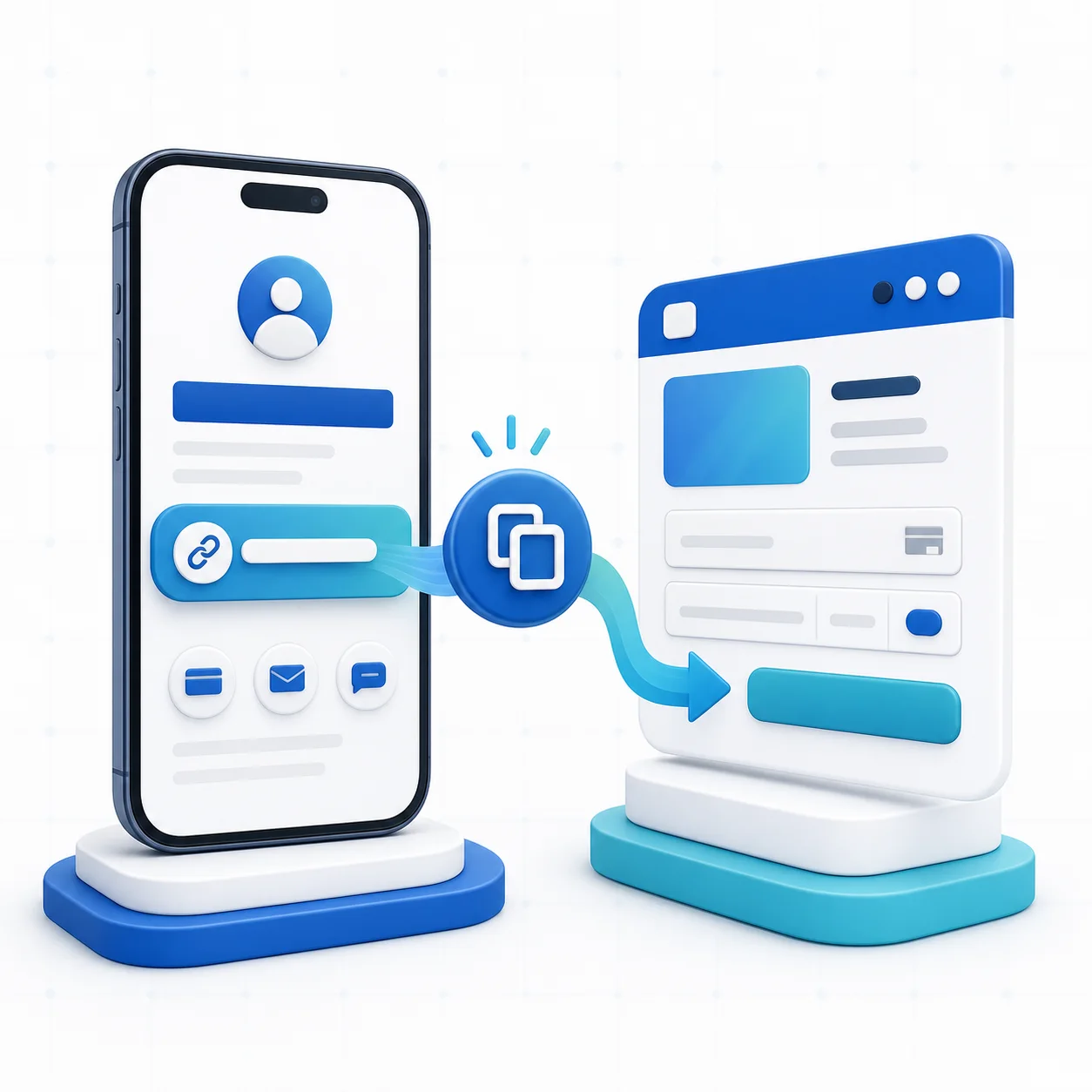
Your PayPal link is the URL you share when you want someone to open a PayPal payment page. Depending on your account and country, that may be a PayPal.Me link, a seller profile link, an invoice link or a checkout URL created for a specific product.
If you only need the short answer: sign in to PayPal, look for your profile or PayPal.Me settings, and copy the shareable URL shown there. If no personal link appears, it may not be available for your account or region. You can still send an invoice, create an eligible PayPal payment link or use a branded PayRequest page connected to PayPal.
The Fastest Places to Check
PayPal changes navigation labels across countries, account types and app versions, so use the destination rather than relying on one exact menu name.
- Open the official PayPal app and sign in
- Tap your profile picture or account menu
- Look for PayPal.Me, your profile, seller profile or a share icon
- Open the public profile and choose Copy link or Share
- Paste the URL into a private note and open it in a signed-out browser
- Sign in at PayPal's official website
- Open Settings or your public profile
- Look for PayPal.Me or seller-profile controls
- Copy the displayed public URL
- Test the exact link in a private browser window before sending it
Never copy the address of a Dashboard page. A working customer link should open a public payment or seller page without exposing your private account area.
Which PayPal Link Are You Looking For?
| Link type | Best for | Reusable | Shows business context |
|---|---|---|---|
| PayPal.Me or profile link | Casual requests and simple amounts | Yes | Limited |
| PayPal invoice link | A named customer and itemized bill | No | Yes |
| PayPal product or checkout link | A defined offer | Usually | Yes |
| PayRequest page with PayPal | Several offers, branding and provider choice | Yes | Yes |
The right link depends on the payment. A personal reimbursement does not need a storefront. A client deposit, product sale or recurring business offer benefits from a clear description, price, terms and receipt trail.
Why You May Not See a PayPal.Me Link
A missing link does not necessarily mean your account is broken. Common explanations include:
- PayPal.Me is unavailable in your account country
- The feature has not been activated for this account
- Your account needs an email, identity or business verification step
- The app and desktop site expose different menus
- Your business uses a seller profile or another checkout product instead
- A previously chosen PayPal.Me name cannot be changed freely
Check PayPal's help center for your country and account type. Do not use a third-party “PayPal link generator” that asks for your password, login code or card details.
How to Test Your Link Safely
Before placing a link in an invoice, bio or message, run a buyer-side check:
- Open a private or incognito browser window
- Confirm the domain belongs to PayPal or the payment platform you chose
- Verify the recipient name or business name
- Check that the amount and currency are correct
- Confirm the page explains what the customer is paying for
- Test on a phone, where most shared links are opened
For commercial sales, use the appropriate goods-and-services or business flow. Do not ask a customer to classify a purchase as Friends and Family to avoid fees or protections.
Turn a Bare PayPal Link Into a Branded Payment Page
A personal PayPal URL is convenient, but it gives you little room to explain an offer. A PayRequest page connected to PayPal can add your logo, business name, products, fixed or open amounts and clear next steps before the buyer reaches PayPal.
The setup is straightforward:
- Create a free PayRequest account
- Claim a memorable payrequest.me page
- Connect your PayPal business account
- Add the product, service or amount you want customers to pay
- Publish the page and test the complete checkout
- Share one consistent URL in your bio, email signature, invoices and messages
PayRequest includes every standard feature on the Free plan. The platform fee is 2% per successful payment, capped at EUR 25 per transaction, in addition to the connected provider's processing fee.
Which Link Should a Business Share?
Use a PayPal invoice for a formal, itemized bill to one customer. Use a PayPal checkout link for a simple PayPal-native offer. Use a branded PayRequest page when you want PayPal plus richer product context, analytics, additional eligible providers or one public destination for several ways to pay.
The best link is not merely the shortest. It is the one that makes the recipient recognize the business, understand the charge and complete payment without asking another question.
Final Checklist
- Copy a public customer URL, not a Dashboard address
- Test it while signed out
- Confirm name, amount, currency and purpose
- Use a business payment flow for sales
- Never share passwords or one-time login codes with a link generator
- Replace a context-free link with a branded page when trust and conversion matter
If you cannot find a reusable PayPal link—or the one you have is too limited—build a branded PayPal payment page with PayRequest and share one tested URL everywhere.