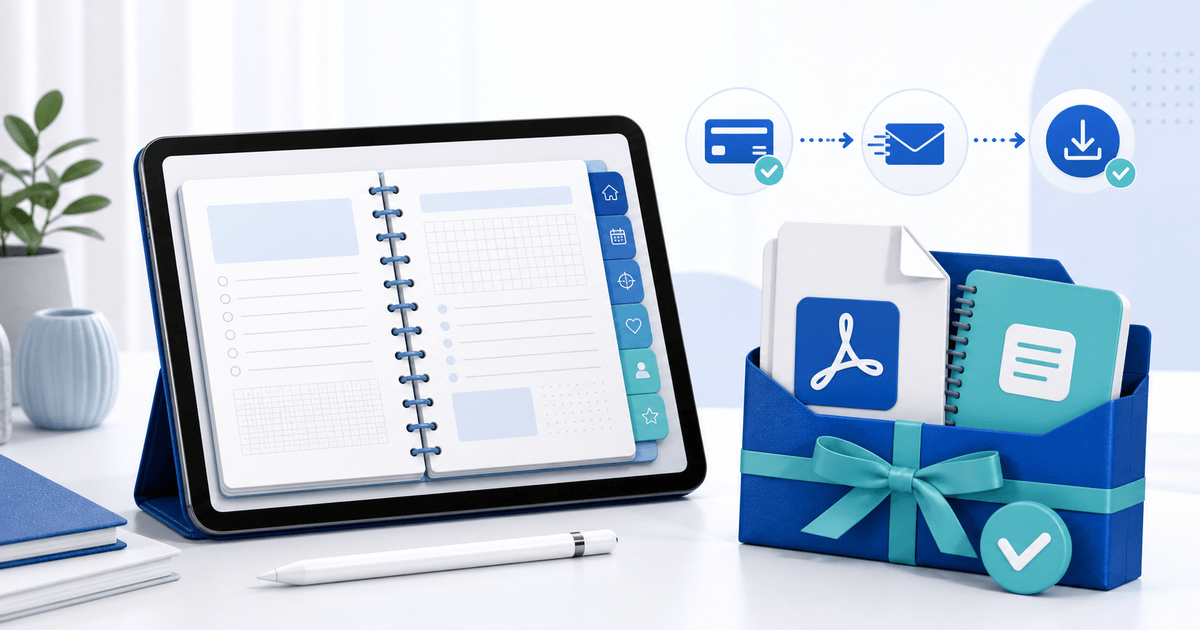
To sell a Goodnotes digital planner reliably, deliver a tested hyperlinked PDF for broad compatibility, optionally include a clearly labelled .goodnotes edition, and add a one-page import guide. Test the exact retail files on every platform you advertise; a planner that opens is not necessarily a planner whose tabs, page size and links work.
This guide is for planner designers selling directly rather than through a marketplace. Its original asset is a buyer-view release matrix that connects each advertised format to a repeatable import test.
Build a Buyer-View Release Matrix
| Retail file | Buyer job | Test condition | Pass result |
|---|---|---|---|
| Hyperlinked PDF | Use the planner across supported note apps | Fresh import on each advertised platform | Tabs reach the correct page and external links open |
| .goodnotes file | Preserve Goodnotes-native document behavior | Import into a clean Goodnotes library | Document opens once, pages render and navigation works |
| Sticker PNGs | Add reusable decorative elements | Import one transparent PNG | Edges remain clean on light and dark pages |
| Quick-start PDF | Install without seller assistance | Follow only the delivered instructions | A new buyer reaches the first usable page |
| License | Understand permitted use | Read without product-page context | Personal, commercial and redistribution rules are explicit |
Goodnotes' current import documentation lists PDF, image and .goodnotes support and notes platform-specific file-size limits. Its PDF hyperlink guide also shows that link behavior differs between iOS and Android, Windows and Web. Name the platforms you actually tested instead of saying “works everywhere.”
Choose PDF, .goodnotes or Both
Use PDF as the portable edition when buyers may use different note-taking apps. Include .goodnotes only when it adds a Goodnotes-specific benefit you have verified. Do not rename one format to make it look native.
Keep the product-page promise precise:
- Included formats: exact extensions and whether they are zipped.
- Tested apps: app name, platform and test date.
- Navigation: internal tabs, index links and any external links.
- Page setup: orientation, dimensions and dated or undated edition.
- Not included: the Goodnotes app, device, fonts, stylus or preview mockups.
Goodnotes distinguishes editable and flattened PDF exports. Its format comparison says flattening improves general viewing compatibility but can remove outlines and hyperlinks from imported source PDFs. Re-test the final export rather than assuming the design file and retail PDF behave alike.
Run a Clean-Library Import Test
- Export the dated or undated retail edition and freeze its filename.
- Put only buyer files in a versioned ZIP; remove drafts, source art and private notes.
- Import the PDF into a clean Goodnotes library on every advertised platform.
- Tap every monthly tab, index link and sample external link.
- Write on several pages, duplicate a page and close and reopen the document.
- Test the .goodnotes edition separately when included.
- Follow the quick-start guide from a buyer account and record every missing step.
Add a small link map to your QA notes: source page, intended destination and result. That catches duplicate or shifted pages faster than clicking without a record.
Package the Planner Without Confusing Buyers
Use a simple structure such as `01-planner-pdf`, `02-goodnotes-edition`, `03-stickers` and `04-start-here`. Put version, page orientation, tested platforms, installation steps, license and support contact in the start file.
Do not bundle fonts, stock illustrations or mockup assets unless their licenses permit redistribution. Distinguish the right to use the planner from the right to resell, share or turn its pages into another template. This is a practical licensing checklist, not legal advice.
Preview the Workflow, Not the Paid File
Show the cover, one weekly spread, one daily page and a short recording of the tabs moving between sections. Use sample data and lower-resolution previews. A buyer should be able to judge navigation and layout without receiving the complete planner before purchase.
PayRequest can host a product page, collect payment through a connected provider and release the approved planner package after successful payment. Create a PDF digital product and use secure file delivery so the delivered version stays connected to the order.
Final Release Gate
Publish only when every advertised platform passes the same retail-package test, the preview matches the delivered edition and a new buyer can import it using only the included guide. Complete one buyer-view payment and download on desktop and mobile before sharing the product link.