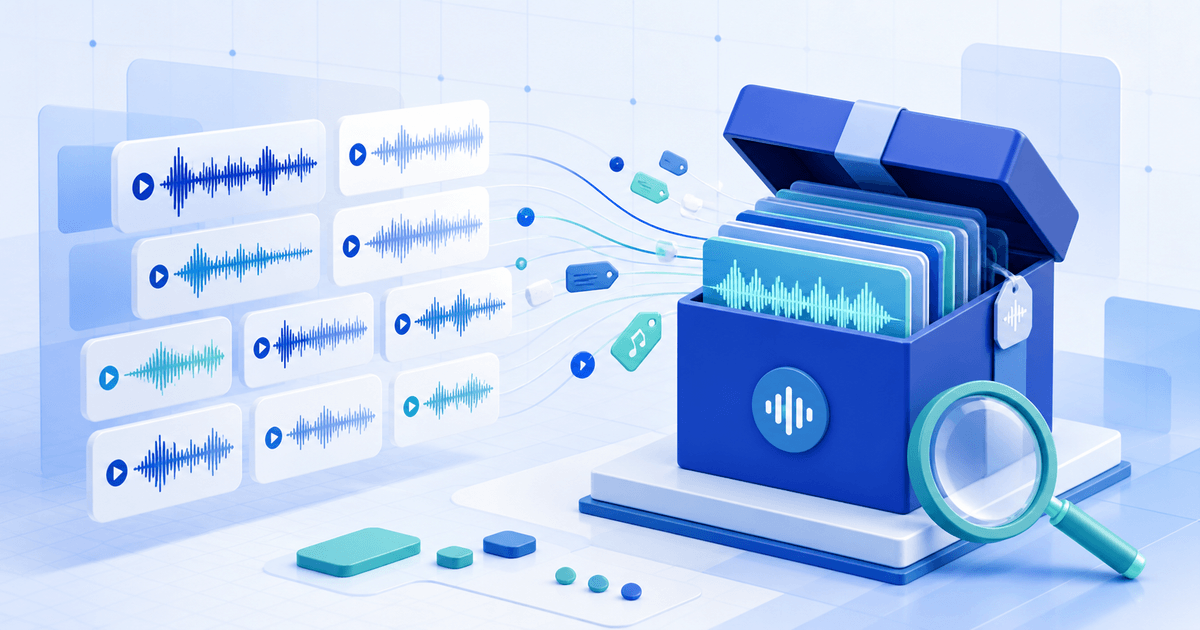
To sell a sound-effects library online, release a searchable production asset rather than a folder of unnamed WAV files. Edit every take, preserve useful technical metadata, name sounds consistently, document recording rights, attach a clear end-user license and test the exact ZIP a buyer receives.
This workflow is for independent field recordists and sound designers. Its original asset is a buyer-search release matrix: every promise on the product page maps to a file, metadata field or repeatable listening test.
Build a Buyer-Search Release Matrix
| Buyer question | Library evidence | Release test | Pass condition |
|---|---|---|---|
| Can I find the right sound? | Filename, category and keywords | Run five realistic editor searches | Each query returns a useful shortlist |
| Is it technically usable? | Rate, depth, channels and duration | Import all files in a clean session | No unreadable files, surprises or clipped peaks |
| What was recorded? | Source, action, perspective and variation | Compare description with the audio | Every take is distinguishable without hype |
| May I use it for client work? | License summary and full terms | Test film, game and redistribution scenarios | Boundaries are unambiguous |
| Is the preview representative? | Demo made from included sounds | Rebuild demo cues from retail files | No undisclosed sound creates the promise |
Edit Before You Name
Remove unusable handling noise, accidental speech, false starts and empty tails unless room tone is part of the product. Listen for clicks, overload, excessive noise reduction and phase problems. Keep intentional variations; remove duplicates a buyer cannot distinguish.
Record original sample rate, bit depth, channel layout and processing. Do not upsample a recording and market the larger file as extra detail. If the library mixes mono, stereo and multichannel material, disclose that before checkout and in the manifest.
Use Searchable Filenames and Metadata
The Universal Category System is a public-domain category list and filename framework for sound effects. It can improve sorting across tools, but a category code does not replace a concrete description.
Use a stable pattern such as CATID_Source_Action_Perspective_Variation.wav. A name like DOORWood_CabinetClose_Interior_Medium_03.wav remains useful outside its folder. Keep a manifest with filename, description, keywords, duration, channels, rate, depth and rights notes.
BWF/iXML-compatible WAV workflows can carry searchable descriptions, but applications expose fields differently. Include a CSV manifest so buyers are not dependent on one reader. Open final files in at least two applications you name, then search by source, action and category.
Prove You Can License Every Sound
Keep recording dates, locations, permissions and contributor releases where relevant. Remove identifiable speech or third-party music unless you have explicit rights to sell it as a reusable sound asset. A license to use a purchased sound in a film rarely permits repackaging it into another library.
State who may use the files, whether client and monetized work is allowed, whether teams need extra seats, and that raw sounds may not be resold, shared or used to build a competing library. This is operational guidance, not legal advice; material rights questions need qualified review.
Package and Run the Buyer Test
Use one versioned ZIP containing sounds, a start-here guide, license and CSV manifest. Put the version and file count on both the product page and manifest. Create a short preview from retail files and label additional processing.
PayRequest can host the product page, collect payment and deliver the approved ZIP. Start with music and audio downloads and secure file delivery.
Finally, buy through a test journey, download on a clean device, reconcile the manifest count, import every file and rerun the five searches. Publish only when description, preview, license, metadata and delivered version agree.