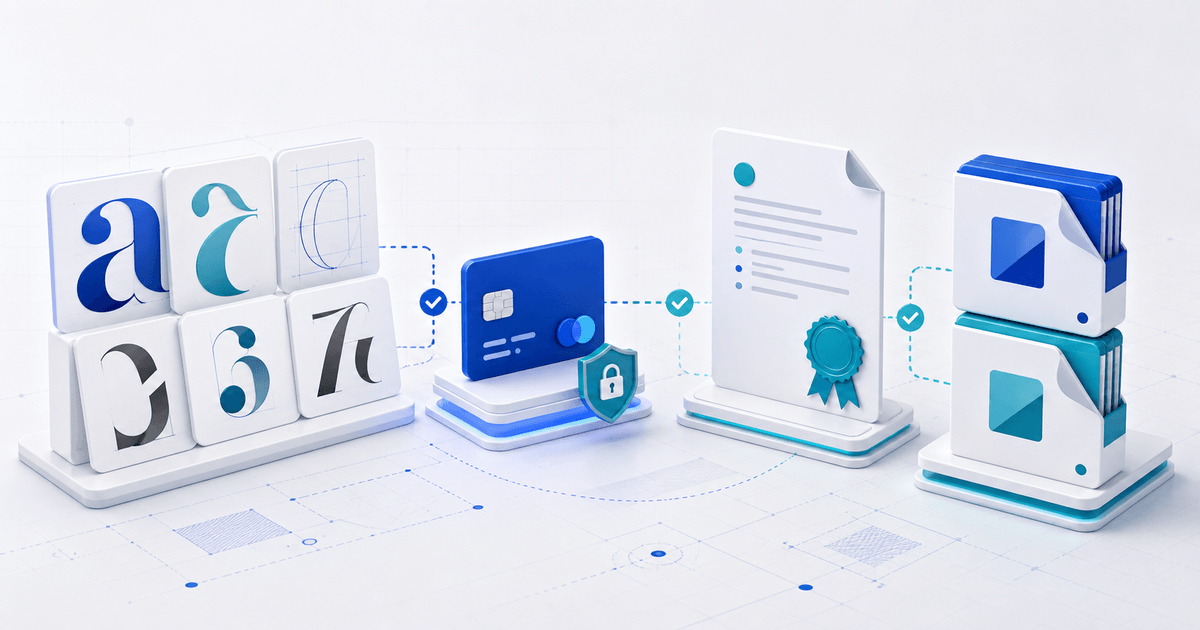
Selling fonts with PayPal requires two products to stay synchronized: the font files and the license that authorizes their use. A reliable direct-sale workflow shows the buyer the right license before checkout, confirms PayPal payment, delivers the matching package and records which version was issued.
This is for independent type designers and small foundries selling desktop or webfont packages directly. It is not a substitute for legal advice or a custom enterprise font agreement.
Decide What the Buyer Is Licensing
Do not sell one vague “commercial license” when the allowed uses have different risk and value. Define the scope buyers actually need:
| License job | Files usually needed | Scope to state |
|---|---|---|
| Desktop design | OTF or TTF | Number of users or workstations; client-work rules |
| Web use | WOFF2, sometimes WOFF fallback | Domains, pageview limits if any, and term |
| App embedding | Format agreed with the developer | Apps, platforms, downloads or active users |
| Ebook or document embedding | Embeddable font or subset | Titles, editions and distribution |
| Logo use | Desktop files | Whether static brand marks are permitted |
The W3C Web Fonts specification identifies web font formats used by browsers, while licensing permission comes from your own end-user license. A working WOFF2 file does not automatically grant a buyer permission to host it.
Build License-Matched Download Packages
Create a separate package for each license SKU. A desktop purchase should not accidentally expose unrestricted webfont or source files.
For each package, record:
- font family and version;
- included weights and styles;
- exact OTF, TTF, WOFF or WOFF2 filenames;
- EULA name and version;
- installation or web implementation notes;
- specimen PDF and support contact.
Run a font validation tool and install the retail package on a clean device. Check family naming, weight mapping, glyph coverage and whether the specimen uses only glyphs included in that build.
Connect PayPal Without Losing the License Record
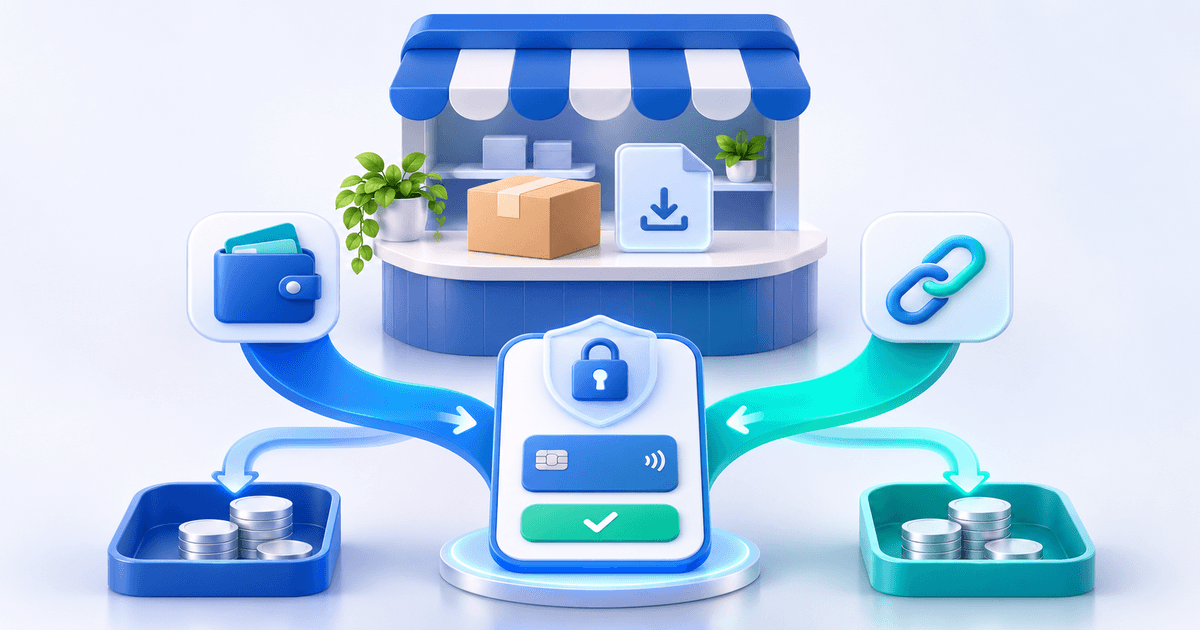
PayPal can confirm a transaction, but the transaction description is not a complete font entitlement system. PayPal Payment Links can provide a hosted checkout for eligible business accounts; your product workflow still needs to issue the correct files and terms.
Use this sequence:
- Create one product or price option per license scope.
- Show the permitted use, prohibited use, seats, domains and upgrade route before checkout.
- Connect an eligible PayPal Business account and verify regional availability.
- After successful payment, deliver only the package attached to that license SKU.
- Store the transaction ID, buyer, font version, package checksum and EULA version.
- Give the buyer a clear route to upgrade from desktop to web, app or team use.
PayRequest's font selling page supports hosted product pages and automatic digital delivery. Its PayPal integration lets eligible sellers offer PayPal alongside other connected providers.
The Entitlement Record
A small foundry does not need an elaborate rights-management system to keep useful evidence. Export a record with these fields:
| Field | Why it matters |
|---|---|
| Order and provider transaction ID | Connects payment to entitlement |
| License SKU | Distinguishes desktop, web, app or team rights |
| Font build version | Identifies the files delivered |
| EULA version and date | Identifies the terms accepted |
| Package checksum | Distinguishes later or altered archives |
| Delivery timestamp | Shows when access was issued |
This record helps answer support and upgrade questions. It does not replace the contractual evidence requirements in your jurisdiction.
Test the Purchase as a Designer and a Developer
Make two test orders if you offer desktop and web licenses. Install the desktop build in a design application. Load the web build on a private test domain and inspect browser requests. Confirm that each buyer sees the correct terms, receives only the matching files and can identify the family version without opening source metadata.
When the packages and entitlement record match, sell fonts directly with PayRequest and let buyers choose the license they genuinely need.
Yes. Use PayPal for checkout and a digital-product workflow to deliver the licensed OTF or TTF package after successful payment.
Only if your license says so. Keep packages aligned with the purchased rights, or clearly sell a combined license as a separate SKU.
Keep the transaction ID, license SKU, buyer, font build, EULA version, package checksum and delivery timestamp together.