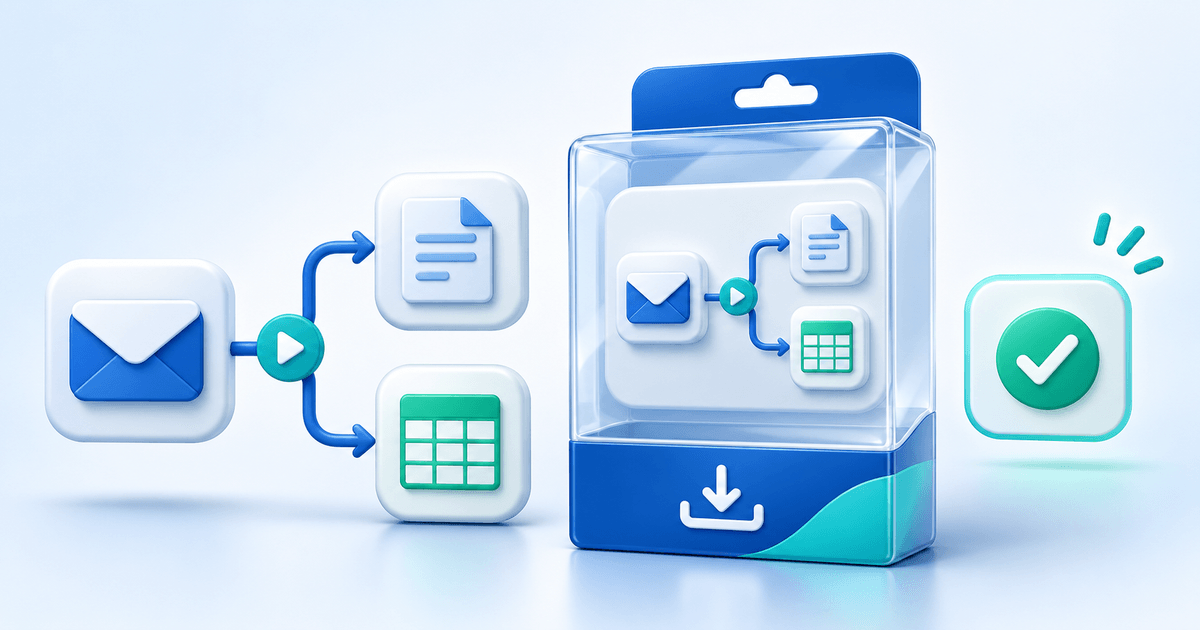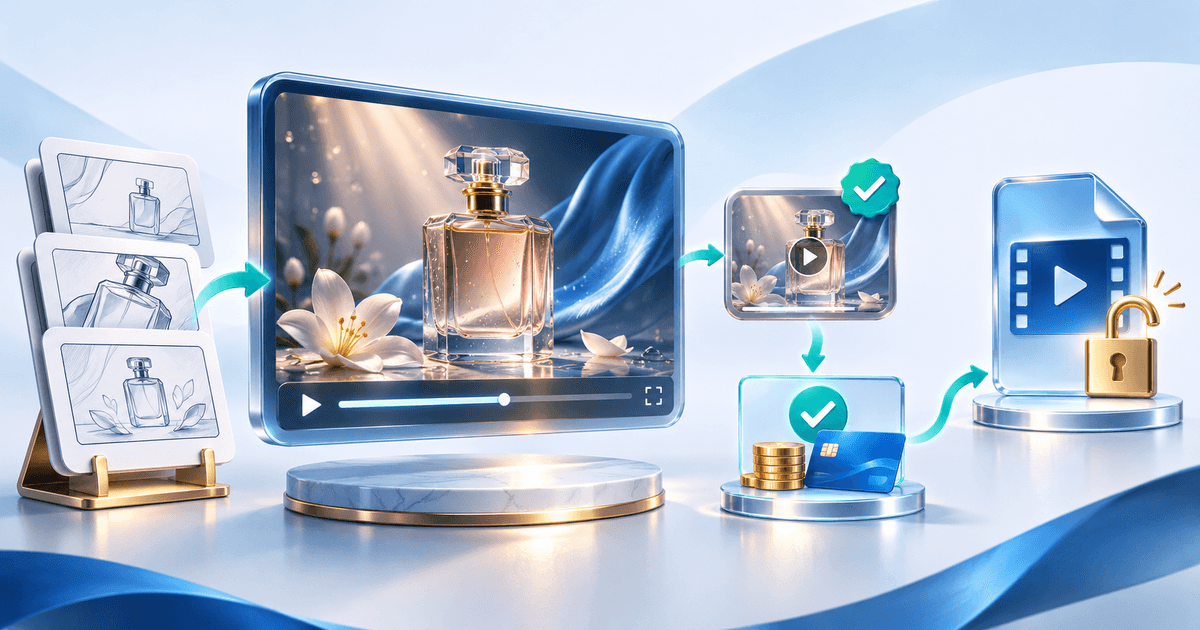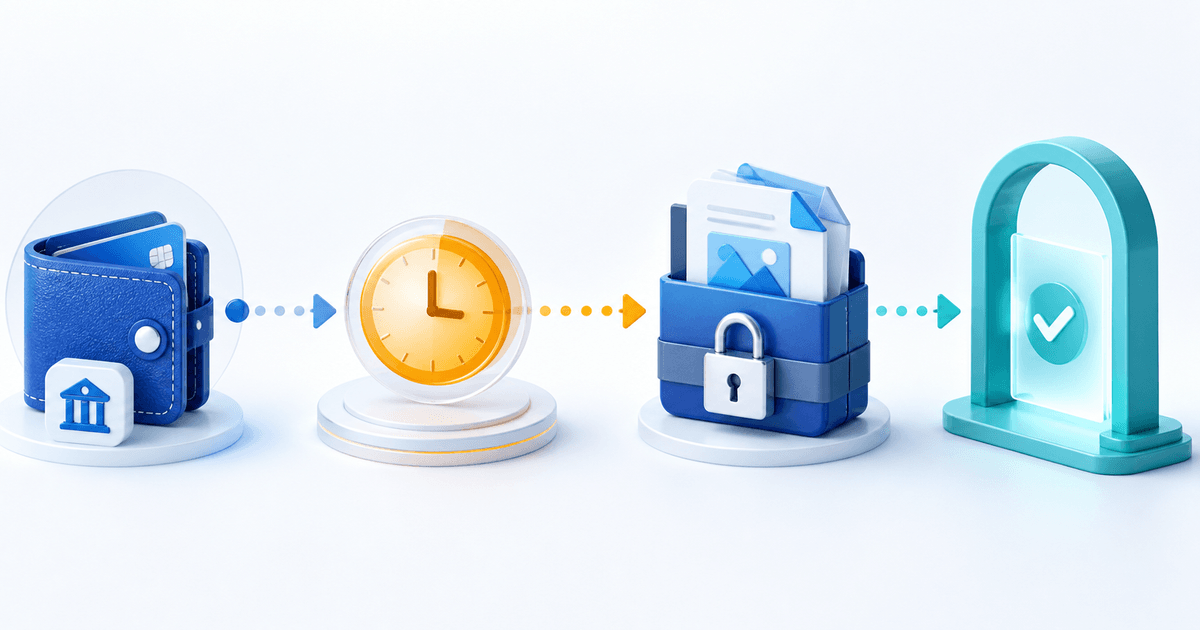
Do not release a digital product because a PayPal screenshot says “sent” or because a transaction exists. Release it only when the authenticated payment record for the correct seller, amount and currency reaches the success state your integration accepts. A pending payment can later complete, fail, be denied or expire.
This guide is for sellers of downloads, templates, audio, video and access instructions. Its original asset is a delivery decision ledger that separates payment state, seller availability and file entitlement.
Use a Delivery Decision Ledger
| Check | Evidence | Release decision |
|---|---|---|
| Transaction source | Authenticated provider event or dashboard | Never trust buyer-supplied screenshots |
| Recipient | Your intended merchant account | Stop if the payment belongs elsewhere |
| Amount and currency | Exact order comparison | Stop on mismatch |
| Payment state | Pending, completed, denied, reversed or refunded | Unlock only on the configured success state |
| Product entitlement | Product ID, version and license tier | Release only the purchased package |
| Delivery | Issued link and access event | Preserve an order-level chronology |
PayPal's developer guidance for Instant Payment Notification explicitly says to wait for a completed payment before enabling a digital-goods download. It also warns that a pending and later completed event can share the same transaction ID, so deduplicating on ID alone can suppress the status change.
Identify What “Pending” Describes
“Pending” can describe different stages. PayPal's current order-status help describes an order authorization that has not yet been captured. Its payment-status guide also notes that an eCheck can remain pending while it clears.
Ask these questions in order:
- Is this an order authorization awaiting capture, a payment awaiting clearance, or money held from the seller after a completed buyer payment?
- Does the authenticated transaction name your merchant account as recipient?
- Do amount, currency, order ID and product match?
- Has the integration received the later status event?
- Is the buyer entitled to this exact version and license tier?
A seller balance hold is not automatically the same as an incomplete buyer payment. PayPal's held-payment guidance describes updating an eligible service or virtual-product order status; account, market and risk-review conditions still apply.
Keep the File Locked While Payment Is Unsettled
Use a neutral customer message: “Your payment is still processing. Your download will unlock automatically after the provider confirms completion.” Do not accuse the buyer of fraud and do not promise a clearance time you do not control.
Never use these as release evidence:
- an email forwarded by the buyer;
- a screenshot of a PayPal activity screen;
- a transaction ID without a verified status lookup;
- a “money sent” chat message;
- a pending webhook treated as final;
- a completed payment for the wrong amount, currency or product.
Handle Status Changes Idempotently
Store the provider transaction ID together with its last known state, order ID and processed event. A later completed event should advance the same order once; a duplicate completed event should not issue multiple independent entitlements.
| New state | Product action |
|---|---|
| Pending | Keep locked; show processing status |
| Completed and validated | Issue the protected entitlement once |
| Denied, canceled or expired | Keep locked; offer a new approved checkout route |
| Refunded | Apply the disclosed access/refund policy |
| Reversed or disputed | Preserve evidence and follow the provider process |
Do not silently replace a failed transaction with a manual file email. That disconnects the product version, license and delivery evidence from the payment record.
Connect Checkout to the Exact Release
PayRequest can connect an eligible PayPal account to a hosted digital-product flow and unlock the attached file after confirmed successful payment. Set up digital-product delivery and review the PayPal provider workflow. PayRequest's record supports the order chronology; PayPal controls its statuses, holds and protection decisions.
Before launch, simulate pending, successful and canceled outcomes. Confirm that pending never releases the file, successful payment releases it once, refreshes do not create extra entitlements and support can identify the order without asking for sensitive card or account data.