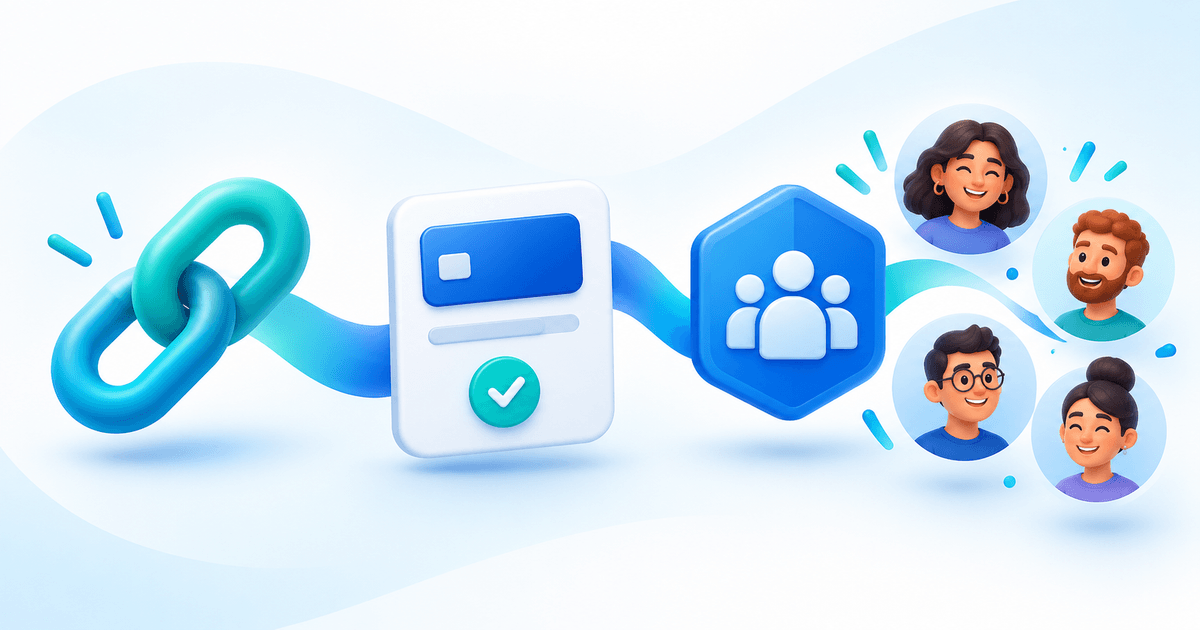
A Discord membership payment link should take a buyer to a specific paid community product and connect that purchase to the correct Discord role. The URL is only the entrance. Successful delivery also needs a paid purchase, the right buyer identity, server membership and role permissions.
With PayRequest Discord Memberships, customers can buy from a hosted Payment Page without a shop, then use its Discord access tab to connect their account and claim eligible access. This guide focuses on sharing the offer and diagnosing the member journey. For bot installation and server setup, use the separate paid Discord roles setup guide.
Choose a product link, not an open-amount payment request
Connect the community product before accepting its first purchase. Share the product's purchase link from your Page or product sharing workflow. A standalone amount link, tip or donation does not grant a Discord role just because its description says “membership.”
Eligible one-time access uses a service product, with a positive price and one unit. Native recurring access uses a subscription product with interval count one. The pass-versus-subscription guide helps decide the access promise; the official documentation lists the current product constraints.
Keep the purchase link separate from the return route. `payrequest.me/{page-handle}/discord/access` is the customer's access page, not proof of payment and not a replacement checkout. Existing customers can return there from confirmations or completion emails and authenticate again.
Write an offer that survives the click
Imagine Studio Circle, a fictional €15/month illustration community. Its product is connected to the Community role, which unlocks a critique channel and a monthly live session. That is an offer-design example, not a price recommendation or an assertion of available seats.
The pinned message, product page and confirmation should all agree on:
- The product name, price, currency and recurring interval.
- The exact channels or activities included.
- Whether the buyer gets a timed pass, a paid recurring period or no automatic expiry.
- The steps to connect Discord, join the server and accept its rules.
- Where to get help and how cancellation affects the paid period.
Do not promise a role merely for clicking the link, or claim every buyer gets access instantly. Payment and membership checks must succeed first.
Use a pinned announcement people can act on
Adapt this original announcement template to your actual offer:
Join our private critique space and monthly illustration session for €15/month. Your paid membership unlocks the Community channels. Subscription cancellation takes effect according to your paid period and our published terms.
Join here: [your connected product purchase link]
After payment, choose Continue to Discord. Use your purchase email, connect the Discord account you want to use, join through our invitation and accept the server rules. Access is checked automatically; Check Discord access is available if you need to retry. Reply in [your support channel/contact] if you get stuck.
Replace every placeholder before posting. Keep the support contact visible to people who cannot yet see paid channels. Use the same offer in a YouTube description, newsletter or profile link so buyers do not encounter contradictory terms.
Understand the handoff from checkout to the role
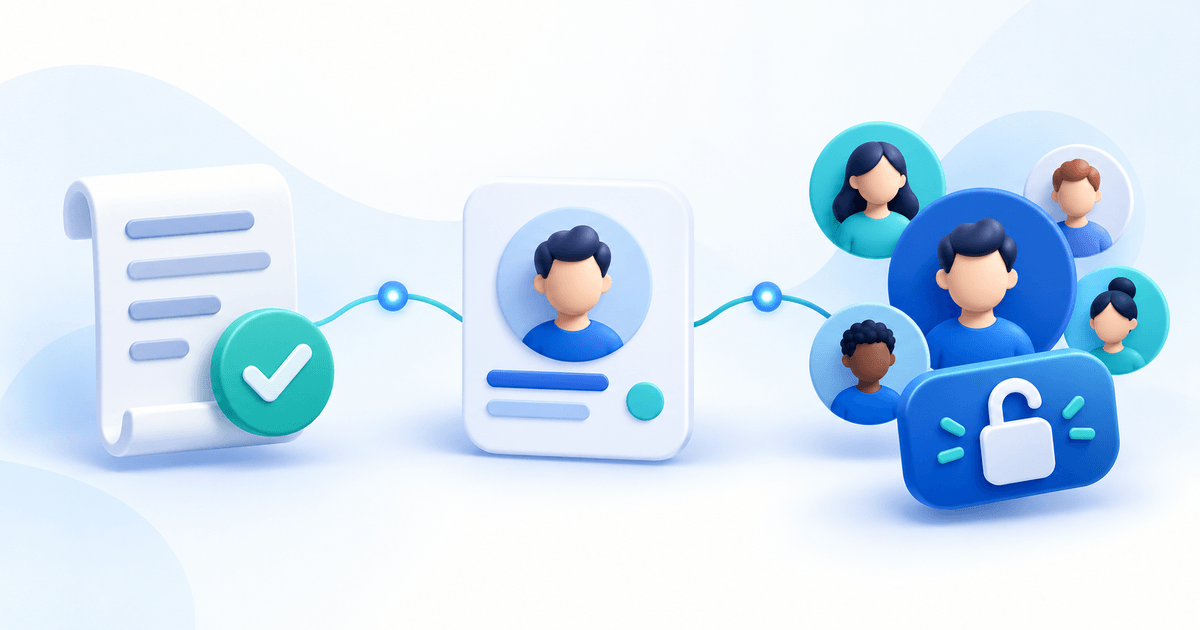
- Purchase: the buyer completes payment for the connected product.
- Return: Continue to Discord opens the Discord access tab on your Payment Page.
- Email identity: when needed, the customer signs in with the email used for purchase.
- Discord identity: they connect their own Discord account, join through the invitation and complete server rules.
- Access check: PayRequest verifies the purchase and membership, then grants the eligible role.
The page watches changes for about 30 seconds and offers a retry. Relevant payment/subscription changes trigger checks, with a five-minute recovery schedule; busy queues and Discord limits can add delay. Payment on a custom domain still returns to the payrequest.me access route.
Open email login and Discord authorization in the same browser. Email login links are single-use and valid for one hour; a new request replaces the previous link. A wrong Discord account cannot be switched automatically. The primary customer must claim access; delegated contacts and merchant impersonation sessions cannot do it.
Measure purchases and access separately
A visitor is not a buyer, and a buyer without a connected Discord account is not necessarily a failed payment. Use a worksheet that keeps both denominators visible.
Download the Discord membership funnel worksheet. It contains this fictional example and empty rows for your own observations. It is a manual planning aid, not a claim that PayRequest exposes every stage as an analytics report.
| Stage | Fictional count | What to inspect |
|---|---|---|
| Offer visits | 200 | Are the promise and price clear? |
| Paid purchases | 20 | Did confirmed payment occur for the connected product? |
| Buyers with their Discord account connected | 18 | Is the access return route visible? |
| Buyers who joined and completed rules | 17 | Is the invitation valid and the server correct? |
| Buyers with eligible role confirmed | 17 | Are role hierarchy and paid period correct? |
The example has 20 ÷ 200 = 10% visit-to-paid conversion and 17 ÷ 20 = 85% paid-buyer access completion. Three paid buyers still need investigation. “17 members divided by 200 visits” hides whether the loss happened before or after payment. These numbers are invented to illustrate the method, not observed PayRequest results.
Record counts in aggregate. Keep private payment references, email addresses and Discord identities out of public announcement channels and shared growth reports.
Match the fix to the access status
| Customer state | Useful next step |
|---|---|
| Paid, Discord not connected | Return to the access tab using the purchase email |
| Join the Discord server | Use the saved seller invitation |
| Complete the Discord server rules | Accept the rules in Discord, then retry |
| No current paid access | Check product, payment, paid period and effective cancellation |
| Discord access needs attention | Seller checks ownership, bot permissions and role hierarchy |
| Existing Discord role retained | Review the pre-existing role; PayRequest will not remove it automatically |
A fresh access check does not charge the customer or grant unpaid access. After a 429 response, wait about a minute. Avoid creating a second purchase to solve an identity or invitation problem.
Keep billing and the promise aligned after signup
A paid native renewal extends access; an unpaid renewal does not. A future cancellation does not end access early. Refunds, credit notes, chargebacks and unresolved payment disputes stop the affected purchase from granting automatic access, and partial credits need seller review. Disabling delivery does not stop billing.
This version does not support free trials, provider-managed subscriptions, pre-connection purchases or products using another automatic delivery integration. Channel permissions remain in Discord. For provider and plan suitability, check current pricing before offering recurring billing.
Ready to publish the offer? Connect the product through Discord Memberships, verify the customer route, then share its purchase link. If you are still choosing software, use the Discord membership platform comparison.
*Prepared with AI assistance from first-party product documentation on 1 November 2026. The announcement, worksheet and conversion arithmetic are original hypothetical examples; no customer conversion or live checkout test is claimed.*