Lightroom presets can turn a photographer's recognizable editing approach into a repeatable digital product. Buyers are not purchasing a guaranteed final image; they are buying a faster starting point for a particular look.
To sell presets successfully, you need more than a ZIP file. The product must work across the versions you advertise, include realistic examples, explain installation, and set honest expectations about how lighting, exposure, cameras, and skin tones affect the result.
Define a Useful Preset Collection
Build around a shooting situation or customer rather than vague style words. “Warm preset pack” is difficult to evaluate. “Indoor natural-light presets for family photographers” tells the buyer where the collection fits.
Possible focused collections include:
- Indoor natural-light portraits
- Wedding reception and mixed-light edits
- Food photography for restaurants and creators
- Real-estate interiors
- Travel landscapes
- Product photography for small shops
- Mobile presets for social creators
Keep the pack coherent. Ten carefully tested presets with clear uses are usually more valuable than one hundred near-duplicates.
Test Before You Sell
Test every preset on a varied set of photos you have permission to use. Include different exposure levels, cameras, lighting conditions, environments, and skin tones when relevant. Check that the preset does not depend on a missing profile or local adjustment you forgot to disclose.
Your product should state the supported Lightroom applications and versions. Desktop and mobile workflows can require different installation instructions, so test each route you promise rather than assuming they behave identically.
The delivery package can include:
- Clearly named preset files in the promised format
- Separate desktop and mobile instructions where necessary
- A visual preset guide showing the intended use of each look
- Troubleshooting for import, profiles, and common adjustments
- License and refund terms
- A version number and support email
Organize everything in one ZIP file and open that ZIP on another device before launch.
Create Honest Before-and-After Examples
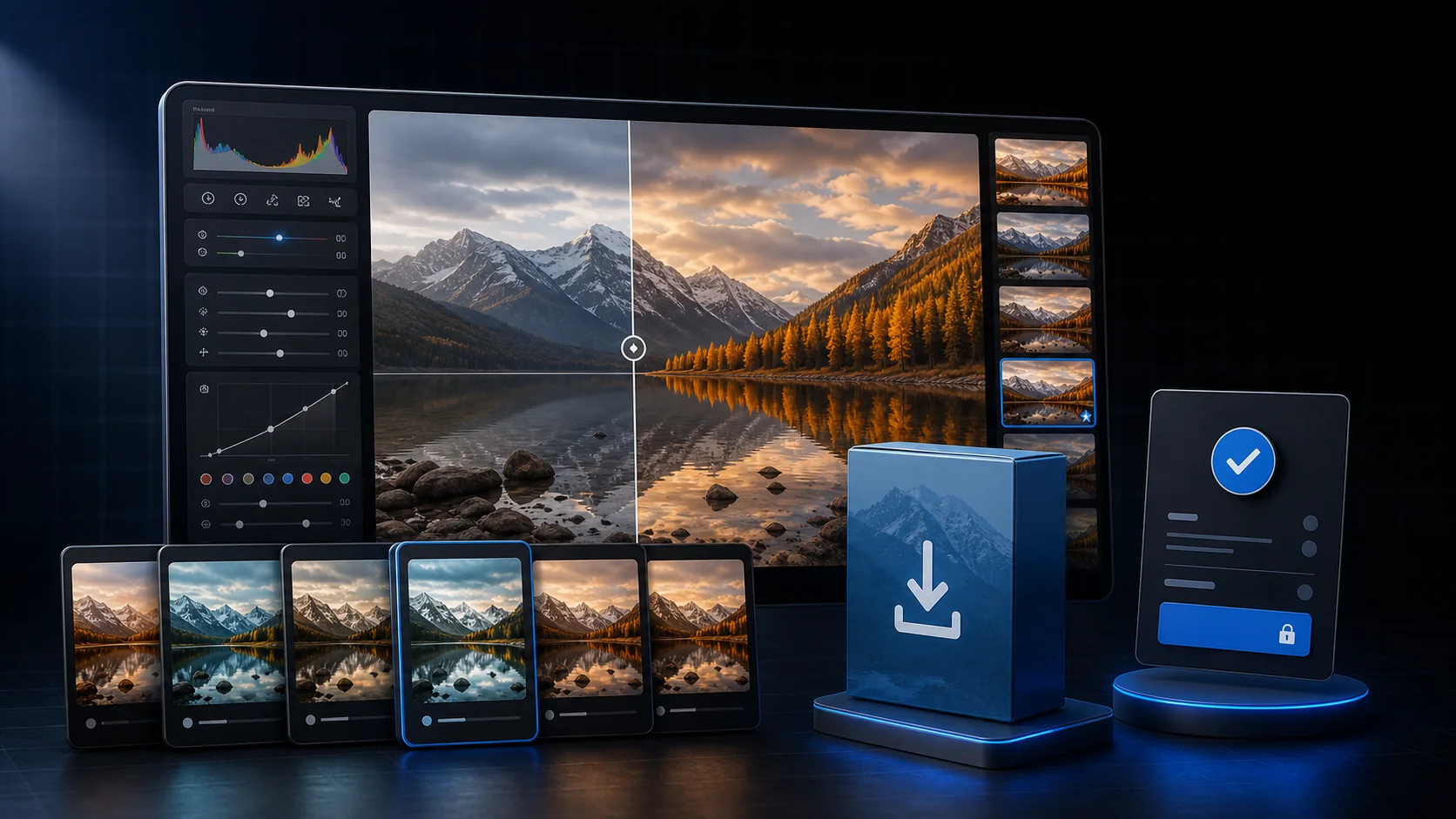
Use your own photographs or images you have the right to use in commercial marketing. Show the unedited starting point next to the preset result and disclose any additional manual edits. If every example also received extensive retouching, the buyer cannot judge what the preset actually does.
Include difficult but realistic images, not only perfect golden-hour shots. This builds trust and helps buyers understand that presets are starting points. Explain the two or three adjustments they may still need, such as exposure, white balance, or profile selection.
How to Price Lightroom Presets
Pricing depends on niche value, proof, education, and licensing.
| Product | Practical starting range | Typical scope |
|---|---|---|
| Small focused pack | €9–€25 | 5–10 tested looks |
| Professional niche collection | €25–€69 | Broader lighting coverage and guides |
| Complete workflow bundle | €69–€149+ | Presets, tutorials, tools, and updates |
Use these ranges only as a starting point for testing. A new seller without examples may need a smaller entry product, while an established photographer can charge more for a proven workflow and useful education.
Do not create permanent fake discounts. A clear regular price and a real launch offer are more credible.
Build the Sales Page
Lead with the shooting problem and show the result immediately. Your page should include:
- Several honest before-and-after pairs
- The exact number of presets and their use cases
- Supported apps, versions, devices, and file formats
- Installation steps or a short preview video
- What the buyer may need to adjust manually
- License, support, update, and refund terms
- A clear statement that software is not included
Avoid promising that every image will match the preview. Presets respond to the source photo.
Automatic Delivery With PayRequest
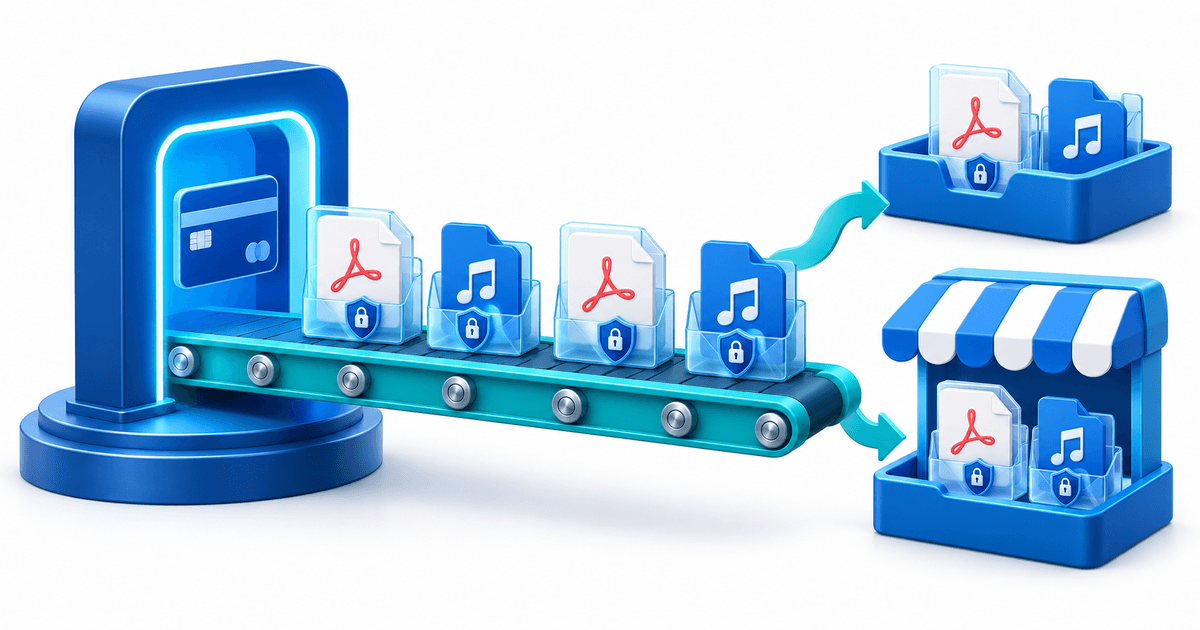
Create a digital product in PayRequest, upload the tested ZIP package, set your price, and publish the product page. Connect a supported payment provider and complete a test purchase. After successful payment, the buyer can receive the download automatically instead of waiting for a manual email.
Share the product through your portfolio, tutorial videos, photography community, Pinterest posts, email list, or client education. A direct page lets the examples and explanation stay focused on your own collection.
See how to sell digital products, the photography product page, and digital download selling for the wider setup.
Marketing That Attracts Buyers
Teach around the problem your presets solve. Publish an editing walkthrough, explain a difficult lighting situation, or compare the effect across several images. This creates useful search and social content while demonstrating the product honestly.
Offer a small free sample only if it leads naturally to the paid collection. Collect email permission explicitly; a download does not automatically mean someone agreed to marketing.
Launch Checklist
- Test every preset on varied photographs
- Verify every advertised Lightroom workflow
- Check rights for all preview images and included assets
- Open the final ZIP on a second device
- Proofread desktop and mobile installation guides
- Complete a test payment and download
- Add support, license, update, and refund information
Final Advice
The strongest preset business is built on trust. Sell a defined editing starting point, show what it really does, and make installation painless. Specific positioning and reliable documentation will outperform a huge, poorly tested bundle.