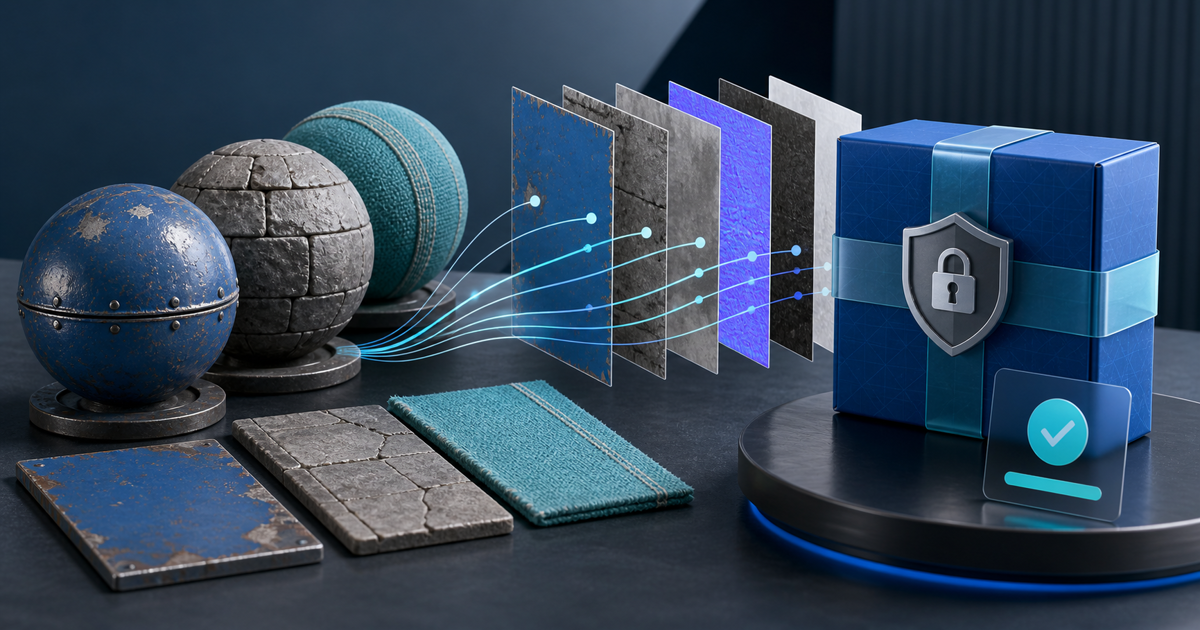
A sellable PBR texture pack needs reproducible maps, not just attractive material spheres. Package each material with consistent names, resolutions, channel conventions, tiling notes, a license and test renders from the engines you explicitly support.
This guide is for material artists selling original surface scans, procedural exports and hand-authored texture sets to 3D artists or game developers. It is narrower than selling complete 3D models: the buyer's job is to apply your maps to their own geometry without guessing how channels were authored.
Publish a Material Release Matrix
Create this matrix before uploading the files:
| Material | Maps | Resolution | Bit depth | Color space | Tested in |
|---|---|---|---|---|---|
| Painted steel | Base Color, Roughness, Metallic, Normal, AO | 4096² | 8/16-bit as stated | sRGB / Non-Color by map | Blender 4.x, Unreal 5.x |
| Wet stone | Base Color, Roughness, Normal, Height, AO | 2048² and 4096² | 8/16-bit as stated | sRGB / Non-Color by map | Blender 4.x, Unity 6 |
This matrix is the article's reproducible artifact. Replace the examples with exact export settings, application versions and a test date. Do not advertise “4K PBR” when one map is 4096 pixels and the rest are lower-resolution previews.
Use a Deterministic Folder and Naming Scheme
One practical pattern is:
`painted-steel/painted-steel_4k_basecolor.png`
`painted-steel/painted-steel_4k_roughness.png`
`painted-steel/painted-steel_4k_normal-opengl.png`
Put material, resolution, channel and normal orientation in every filename. Keep thumbnails and promotional renders outside the production-map folder so a batch importer cannot mistake them for source maps.
State Every Technical Convention
Tell buyers whether normals use OpenGL or DirectX orientation, whether roughness is supplied instead of glossiness, whether ambient occlusion is separate or packed, and how height is normalized. Identify sRGB maps and non-color data maps.
If you supply engine-ready presets, make them an addition to neutral source maps rather than the only usable version. Engine versions and import rules change; PNG, TIFF or EXR source maps with documented conventions are more portable.
Test the Retail ZIP on Neutral Geometry
Use a clean project and a simple sphere, cube and plane:
- Extract the retail ZIP into a new folder.
- Build the material only from the included README.
- Check seams and tiling at the advertised real-world scale.
- Rotate lighting to expose inverted normals and roughness errors.
- Inspect close and distant mip behavior in each claimed engine.
- Compare the result with the product preview and record pass/fail.
The test matters because a polished render from your master scene may hide missing dependencies, a flipped green channel or a private color-management setup.
Verify You Can Redistribute Every Pixel
Selling a rendered model does not automatically permit redistributing the source textures used to make it. For example, Textures.com's current terms distinguish using content in creations from distributing source content as a texture pack. Check the actual license for every scan, brush, decal and base material.
Keep a source ledger listing creator, source URL, license version, acquisition date and whether redistribution of the source map is allowed. Exclude anything whose terms only allow use inside a finished scene or model.
Design the Buyer License Around Outputs
Define whether the buyer may use the textures in games, films, visualizations, client projects and marketplace products where the maps are inseparable from the finished work. Prohibit selling or sharing the raw maps as another texture library unless you intentionally grant that right.
Avoid vague phrases such as “full commercial rights.” Name allowed outputs, seat or studio scope, attribution requirements and whether updates are included.
Deliver the Exact Version After Payment
- Put production maps, README, release matrix, license and thumbnails in one versioned ZIP.
- Open the archive and compare its checksum or file list with the approved release.
- Create the product page with representative renders and technical facts.
- Upload the protected archive and choose a price or license edition.
- Complete a buyer-view payment and download test.
- Keep the order connected to the delivered release version.
PayRequest supports large digital-asset bundles and automatic post-payment delivery. Create a 3D assets product when the pack passes the matrix and clean-project test.
Release Gate
Publish only when the map set, naming, preview, license and engine claims all describe the same ZIP. That single rule prevents most avoidable support requests: the buyer can see what exists, how to connect it and what they may ship with it.

