Recurring coaching payments work when the client knows exactly what renews, when it renews and what happens if a payment fails. PayPal can support recurring billing for eligible business accounts, while a billing platform can connect the payment to the coaching plan, reminders and client records.
This guide is for coaches who sell an ongoing programme, monthly calls, accountability support or a recurring resource library—not a one-off coaching package.
Choose the Billing Shape First
| Offer | Billing choice | Operational requirement |
|---|---|---|
| One strategy session | One-time payment | Booking and confirmation |
| Six-session package | One-time or staged payments | Session balance and expiry rules |
| Monthly coaching programme | Recurring subscription | Renewal, cancellation and failed-payment process |
| Community plus coaching | Membership | Access status tied to payment status |
Do not label a prepaid six-session package a subscription. The client should understand the number of sessions, renewal date, cancellation notice and what happens to unused sessions.
What PayPal Recurring Billing Actually Does
PayPal's recurring-payments documentation describes subscription plans with recurring charges and customer self-management. Availability, product settings and fees vary by market and account, so verify your own PayPal Business dashboard before promising a particular wallet or schedule.
PayPal is the payment provider. You still need a system of record for the coaching plan, client start date, next billing date, session entitlement, cancellation and support notes.
A Practical Coaching Collection Workflow
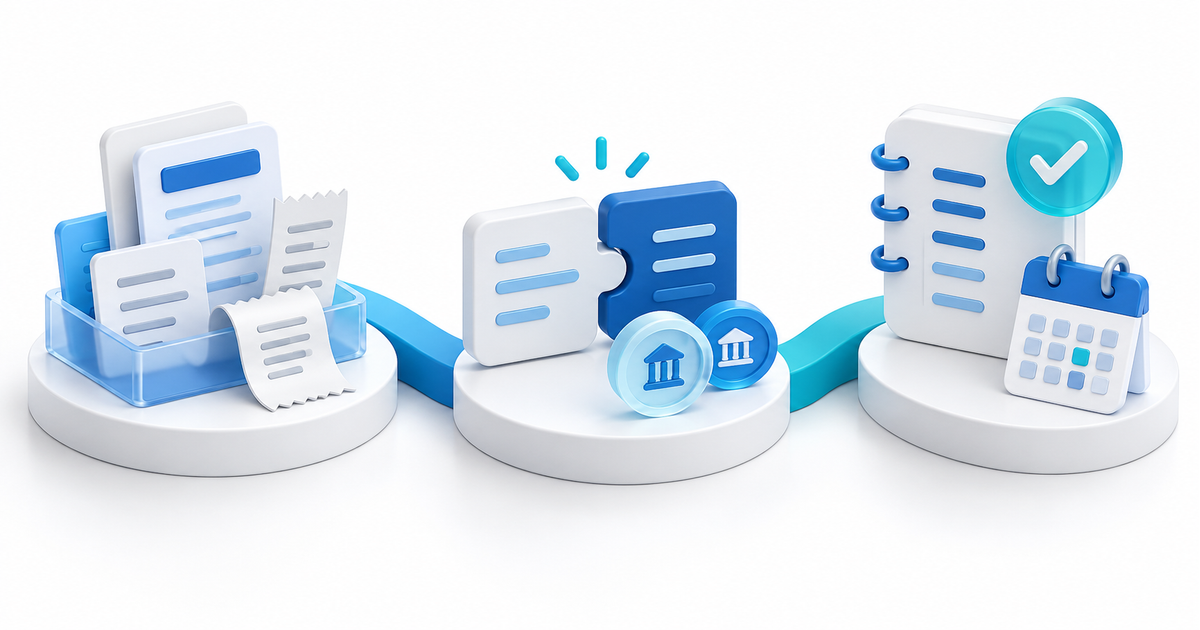
- Define the outcome, cadence, included calls, response window and cancellation rule.
- Set one plan price and billing interval that match the promise.
- Create the recurring offer in PayRequest or the provider flow available to your account.
- Send one branded checkout link after the client accepts the terms.
- Grant the coaching welcome materials only after successful payment confirmation.
- Review renewals before the next call and use the customer portal or provider controls for payment-method changes.
- Separate a failed renewal from a cancellation: pause access according to your stated terms and send a helpful recovery message.
PayRequest's subscriptions feature supports recurring plans, customer self-service and automated dunning workflows. Its current feature documentation highlights Stripe and Mollie methods for subscriptions; verify whether PayPal recurring billing is enabled for your account before choosing PayPal as the provider. If it is not available for the recurring plan, keep PayPal for one-time payments and use a supported recurring provider.
The Failed-Payment Message Should Be Useful
Tell the client which renewal failed, when access may change, how to update the payment method and whom to contact. Do not keep delivering a recurring service indefinitely while treating every failed charge as an invisible accounting issue. Record the retry and communication status.
Test Before You Announce “Automatic”
Run a test plan with a low amount or provider test mode where available. Check the first payment, renewal event, failed payment, retry, reminder, cancellation and customer-portal status. Make sure a cancelled plan does not create a new coaching appointment and that a changed price is communicated before it takes effect where required.
For a recurring coaching offer, start with PayRequest subscriptions and keep the client promise, provider availability and access rule aligned.
PayPal supports recurring payments for eligible business accounts and markets. Confirm the current plan and payment-method availability in your own dashboard before publishing the offer.
No. A subscription authorizes scheduled renewals; an invoice asks for a specific payment. Use the model that matches the agreed coaching service.
Follow the published retry and reminder process, give the client a clear way to update payment details, and pause or change access only according to the stated terms.