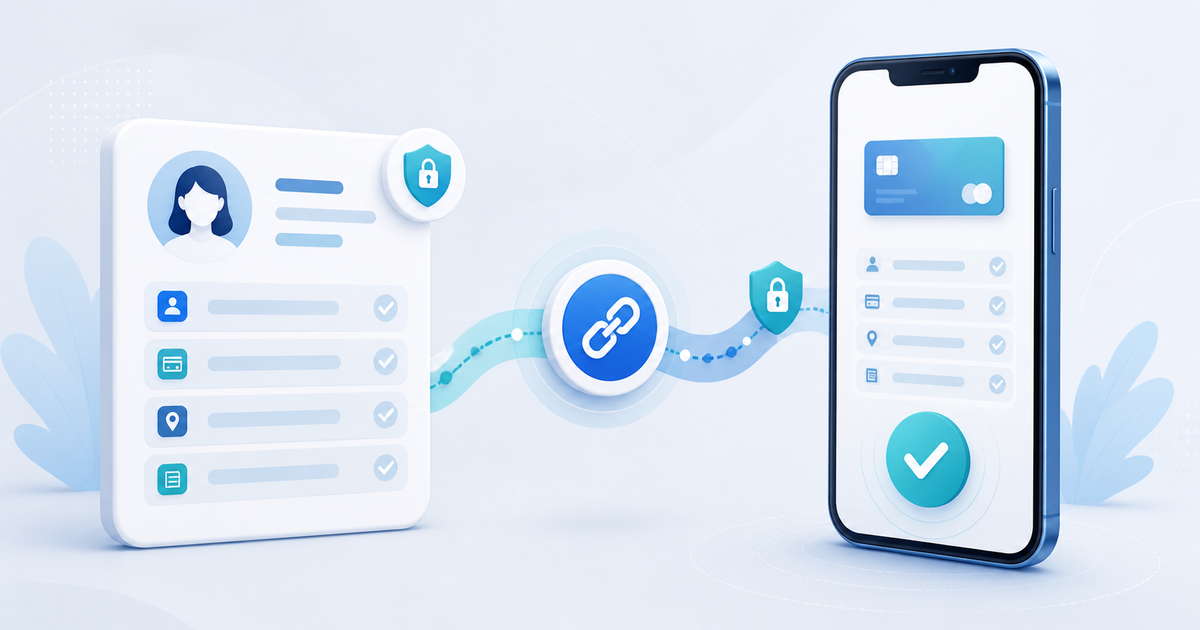
A payment link can carry the customer's name, email and optional address details so the recipient does not have to type them again. In PayRequest, those values prefill the hosted checkout and the email is used to find or create the customer inside the correct merchant account. For a sensitive or privileged action, use a signed customer route instead of exposing an editable database ID.
This guide shows the practical URL pattern, what can be locked, and which data should never be placed in a public link.
A Safe Prefill Decision Matrix
| Data | Put in an ordinary link? | Why |
|---|---|---|
| Product ID | Yes, after server-side tenant validation | Selects the merchant-owned offer |
| Name | Usually | Reduces typing; not a trusted identity signal |
| When appropriate for the delivery channel | Matches the customer record; remains visible in the URL | |
| Address, city, postal code | Only when checkout genuinely needs them | Useful for invoices, but adds personal data exposure |
| Internal customer ID | No as a bare authority token | Guessable or editable IDs must not grant identity or access |
| Bank, card or mandate details | Never | Payment credentials belong in the provider's secure flow |
| Discount, amount or product ownership | Never trust from the browser | Recalculate and validate server-side |
Build the Link
A PayRequest product checkout can use this pattern:
```text https://payrequest.me/example?product=1234&name=Sam%20de%20Vries&email=sam%40example.com ```
Optional address parameters are:
```text &address=Voorbeeldstraat%201&city=Amsterdam&postal=1000AA ```
Always URL-encode values. A space becomes `%20`; the `@` in an email can be encoded as `%40`. Generate the query string with a standard URL builder rather than concatenating untrusted values by hand.
What PayRequest Does With the Values
The hosted page validates the product against the merchant that owns the PayRequest Page. At checkout, PayRequest looks for a customer with the supplied email inside that same tenant. If one exists, the payment is linked to it; otherwise a new customer can be created from the submitted checkout details.
This matching improves convenience but does not make possession of an email address authentication. Do not reveal invoices, subscriptions or account data merely because a URL contains that email.
When read-only dynamic fields is enabled for the PayRequest Page, supplied name and email values are displayed but cannot be edited in the form. Product price and recurring interval still need server-side validation regardless of what appears in the URL.
Reusable Link or Personal Link?
| Scenario | Best link |
|---|---|
| Public €19 membership advertised to everyone | Reusable product link without personal data |
| Agreed €19 service subscription for one client | Personal prefilled product link |
| Invoice with a fixed customer and amount | Invoice-specific authenticated or signed payment route |
| Customer account, mandate update or private history | Signed/login route, not query-string identity |
| CRM campaign to known prospects | Generated per-recipient link with minimal fields and retention rules |
A personal link should be treated as customer communication, not as a public marketing URL. Send it through the intended email or conversation and avoid pasting it into public analytics tools, tickets or screenshots.
Customer ID vs Signed Token
A bare `customer_id=42` is convenient but unsafe when the server treats it as proof of identity. Someone can change 42 to 43. Tenant scoping prevents cross-business lookup, but it does not prove that the recipient is the named customer.
For a future CRM or API integration, use an opaque signed token that binds the merchant, customer, product and expiry. On receipt, verify the signature and expiry, then load the customer inside that merchant. The visible URL should carry authority only when it is intentionally signed for that narrow action.
Privacy and Checkout Checklist
Before sending a prefilled link:
- Include only fields required for payment, invoicing or delivery.
- Verify the product belongs to the merchant on the server.
- Recalculate price, quantity and recurring interval server-side.
- Decide whether the customer may correct the prefilled details.
- Never log payment credentials or sensitive bank data.
- Avoid personal data in campaign names and public referrer URLs.
- Give signed links a purpose and expiry.
- Test the exact recipient journey on mobile.
The original operational test for this article is simple: copy the final link into a private browser, confirm the intended product and prefilled fields, try changing every editable query parameter, and verify that no change can switch tenant, price, entitlement or private customer record.
Reduce Typing Without Weakening Validation
PayRequest payment links can prefill the checkout, while subscriptions provide the recurring plan and admin lifecycle. For an existing customer's private billing history or payment-method changes, use the customer billing portal instead of making a query string act like a login.
Prefill convenience data; authenticate private actions; validate money and ownership on the server. That gives the customer the shortest useful checkout without turning a payment link into an insecure customer account.