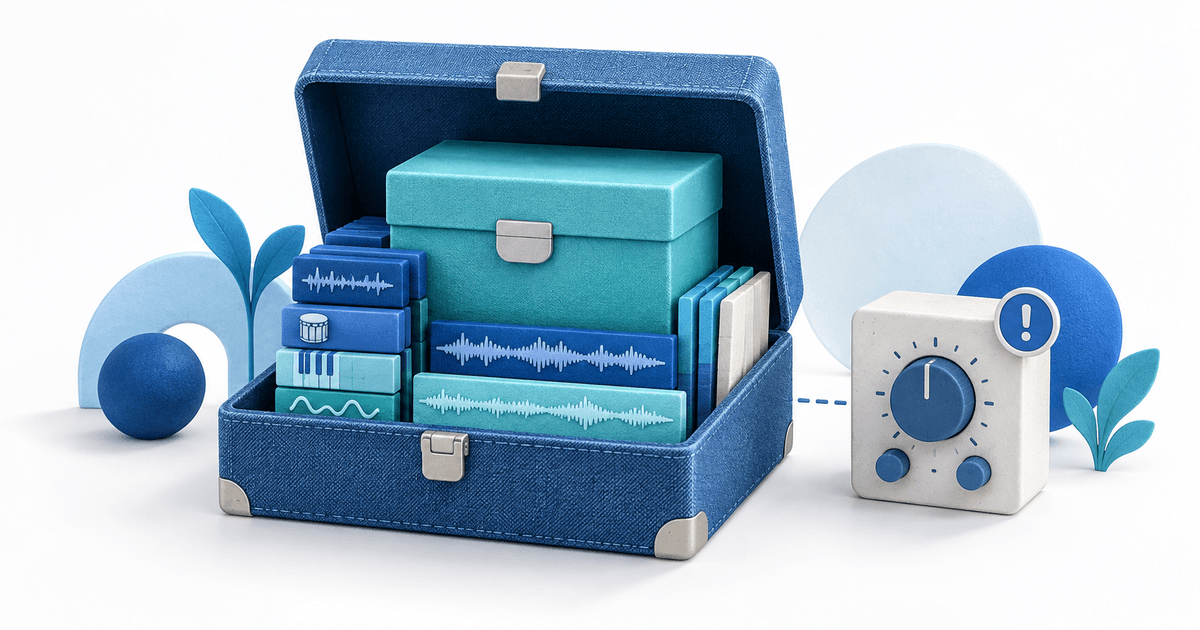
To sell FL Studio project files, deliver an editable project with the samples, plug-in requirements and opening instructions the buyer expects. A bare FLP is not a self-contained product. Export the appropriate project archive, identify what it excludes, and distinguish that archive from the outer ZIP used to package your retail offer.
This guide is for producers selling original templates or educational project files. Its two-archive checklist connects FL Studio's file behavior to PayRequest's paid delivery. It is a release protocol you can run, not a claim that we tested your session or every edition of FL Studio.
Define the FL Studio Project You Are Selling
Decide whether the buyer receives a blank routing template, an editable demonstration track or a collection of production techniques. These are different promises. A buyer purchasing editable sound design may be disappointed by rendered audio, even when it sounds identical to the preview.
State the FL Studio version and edition, operating systems you have checked, plug-in names and formats, and any separately licensed libraries. Keep a short audio preview, but make clear which parts the buyer can edit. Do not call a project “stock only” when its essential instruments require additional purchases.
For an example of another application's dependency problem, see the Cubase project-template workflow. Its backup process is different; instructions for one DAW should not be pasted into the other. If you only sell note data, the MIDI pack workflow is a better starting point than an editable-project offer.
Separate the FL Studio Loop Package From the Retail ZIP
Image-Line's project-format documentation distinguishes an FLP from a zipped loop package. An FLP retains project data without embedding the project's samples. A zipped loop package collects the project and supported sample content, but does not automatically collect samples inside every third-party sampler.
The retail wrapper is a separate decision. You might sell one download containing the loop package, a license, a readme and a preview. That outer ZIP is an ordinary delivery container. Giving the buyer the right instruction for each layer avoids an unnecessary “broken download” support exchange.
| File delivered | What the buyer does | What the seller checks |
|---|---|---|
| Native zipped loop package | Open it from FL Studio's File menu | It contains the intended FLP and collected media |
| Retail ZIP containing a loop package and documents | Extract the outer ZIP, then open the inner project archive | Readme names the exact inner file |
| Bare FLP | Open only with separately supplied dependencies available | No claim that it includes sample audio |
| Preview WAV or MP3 | Listen in an audio player | Clearly labelled as a preview, not an editable project |
Image-Line's project-sharing instructions confirm that a native zipped loop package can be opened directly, while a manually packed project folder needs extraction. Keep that distinction in the first paragraph of your readme.
For an illustrative offer, an outer file called Studio-Template-v1.zip could contain Project/Studio-Template-loop.zip, Readme.pdf, License.pdf and Preview.mp3. The filenames are an example, not a required PayRequest folder structure. Buyers extract Studio-Template-v1.zip and open Studio-Template-loop.zip in FL Studio.
Check What the Archive Does Not Supply
Do not treat successful export as proof of a portable commercial product. Review third-party sampler libraries, plug-ins and any external files separately. The archive does not give the buyer a license to software they do not own. A bundled sample also needs redistribution rights appropriate to a template product; permission to use it in a finished song is not automatically permission to resell the raw sample.
Record each essential dependency with its role, required version or format, whether you can include it, and what happens when it is absent. If you provide a rendered fallback, say whether it only demonstrates the intended sound or replaces an editable part of the product. Avoid hiding a major purchase requirement in a post-payment readme.
Keep your original studio session safe. Make the release from a copy, then review the final archive rather than assuming it matches the source folder. A missing file can be masked by your own computer finding it in an existing sample directory.
Run the Buyer Opening Test Before Launch
Download the final retail artifact to a separate test location. Follow only the instructions you will give the buyer. Record the archive filename, project version, operating system, FL Studio edition and installed dependencies used in the test. Mark combinations you have not tested as untested.
Open the inner package, check for missing files and plug-ins, play the complete demonstration and verify the promised editable controls. Make the source folders unavailable to the test without deleting them. If a required instrument fails, either repair the package or disclose the requirement before payment and confirm a workable buyer route.
A ZIP error can also mean the wrong archive was opened. Image-Line documents the “Could not find any FLP project” message: an archive without an FLP is not a valid project archive. Ask which filename the buyer opened before sending another copy of the same download.
Connect the Approved Package to Paid Delivery
Create the offer through PayRequest digital products and attach the approved ZIP. The current upload implementation, checked on 10 September 2026, accepts ZIP; FLP is not on the direct-upload allowlist. Packaging the project avoids promising a native extension the uploader does not accept.
Review file-delivery settings, including expiry and download allowance. In the current implementation, opening the download landing page is separate from the download action. A customer reaching that page has not proved that the archive downloaded or the project opened successfully. Diagnose payment, access, transfer and application opening as separate stages.
Keep the release record outside PayRequest if you use it to track compatibility; the platform does not audit plug-ins or run FL Studio for you. Protected access also does not prevent copying after a buyer downloads the file. Write a clear license and a practical correction policy rather than claiming automatic DRM.
Check PayRequest pricing when setting the offer: the Free plan charges 2% per successful payment, capped at €25 per transaction, with provider fees separate. Start with one approved project and one documented opening route, then create its digital-product checkout.
Editorial note: AI assisted with this article and illustrative cover. Product upload and download behavior was reviewed in code; the archive example and buyer test are original planning tools, not reported customer results.