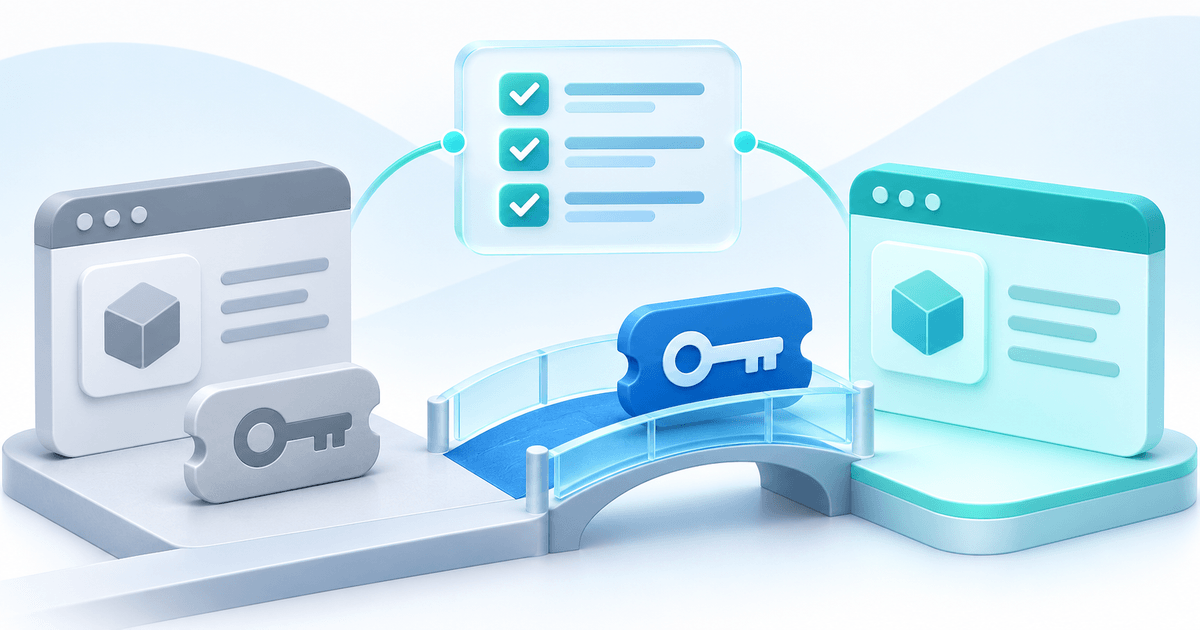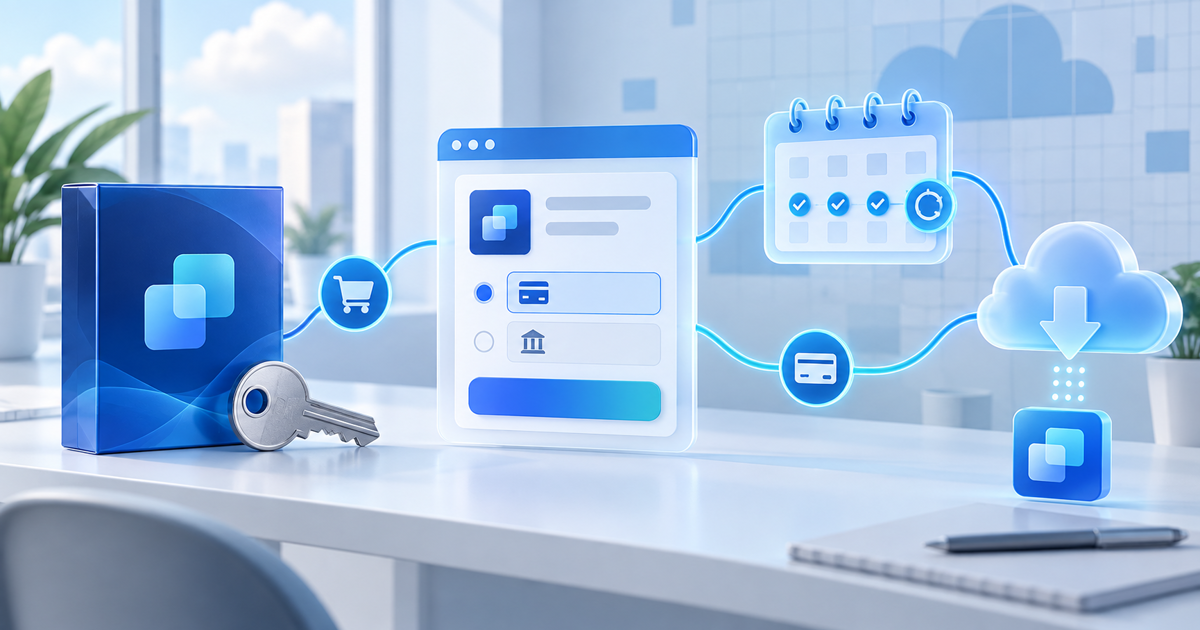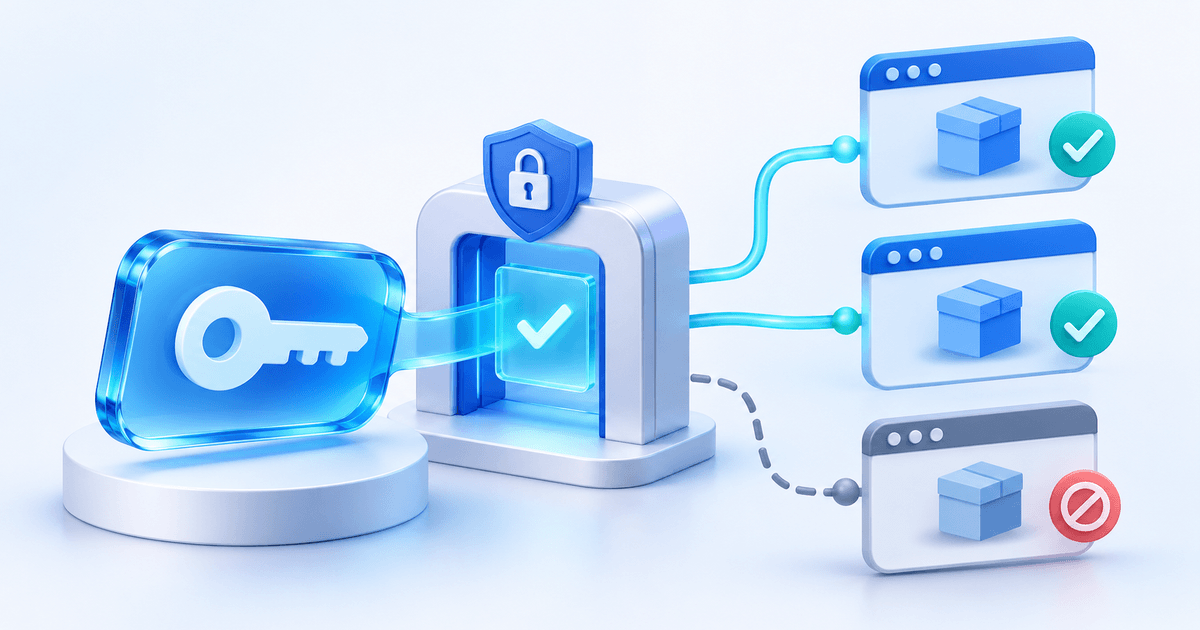
A software license key proves access only when your application checks it. With PayRequest, confirmed payment can issue the key; your software must activate an installation, persist its instance ID and validate that exact instance before unlocking the paid feature. A successful checkout and a valid installation are different states.
This guide is for developers selling a desktop app, extension or plugin as a one-time purchase. It turns the PayRequest License API documentation into a request map and release checklist. The worked example below is a design example, not a claim that a live customer checkout was tested.
Start with one product and an explicit entitlement
Imagine a €39 desktop utility sold with two active installations and lifetime validity. The price and configuration are illustrative. Lifetime validity means no configured expiry date; it does not override a refund, a dispute or a disabled license, and it does not promise lifetime software updates.
Create a paid, one-time License or Digital Product. Enable Generate license keys, set the maximum active installations to two and leave validity empty for this example. Save before the first order is created. Even an unpaid checkout locks these terms, so use a new product if you later want different terms.
One key is issued per purchased unit after confirmed payment. A Digital Product can deliver its file and its license key together. The buyer receives the key in the completion email and can find it in the primary buyer’s customer portal. Contact users cannot view keys. Existing orders do not acquire keys retroactively.
Keep the seller, product, installation and instance separate
These four identifiers prevent different mistakes. The seller and product define what may unlock your app; the installation identifies this copy of your app; the instance is the proof returned by the licensing service.
| Value | Where it comes from | What your application does with it |
|---|---|---|
| seller_id | Product license settings | Pin the expected seller ID in your integration |
| product_id | Product license settings | Pin the expected product ID; reject another product |
| license_key | Buyer’s paid order | Treat it as a bearer credential and protect local storage |
| installation_id | Your application | Generate a random 16–200 character value once and persist it |
| instance.id | Successful activation response | Store it as instance_id for validation and deactivation |
Do not derive the installation ID from an email address, serial number or hardware fingerprint. A persisted random UUID is a possible implementation choice. If your storage is cleared and you generate a new value, the licensing service sees a different installation; plan recovery through deactivation or seller support.
There is no merchant API secret to embed in the distributed app. That does not make the buyer’s key public: exclude it from analytics, exception reports, screenshots and logs. Pin IDs in code or trusted configuration; never let the entered key choose a different seller or product.
Send activation as a POST request
All three operations use HTTPS under https://payrequest.app. Send Accept: application/json and put credentials in the request body. For a form-encoded client, use Content-Type: application/x-www-form-urlencoded and encode each value rather than concatenating raw user input.
| Operation | Path | Required body fields |
|---|---|---|
| Activate | /api/v1/licenses/activate | seller_id, product_id, license_key, installation_id |
| Validate an installation | /api/v1/licenses/validate | seller_id, product_id, license_key, instance_id |
| Deactivate | /api/v1/licenses/deactivate | seller_id, product_id, license_key, instance_id |
Activation also accepts instance_name, such as “Work laptop”. Do not use a personal identifier as the label. On success, inspect valid: true and activated: true, verify the returned license seller/product IDs, and persist instance.id. The response also reports activation limit, current usage and expiry; null expiry represents lifetime validity.
Repeating activation with the same stable installation ID returns its existing active instance without consuming another slot. This matters when an activation succeeded but the network response was lost. Reuse your persisted ID on the retry rather than creating a fresh random value.
Validate the installation before granting confirmed access
POST the key, pinned seller/product IDs and stored instance_id to the validation endpoint. Require valid: true and validated: true and reject unexpected identity fields or a malformed response. A network failure is not evidence that access is valid.
The API also supports key-only validation without instance_id, but that checks the license rather than proving an installation is active. If you sell two installations, key-only validation is not sufficient to enforce that limit. Keep the instance ID in every access decision that depends on an activated installation.
Design the UI around an honest state such as “We could not confirm this license; reconnect and retry.” A status code alone should not unlock the product. Keep the paid feature locked until the response meets your documented validation conditions, or apply an offline grace policy you have explicitly implemented.
Release an installation without reusing its old proof
A Deactivate action sends the same seller/product/key values plus instance_id. A successful response has deactivated: true and frees the slot. After reactivation, store the newly returned instance ID. The previous instance proof remains invalid.
For our example, Laptop A and Desktop B consume the two slots. A third device should not activate. Deactivate Laptop A, then activate the third device with its own stable installation ID. Check that Laptop A’s old instance no longer validates and that Desktop B remains associated with its own instance.
Sellers can also disable or re-enable a license and release individual installations on the product page. Re-enabling is not a bypass for expiry, reversed payment or seller suspension.
Make failure states part of the release checklist
This is a proposed acceptance matrix for your integration. Run it with your own controlled paid product and expected refund process before selling; record the outcome without recording raw keys.
| Scenario | Expected application behavior |
|---|---|
| First activation | Store the returned instance and allow only the intended product |
| Repeat activation with the same installation_id | Reuse the active instance; no extra slot consumed |
| Third activation on a two-installation key | Show the limit and offer a release/support path |
| Valid key from another seller or product | Refuse access |
| Key-only check used accidentally | Do not treat it as installation proof |
| Released instance is validated again | Refuse the old proof; use a new instance after reactivation |
| Refund or dispute on the order | No confirmed access for any license on that order |
| Timeout, malformed JSON or unexpected identity | No confirmed access; show a useful retry state |
| HTTP 422 or 429 | Correct invalid input or back off; avoid an automatic request loop |
The three API operations share limits of 60 requests per minute per IP and per key. Do not call them on every UI render. Decide when validation is needed, serialize accidental duplicate requests and back off after HTTP 429. Use a deliberate retry policy instead of silently converting a failed request into a success.
Refunds and disputes block all licenses on an affected order. A partial refund does not automatically decide which individual purchased units keep access. Do not design a per-unit refund promise that assumes that allocation exists. Optional offline grace delays enforcement of revocation and must be implemented in your app; offline signed licenses are not part of this feature.
Know what this integration does not provide
PayRequest currently supports one-time purchases, 1–100 installations per key, up to 100 purchased units per order line, and lifetime or fixed validity. Subscription licenses, imports of existing Lemon Squeezy keys, automatic software updates and offline signed licenses are not included.
If you already use another provider, changing the checkout does not change the validation code in installed applications. Use the separate Lemon Squeezy license migration plan to map existing buyers before replacing endpoints.
Start with the software license feature, then create one paid product whose terms and installation policy you can explain. Digital products are available on Free with a 2% standard payment fee capped at €25 per transaction. Active Premium (€5/month) and Business (€20/month) remove standard platform fees; provider fees and commission-payment exceptions remain separate. Review the plans before choosing one.
Editorial method: AI-assisted drafting and conceptual illustration, reviewed against the PayRequest product documentation. The example and acceptance matrix are implementation guidance, not reported customer results or completed production API tests.