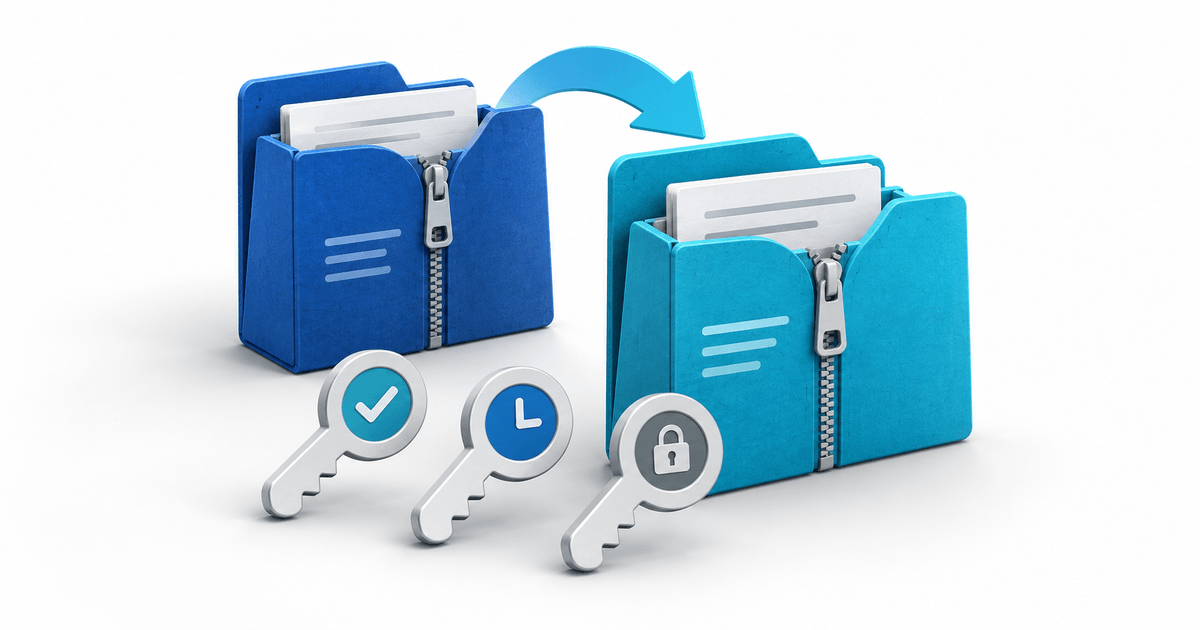
When you replace a digital product's file in PayRequest, new purchases and existing valid download tokens use the product's current file. Replacement does not reset an existing token's expiry date or download allowance. Decide how the release affects those buyers before uploading it.
This workflow is for sellers updating a ZIP, book, spreadsheet or design pack after the first sales. It solves a release-maintenance job: keeping the promised edition, downloadable package and buyer access consistent.
Sort existing buyers by token state
The current Digital Products documentation distinguishes file replacement from token access. Use this original cohort matrix before announcing an update.
| Buyer group | Result of file replacement | Release action |
|---|---|---|
| New purchase | New token downloads the current file | Confirm page and new package match |
| Existing valid token, allowance remaining | Downloads the current file using the existing token | Explain which edition now downloads |
| Expired token | Replacement does not renew expiry | Review promised access and arrange a supported resolution |
| Download allowance exhausted | Replacement does not add downloads | Review the order and remaining-access issue |
A buyer who already downloaded the old file still has their local copy. Replacing the hosted package does not edit that copy. Download links in the success page, email and portal use the same token allowance; using a different access route does not create a fresh allowance.
Work through one release before uploading
Suppose an illustrative template pack changes from edition 1.1 to 1.2 on 3 October. Buyer A has two downloads left and an expiry of 20 October. Buyer B's token expired on 1 October. Buyer C has no downloads left. After replacement, A can retrieve 1.2 while that token remains valid; B and C do not regain access merely because the file changed.
Do not tell all three buyers “your link has been renewed”. Keep a release manifest with product ID, edition, final filename, included files, buyer guide, usage terms, compatibility notes, release date and owner. Preserve a private backup of the prior package so you can investigate an edition mismatch. This is your own release archive, not a claim of built-in historical-version storage.
Choose replacement or a separate product
Replace the file when the new edition should become the current package for everyone with a valid token: for example, a corrected workbook or clarified setup guide under your existing offer.
If a major release is meant only for new purchasers or a different licence, use a separate product rather than replacing the original file and expecting automatic version-specific entitlements. Clearly explain which edition each offer includes. The documented current-file behavior does not establish a lifetime-update subscription, automatic update email or per-version access control.
For earlier buyers whose access has ended, review what you promised at purchase. Copying the same expired or exhausted link is not an access reset. Check the supported resolution with the billing or support owner instead of automatically requiring a new purchase or promising an undocumented reset button.
Replace the complete delivery package
Open Products, select the digital product, choose Edit and the Digital File tab, upload the replacement and save. The documentation says the old file is removed. Keep your backup before this step.
For prepared vault, design-pack and spreadsheet products, the replacement ZIP needs to contain the buyer guide and usage terms too. For template-link products, replace the buyer guide with the updated link. The creation wizard's preparation step is not reapplied by the file-replacement editor.
Open and review the final package locally, compare its contents with the public description, and verify the delivery path using a controlled order you are authorized to test. Record the observed token status and downloaded edition; mark untested checks as pending. Do not remove the file merely to stage an update: removal makes existing tokens stop working.
Send an accurate release message
Use this original template: “Edition [version] of [product] is now the current download. It changes [specific items]. Existing links work while their original expiry and remaining-download allowance permit. If your access has ended and your purchase includes this update, contact us with the order reference.” Send through your supported customer communication process; this article does not claim an automatic release campaign.
Review PayRequest Digital Product Delivery, then classify one product's buyers before replacing its file. For the initial product setup, see Digital Products.
Editorial note: AI assisted with this article and its illustrative cover. Documentation checked on 3 October 2026. The cohort matrix, manifest and example are original planning assets; no test order or customer outcome is claimed.