Instagram can introduce a creator to thousands of potential buyers, but the profile itself is not a complete checkout. If you take orders through direct messages and then send a bare PayPal address, every sale creates another conversation: confirm the product, agree on the price, request payment, check whether it arrived and manually deliver the result.
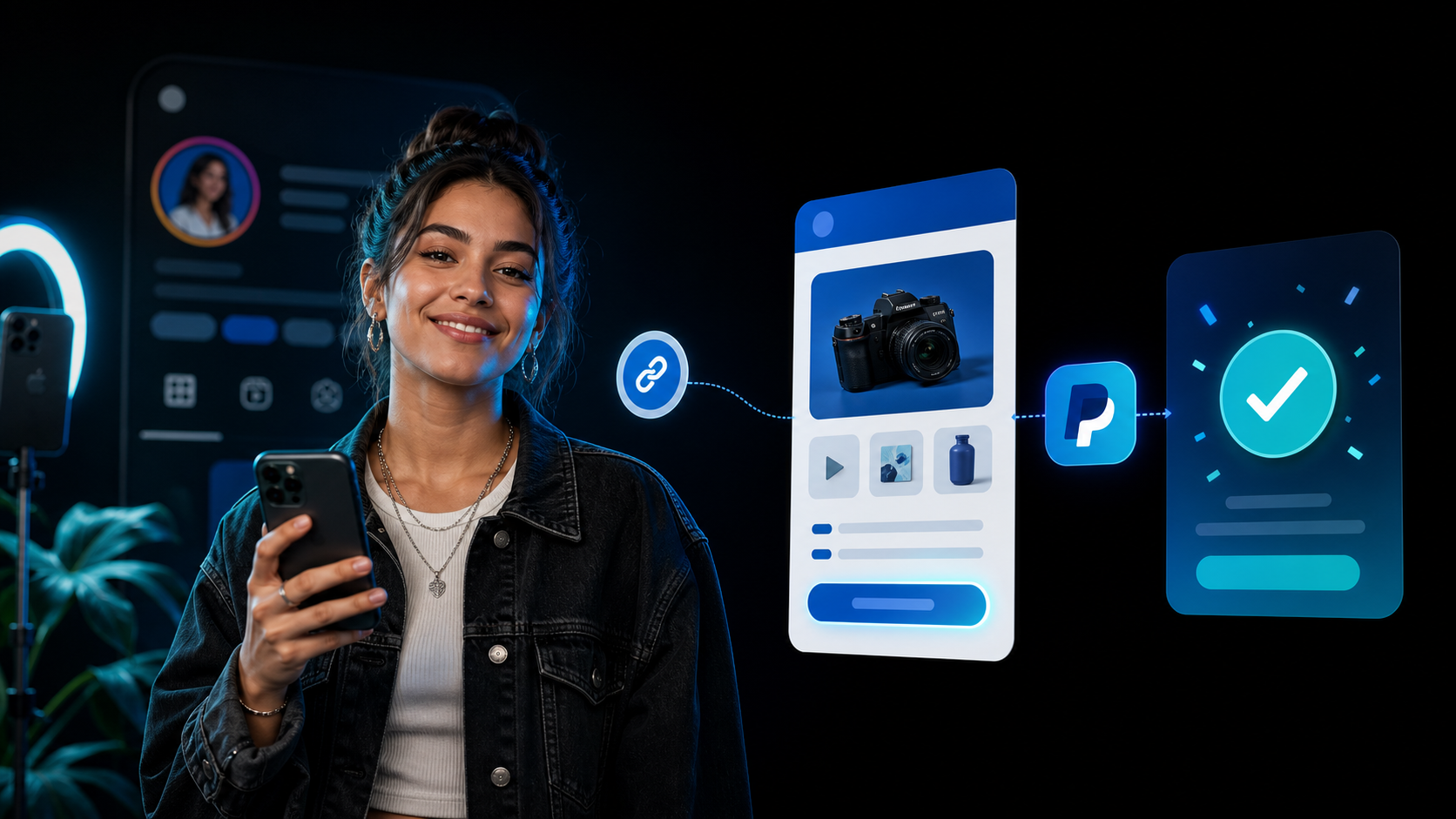
A single payrequest.me page turns that improvised process into a repeatable storefront. You can connect PayPal, publish the page in your Instagram bio and let followers choose an offer before they pay.
What a PayPal Link in Your Instagram Bio Should Do
A useful creator payment link needs more than an amount field. It should tell a new follower whose page they opened, what they can buy, what it costs and what happens after payment.
Your page should include:
- Your creator name, profile image or logo and a short description
- A small selection of products, services or support options
- Clear prices, delivery expectations and important terms
- PayPal plus another payment method when your audience needs it
- A mobile checkout that opens directly from the Instagram app
- A confirmation or delivery step after successful payment
That context reduces the number of questions you have to answer in DMs and gives first-time buyers more confidence than a personal payment address alone.
Choose One Goal for the Page
Do not turn the bio page into a directory of every link you have ever published. Decide what you want a visitor to do now.
| Creator goal | Best page setup | Example offer |
|---|---|---|
| Sell a download | Product page with automatic delivery | Preset pack, ebook or template |
| Book a service | Fixed service or booking product | Portfolio review or strategy call |
| Take commissions | Defined packages plus a deposit request | Portrait, logo or custom video |
| Receive support | Suggested and open amounts | Tip, coffee or channel support |
| Sell access | Membership or recurring offer | Private feed, community or bonus content |
Start with one to three strong offers. A visitor arriving from a Reel or Story should understand the next step without scrolling through twenty unrelated buttons.
How to Create the Page With PayPal
- Create your PayRequest account and claim a memorable payrequest.me address
- Add your creator name, image, colors and a short promise for the page
- Connect the PayPal account you use for creator sales
- Add the product, service, booking or support amounts you want to promote
- Explain delivery time, usage rights, revisions or refund terms where relevant
- Complete a real mobile test payment before publishing
- Add the payrequest.me URL to the Website field in your Instagram profile
Use PayPal's business payment flow for commercial sales. Do not ask customers to disguise a purchase as a Friends and Family transfer. Commercial payments need the correct description and terms, and the creator remains responsible for taxes, refunds, disputes and PayPal's acceptable-use rules.
Turn Profile Visits Into Buyers
Your bio copy and the content that sends people there should match the offer on the page. “Shop my presets” is stronger than “all my links” when presets are the product. A Story about commissions should link to the commission option rather than leaving the buyer to guess.
Practical calls to action include:
- Get the full preset pack from the link in my bio
- Book a 30-minute creator review
- Commission slots are open this week
- Support the next episode through my page
- Download the files immediately after checkout
Use one call to action per post. Track which content creates page visits and paid orders, then promote the offer that converts instead of constantly adding more products.
PayPal Alone or PayPal Plus Other Methods?
PayPal is familiar to many international buyers, but not every follower has or wants a PayPal account. A payrequest.me page can keep PayPal visible while also offering eligible card and local methods through connected providers such as Stripe or Mollie.
That matters when your audience crosses markets. A Dutch buyer may prefer iDEAL, a Belgian buyer Bancontact and another buyer a card or wallet. Availability depends on your connected provider, business country, buyer and transaction, so test the methods that matter to your real audience.
Creator Checklist Before You Publish
- Open the page inside Instagram's in-app browser
- Test the page on a small phone as well as desktop
- Confirm that every price and currency is unambiguous
- Check the receipt and delivery experience with a test order
- State whether digital products are for personal or commercial use
- Explain commission scope, revisions and turnaround time
- Keep account recovery and two-factor authentication enabled
- Review PayPal and PayRequest fees before setting your price
PayRequest includes every standard feature on the Free plan and charges 2% per successful payment, capped at EUR 25, in addition to the processing fee charged by the connected payment provider.
Final Advice
Your Instagram bio has very little space, so the destination has to do the explaining. A focused payrequest.me page gives followers a branded place to view an offer and pay with PayPal without waiting for another DM. Start with one creator product, test the complete mobile journey and expand only after buyers can complete the first purchase without help.