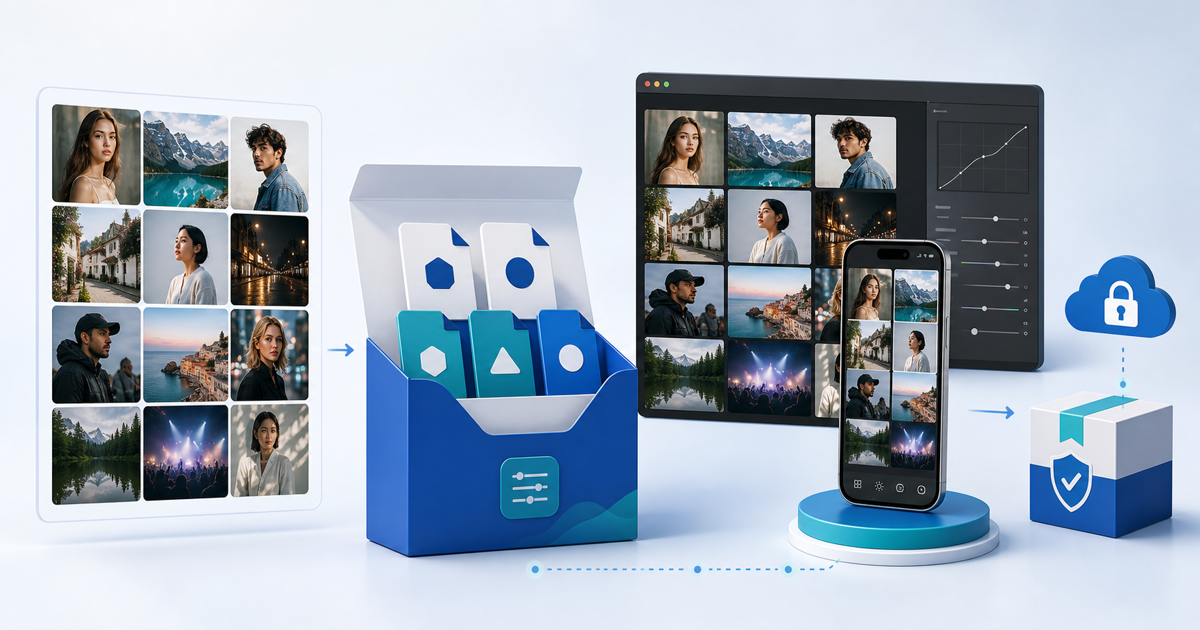
Package Lightroom presets as a versioned product with separate, tested install paths for each app you promise to support. Do not label one ZIP “desktop and mobile” until the exact XMP or DNG files have been imported on clean devices and applied to a deliberately varied image set.
This release workflow is for photographers selling original preset packs. Its original asset is a 12-image stress test that turns a subjective look into a reproducible compatibility record.
Decide Which File Promise You Can Support
Adobe's current Lightroom mobile import and export guide, updated 5 June 2026, lists XMP, DNG and legacy LRTEMPLATE preset files and notes that compressed archives must be extracted before mobile import. App behavior changes, so state the apps, operating systems and versions you actually tested instead of promising universal compatibility.
| Buyer path | Package | What the listing must say |
|---|---|---|
| Lightroom desktop or Classic | Exported XMP collection | Exact tested application and version |
| Lightroom mobile direct import | Tested XMP or DNG files, as applicable | iOS/Android test version and unzip step |
| Synced Adobe account | XMP imported through a compatible desktop app | Requires sign-in and active sync |
| Legacy workflow | LRTEMPLATE only when deliberately supported | Legacy status and migration limitations |
Do not rename an arbitrary photo to DNG or assume a file that appears in one preset panel will install everywhere. Follow the current Adobe export route and preserve the source release separately.
Run the 12-Image Preset Stress Test
Apply every preset at its default strength to the same controlled set:
| Test group | Four images | Failure to flag |
|---|---|---|
| Light | soft daylight portrait, hard sun, backlight, overcast | clipped highlights, grey skin or flat contrast |
| Color | warm indoor, mixed light, green foliage, saturated clothing | color casts, channel clipping or unstable white balance |
| Capture | high-ISO low light, phone JPEG, camera RAW, deep skin tone | crushed shadows, excessive noise or poor tonal range |
The pack does not need to make every image perfect. It must behave predictably within the advertised use case. Record which preset passed, needed a named adjustment or fell outside scope. Show representative limitations in the listing instead of hiding them behind one ideal before-and-after.
Exclude Camera-Specific Surprises
Review every saved setting before export. Exposure, white balance, lens corrections, crop, masks, geometry and AI-dependent edits can make a preset behave differently from a reusable color look. Include a setting only when it is part of the promise and survives the stress test.
If a preset depends on a profile, mask, font, texture or another asset, confirm that the buyer can legally receive and install it. Never redistribute third-party presets or profiles without permission. Keep a release sheet naming the source catalogue, preset group, export date, included settings and rights evidence.
Build a Buyer-Readable ZIP
Use a shallow structure such as:
- START-HERE with the supported apps, tested versions and unzip instruction
- DESKTOP-XMP containing only the approved XMP set
- MOBILE containing the exact tested mobile files
- EXAMPLES with a small set of licensed before-and-after images
- LICENSE explaining permitted client, commercial and redistribution use
Version the archive and product page together. Remove previous exports, hidden system files, unrelated catalogue data and editing originals. Extract the finished ZIP into a clean folder and follow the buyer instructions without using your creator catalogue.
Test Delivery, Not Only the Files
Upload the final ZIP, make a test purchase through the intended payment provider, download from the buyer message and compare the received filename and size with the approved release. Then repeat one desktop and one mobile import from that downloaded copy.
PayRequest's Lightroom preset product page provides a hosted sales destination, while secure file delivery releases the approved ZIP after successful payment. The payment success, download and product version should form one traceable handoff.
Publish when the listing names a supported path, the exact retail archive passes clean-device import, and the 12-image record supports the visual promise.