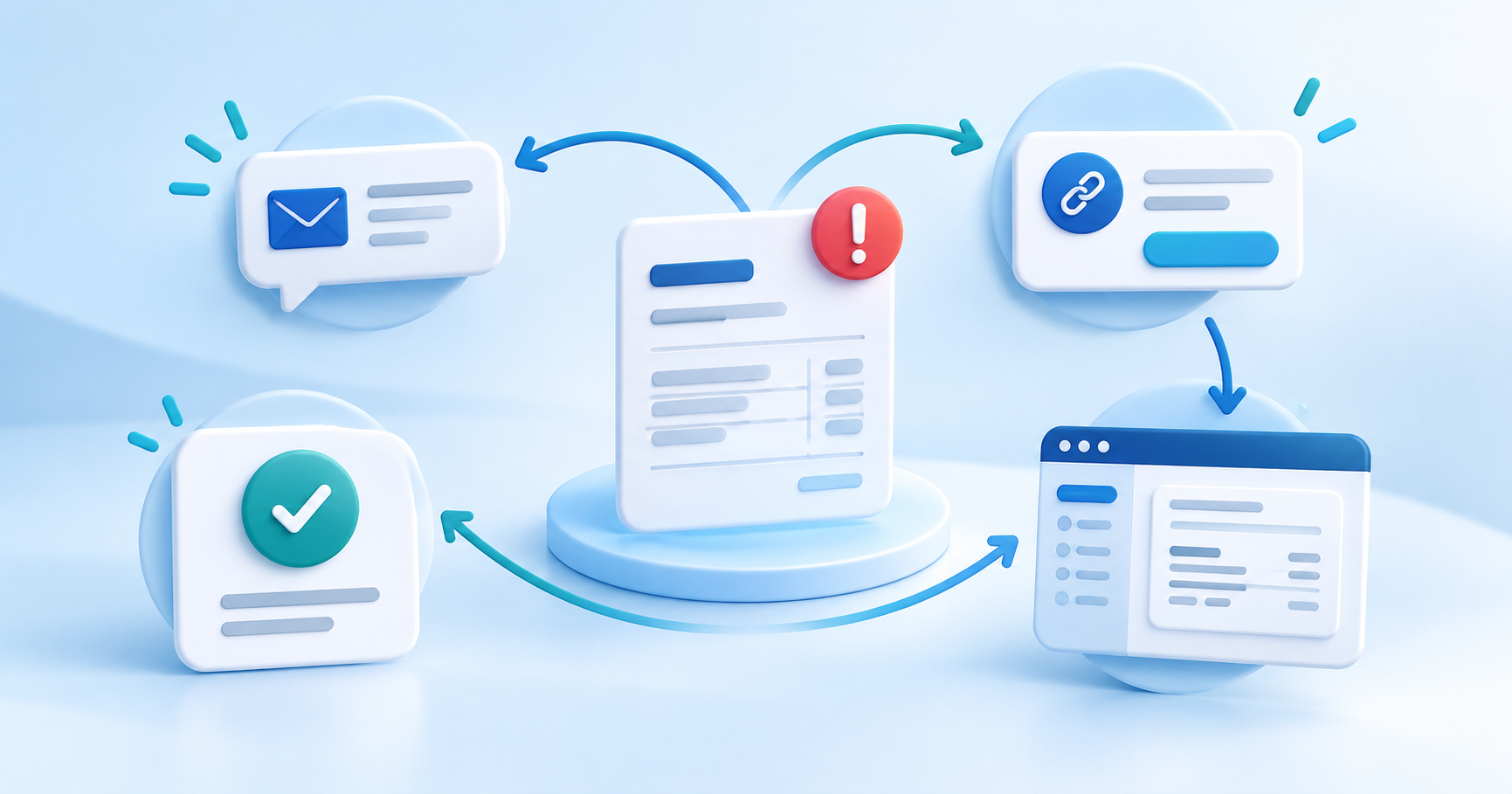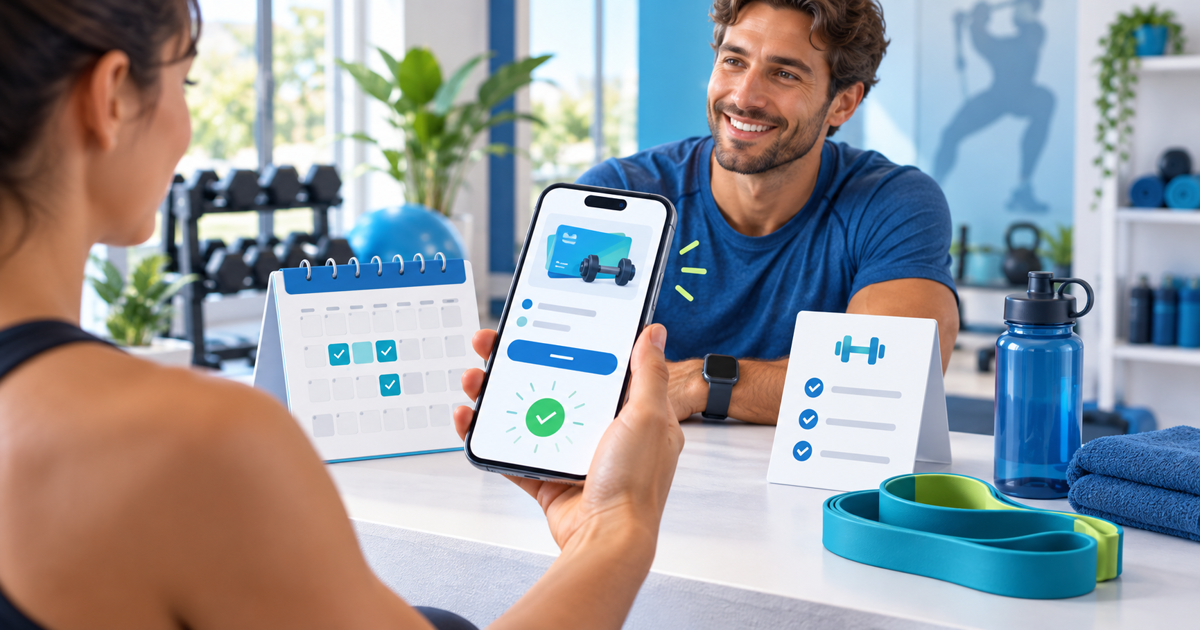
A personal trainer can use a PayPal-compatible payment link for a single session, a prepaid block, a programme deposit or a recurring coaching offer. The important part is not the URL alone: the offer, booking status, payment confirmation and session entitlement must agree.
PayPal describes Payment Links as shareable hosted checkout pages for products and services, including bookings and deposits. It also notes that available payment methods, protection and fees depend on the account, market and transaction conditions. Treat that official description as the provider capability; check the options and terms shown in your own account before promising a client a particular wallet or protection.
Give every payment link one job
Create separate offers for a 60-minute session, a six-session pack and a 12-week programme. Do not send a generic “pay me” link when the client needs to know how many sessions they receive or which booking it confirms. Put the duration, location or delivery format, expiry, cancellation rule and what happens after payment in the description.
| Offer | Payment state | Next operational step |
|---|---|---|
| Single session | Paid and matched to client | Reserve the agreed slot |
| Session pack | Paid with remaining credits | Add entitlements to the client record |
| Programme deposit | Deposit received | Send intake and confirm start date |
| Monthly coaching | Recurring payment active | Monitor renewal and failed-payment notices |
Use a client reference in your own booking record. A payment confirmation is evidence that money moved; it is not automatically proof that a time slot is reserved. Only mark the appointment confirmed after you have checked the payment state and capacity.
Create the PayPal-compatible route
In PayRequest, create a product or payment link with the exact service name and price, connect the provider available to your account and open the public page in a private browser. PayRequest can place PayPal alongside other supported methods when PayPal is connected, but provider availability varies by country and account. The PayPal provider page explains the integration context; payment links is the closest setup destination.
Send the link from the same message that explains the next step: “Pay for the six-session pack, then reply with your preferred start week.” If you use a booking calendar, keep the slot tentative until the payment is actually confirmed. For an in-person studio, a QR code can be useful, but show the offer name and amount beside it so the client does not pay the wrong package.
Reconcile before the session
Keep a simple ledger with client, offer, amount, currency, provider reference, payment status, sessions purchased, sessions used and next action. If the provider shows pending, do not treat the package as paid. If a client pays twice, pause the second entitlement and reconcile the provider record before refunding or moving the payment. Avoid promising instant settlement when the provider has not confirmed it.
Personal training can combine bookings, digital programmes and memberships. The personal trainer use case shows the broader product mix; a payment link is the focused collection step. Start with one session offer and one pack, test the client message and confirmation route, then add recurring coaching only when you can monitor renewals and cancellations.
Editorial note: AI assisted with this article and its illustrative cover. The ledger and offer-state workflow are original planning tools; no payment was executed and no trainer result is claimed.