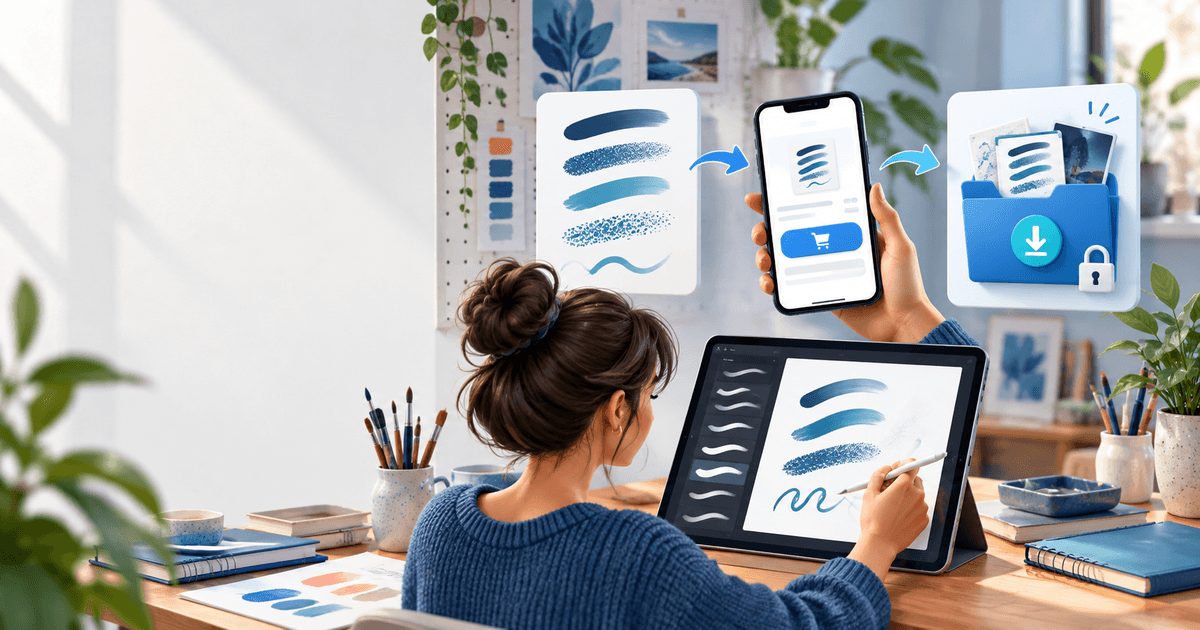
To sell Procreate brushes on Instagram, use Instagram for discovery and previews, then move the buyer to a product-specific checkout and protected download. A brush preview is not the paid file: define the .brush or .brushset deliverable, license it, confirm payment and deliver the exact tested archive.
This article is a channel workflow for illustrators and lettering artists who already have an Instagram audience. It is narrower than our PayPal-specific Procreate guide: the searcher's job here is designing a post-to-purchase path from a social preview, not choosing PayPal as the main topic.
Turn a post into a specific offer
Show the brush stroke, intended use, number of brushes, supported Procreate workflow and what is excluded. Use one product-specific link per pack rather than a profile link that makes a buyer search again. Keep a safe preview image or short demonstration public; do not expose the paid archive in a public folder.
Package a versioned archive with the native brush files, install instructions, license, version date and a short troubleshooting note. Import the archive yourself on a clean iPad or test profile before publishing. A pack of 20 useful brushes is clearer than a folder of unnamed exports.
Use a preview-to-delivery test
| Stage | Evidence | Pass condition |
|---|---|---|
| Instagram preview | Post URL, sample strokes and offer ID | The buyer can see the result without receiving the source pack |
| Checkout | Product name, price, currency and delivery promise | The checkout matches the post |
| Payment | Provider confirmation and order reference | No unconfirmed state unlocks the archive |
| Delivery | Exact archive, license and install guide | A buyer can find and import the files |
| Support | Version, device and issue record | A replacement can be tied to the original order |
In PayRequest, use digital products and a product-specific payment link, then connect your eligible provider. PayRequest can support the sales and delivery path; it does not verify that a brush is your original work, that a license is sufficient or that every Procreate version behaves identically.
For a fictional €12 pack, 2% is €0.24 before provider fees, taxes and creation time. Review current pricing and the provider schedule before choosing a price. This is transparent arithmetic, not a profit forecast.
Do not promise that every Instagram buyer will become a customer. Measure link clicks, completed payments, delivered downloads, support questions and repeat purchases by pack. Update the post and the archive together when the version changes.
Editorial note: AI assisted with this article and illustrative cover. The preview-to-delivery matrix and €12 example are original planning tools. No live Instagram or payment test is claimed.