You can sell a video course with PayPal without building a full website. The minimum viable setup is a clear course offer, a hosted checkout, a delivery or access instruction and a support path for students.
This is for instructors with an audience on YouTube, a newsletter, social media or a community who want to validate one course before paying for a complete learning platform.
Decide What “Course Delivery” Means
There are three practical models:
| Model | Best for | What the buyer receives |
|---|---|---|
| Downloadable course bundle | Short courses and workshops | Video files, workbook and resource ZIP |
| Hosted lessons | Larger courses | Access instructions to your video or LMS host |
| Membership course | Ongoing lessons and community | Recurring access and member instructions |
PayPal can complete the payment, but it is not a learning-management system. PayPal Payment Links are shareable checkout URLs; they do not automatically create lessons, quizzes, progress tracking or student permissions.
Build the Offer Before the Checkout
Write the outcome in one sentence, name the modules, show a short lesson preview and list exactly what is included. Add the course length, access duration, update policy, support channel and refund terms that apply to your business and jurisdiction.
Do not call a private video URL “secure” merely because it is hard to guess. Use the access controls provided by your video host or LMS and avoid putting the master links in a public product description.
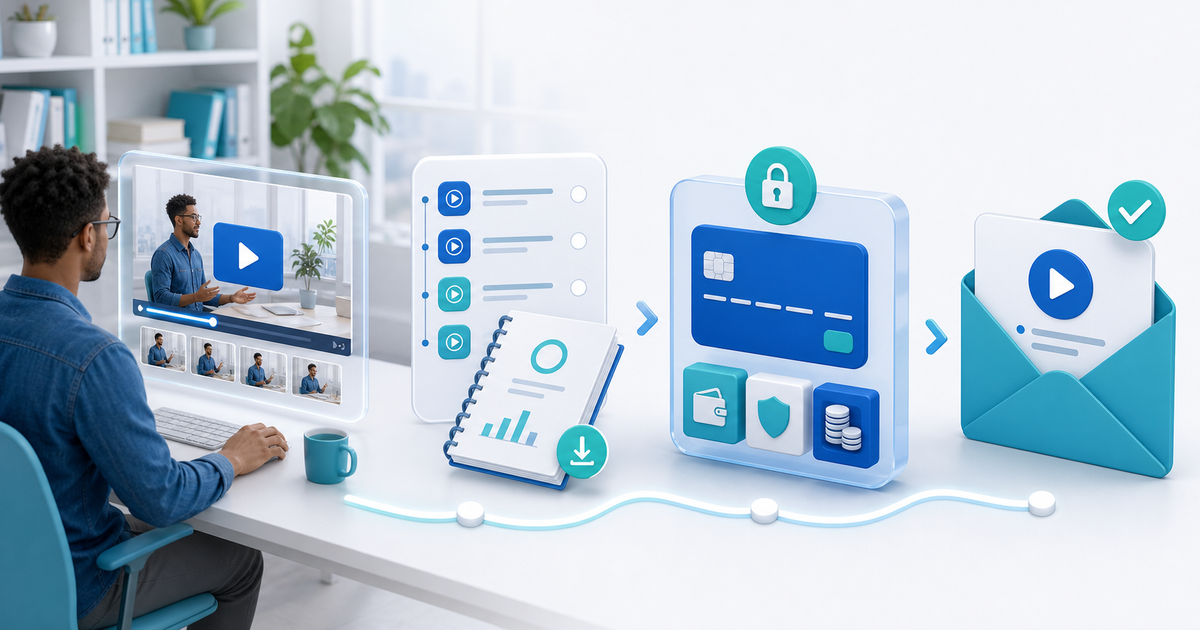
A No-Website PayPal Course Flow
- Package the lessons, workbook, resource list and welcome instructions.
- Publish a hosted PayRequest online-course product with the outcome, modules, price and preview.
- Connect PayPal and confirm which buyer payment methods are actually available in your market.
- Deliver a protected download or a PDF containing the course access instructions after successful payment.
- Test the entire journey as a new buyer on mobile and desktop.
- Keep the payment record, course version, access issue and support conversation together.
PayRequest's sell online courses page supports one-time or recurring offers and can deliver course files, access instructions or links to a hosted learning environment. Use a dedicated LMS when you need quizzes, certificates, progress tracking or complex student permissions.
The “One Link” Promotion Plan
Use one course link in your bio, video descriptions and email footer. Your public content should answer why the course exists; the product page should answer what the buyer gets, when access arrives and how support works. Avoid different prices or promises in different social posts.
Test the Access Boundary
Make a test purchase with a fresh email address. Check that a pending or failed payment does not release the course, that the confirmation names the right course version, and that the access instruction does not expose an administrator link. Then ask a trusted reviewer to follow the instructions without your help.
Start with one focused course, sell it directly with PayRequest, and add a membership only when the recurring content and support promise are real.
Yes. Use a hosted product page, connect an eligible commercial PayPal account and deliver a protected file or access instruction after payment confirmation.
No. PayPal handles checkout. Your delivery workflow or learning platform hosts the lessons and controls access.
No. It collects payment, but you still need a tested delivery or access step, clear support instructions and a record of what was issued.