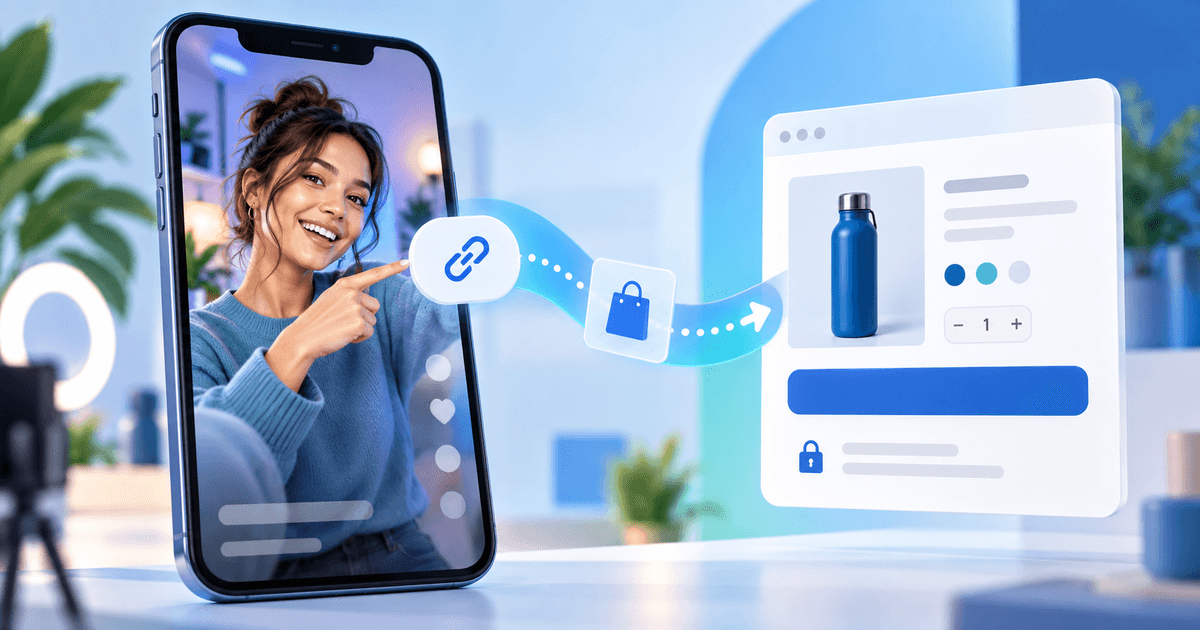
A TikTok payment link works best as a handoff from a short video or profile to one mobile-friendly hosted checkout. The creator should match the video promise to one product, explain that the buyer leaves TikTok, and test the link in the same mobile path the audience will use.
TikTok's current help guidance says website-link availability depends on account type, follower status or business registration, and its newer Destination Links are subject to eligibility. Do not assume every account can place an external checkout on every video. This article covers the reliable fallback: a visible profile route or a permitted TikTok destination that opens a PayRequest product page.
Pick One TikTok-to-Checkout Route
Use a single destination for each campaign. A profile link can send viewers to a product page, while a video can explain the offer and tell viewers where to find the link. If you have access to TikTok's eligible Destination Links, follow TikTok's current review and availability rules; do not present that feature as universal.
The checkout should answer three questions before the buyer taps pay: what they receive, how much it costs and what happens after payment. A creator selling a preset pack should link to the preset product, not to a generic homepage where the buyer must search again.
Create the Product Before You Edit the Bio
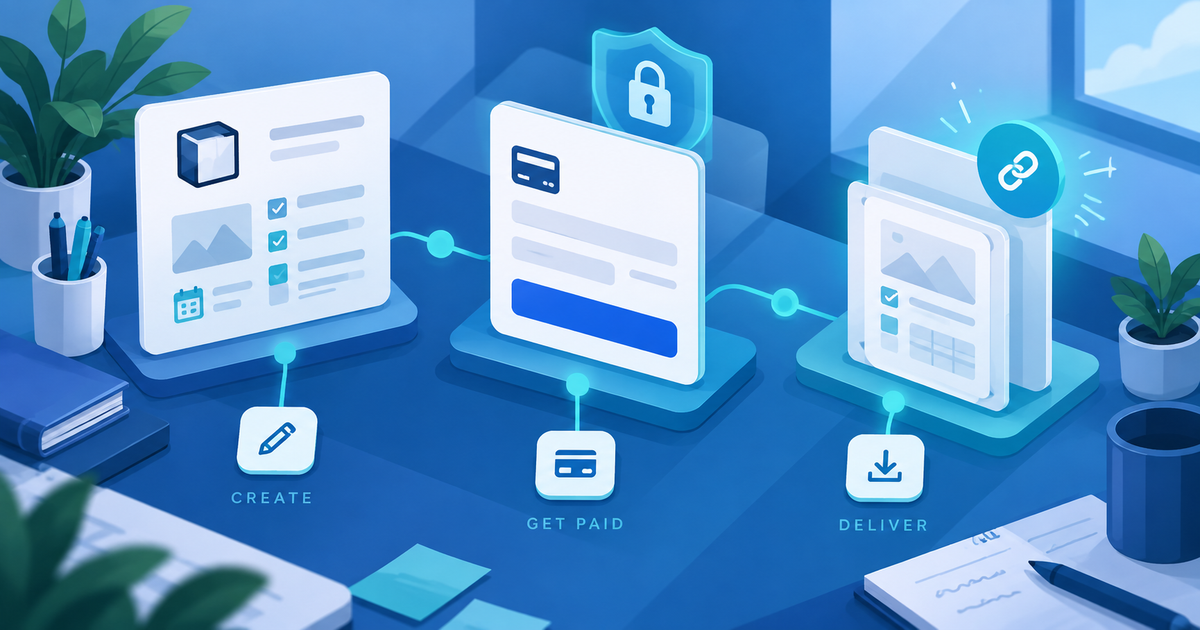
Create the offer in PayRequest payment links or as a digital product when the sale includes a file. Use a descriptive product title, the correct currency and a thumbnail that matches the video. For a service, state what the payment confirms and what still needs scheduling.
Copy the actual public URL from the product page. Do not guess a URL from the product name. Open it in a private mobile browser and check the title, amount, payment methods and post-payment next step. A TikTok link can be technically valid while still sending the viewer to the wrong offer after a product is duplicated.
Run the Mobile Link Acceptance Test
This original test card catches the failures that are easy to miss in a desktop editor:
| Check | Pass condition | If it fails |
|---|---|---|
| Profile access | The intended audience can see the website link | Check account eligibility and current TikTok settings |
| Tap path | One tap reaches the expected public product | Replace a stale or generic URL |
| Mobile layout | Title, price and primary action are visible without awkward zoom | Simplify the offer or page content |
| App handoff | The link opens or gives a clear browser fallback | Tell viewers to open the URL in a browser |
| Offer identity | Video, thumbnail and checkout name match | Update the copy or destination |
| Confirmation | Buyer sees the correct delivery or booking next step | Fix the product setup before promotion |
Test from a logged-out device and, when practical, from a second network. A creator account session can hide a permission or login problem that a viewer will face. Do not use a live customer payment as your only test; use your provider's supported test route or a deliberately controlled internal check.
Handle TikTok Limits Without Overpromising
TikTok's website-link and Destination Link rules can vary by account, region and product eligibility. If the profile website field is unavailable, do not ask viewers to send card details by direct message. Use a permitted profile or landing-page route, or wait until the account can publish a compliant external link.
If the in-app browser behaves differently from a normal browser, give the viewer a short instruction such as “Open the profile link in your browser to complete checkout.” Keep the final destination stable and avoid a chain of unnecessary redirects. PayRequest hosts the payment page; it does not control TikTok's account permissions or in-app browser behavior.
Use PayRequest pricing to model the sale. A hosted payment link can remove the need to build a full store, but your provider fees, product costs and TikTok promotion costs still belong in the margin calculation. Start with one video, one product and one measured link.
Editorial note: AI assisted with this article and illustrative cover. TikTok's current public help pages and PayRequest destinations were reviewed; the acceptance test is an original operational tool. No TikTok account approval, live checkout or conversion result is claimed.