Protect your sender reputation, automatically
PayRequest tracks every email bounce, spam complaint, and delivery failure — then automatically suppresses future emails to problematic addresses. No wasted sends, no damaged reputation, no manual work.
How email health protection works
From the moment an email fails to reach its destination, PayRequest automatically steps in to protect your sender reputation and prevent wasted sends.
Email Sent
PayRequest sends an invoice reminder, dunning email, or smart link notification to your customer.
Bounce Detected
Our system receives a bounce notification, spam complaint, or delivery failure from the mail server.
Auto-Suppressed
The email address is immediately flagged and all future emails to this address are blocked.
Customer Warned
The customer profile shows a clear email health warning badge so your team knows at a glance.
Four email health statuses
Every customer email address is tracked with one of four health statuses. These update automatically based on delivery events — no manual monitoring needed.
Email is deliverable. All recent emails were accepted by the recipient's mail server. No issues detected.
Hard bounce detected. The email address does not exist, the domain is invalid, or the mailbox is permanently unavailable.
Recipient marked your email as spam. Continuing to send risks your entire domain being blacklisted.
Transient delivery failure. The server was temporarily unavailable or the mailbox was full. May self-heal.
What gets suppressed
When an email address is suppressed, all automated emails from PayRequest are blocked. This protects your sender reputation and prevents bounce loops.
Invoice reminders
Overdue payment notifications
Dunning emails
Failed payment retry alerts
Smart link notifications
Payment link delivery emails
Subscription alerts
Renewal and expiry notices
Portal invitations
Customer portal access emails
Receipt confirmations
Payment confirmation emails
Collection letters
Automated debt collection emails
Manual emails from your inbox are not affected — only automated PayRequest emails are suppressed.
Clearing suppression
Suppression is not permanent. When a customer provides a corrected email address or the issue is resolved, you can restore normal email delivery.
Manual clear
Click the "Clear Suppression" button on the customer profile to immediately restore email delivery. Use this when you've confirmed the email address is valid again.
Email change
When a customer updates their email address (via portal or by your team), the suppression is automatically cleared for the new address.
Auto-healing
Transient failures (status: Failed) can self-heal. If the underlying issue resolves — like a full mailbox being emptied — the status returns to Healthy automatically.
Delivery Log
Delivery confirmation tracking
Beyond bounce detection, PayRequest tracks positive delivery signals too. When you send an invoice reminder, you can see whether it was actually delivered to the recipient's inbox.
Delivery status per email
See "Delivered", "Bounced", or "Pending" for every automated email sent.
Timestamp tracking
Know exactly when each email was accepted by the recipient's mail server.
Invoice reminder log
Full audit trail of every reminder sent, including delivery outcome and any bounce reasons.
Activity timeline
All email events appear in the customer's activity log alongside payments, invoices, and other actions.
Frequently asked questions
Customer Management
Email health statuses appear directly on customer profiles. Manage all your customer data, activity history, and billing relationships in one place.
Learn about Customer ManagementUltimos articulos sobre Email Health
Guias y consejos utiles para aprovechar al maximo tus pagos.

Nuevo contable: copias de facturas sin acceso al portal
Envía copias de facturas al nuevo contable sin compartir la cuenta del cliente. Usa una hoja de relevo para los correos futuros y las facturas anteriores.
Leer más
Client Says They Did Not Receive the Invoice? A Safe Recovery Workflow
Resend the right invoice, avoid duplicates and recover payment when a client says your invoice email never arrived.
Leer más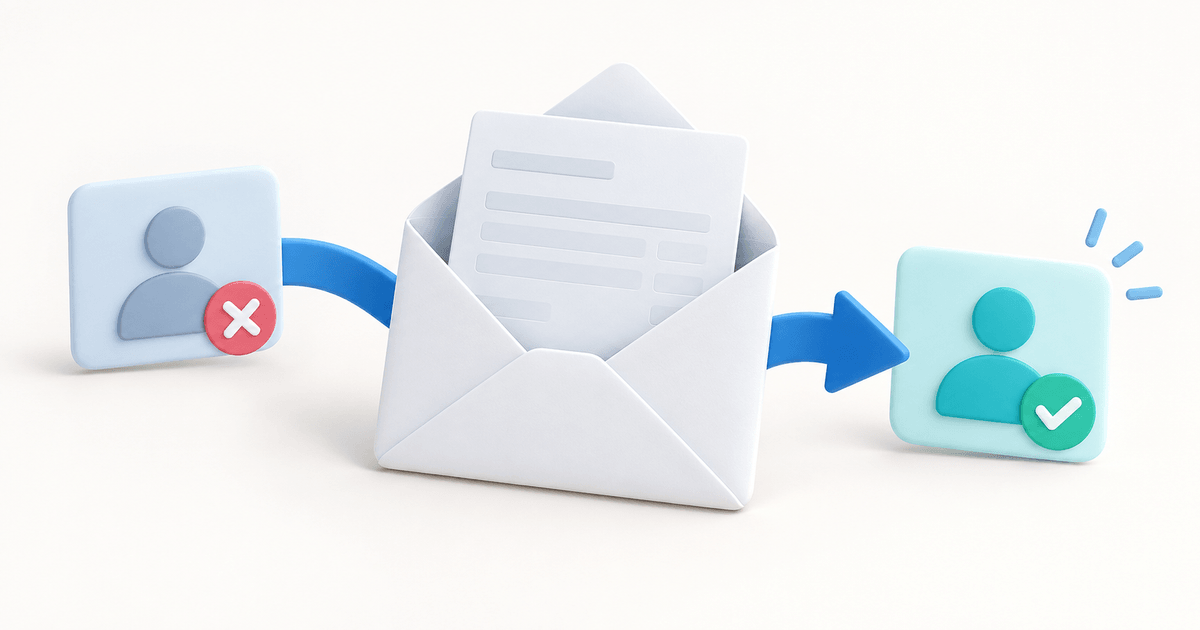
Factura PayPal al correo equivocado: qué hacer
Corrige una factura PayPal al correo equivocado. Comprueba su estado, edita o cancela antes de sustituirla y evita facturas duplicadas con un registro claro.
Leer másStop sending emails that never arrive
Email health monitoring is built into every PayRequest account. Start protecting your sender reputation today.
0% platform fees · Cancel anytime · All features included