Get paid faster with automatic reminders
Stop chasing payments manually. Set up automated reminder sequences that follow up on unpaid invoices so you can focus on your work, not collections.
How it works
Set up once, collect automatically. Payment reminders run in the background while you focus on your business.
1. Create your sequence
Define when reminders go out — before due date, on due date, and after. Customize the message for each stage.
2. Send invoices as usual
Every invoice automatically joins your reminder sequence. No extra steps needed.
3. Get paid automatically
Reminders go out on schedule. Payments come in. You stay focused on your work.
Reminders for every situation
From gentle nudges to final notices, customize your approach for different payment stages.
Pre-due reminder
Friendly heads-up before payment is due
Due date reminder
Payment due today notification
Overdue reminder
Gentle follow-up after due date
Escalation notice
Firmer reminder for late payments
Final notice
Last reminder before further action
Thank you message
Automatic confirmation when paid
Smart reminder features
Powerful automation that handles the awkward conversations for you.
Custom sequences
Create multiple reminder schedules for different client types or invoice amounts.
Personalized messages
Use templates with dynamic fields for client name, amount, due date, and more.
Smart timing
Send reminders at optimal times based on client timezone and history.
Auto-stop on payment
Reminders automatically stop the moment an invoice is paid.
Manual override
Pause, skip, or send reminders manually when needed.
Activity tracking
See which reminders were sent, opened, and which led to payment.
Why automate payment reminders?
Manual follow-ups are awkward, time-consuming, and easy to forget. Automation solves all three.
"I used to spend hours every week sending payment reminders. Now it's completely automatic. My average payment time dropped from 30 days to 12 days."
Latest Articles about Payment Reminders
Helpful guides and tips to help you get the most out of your payments.
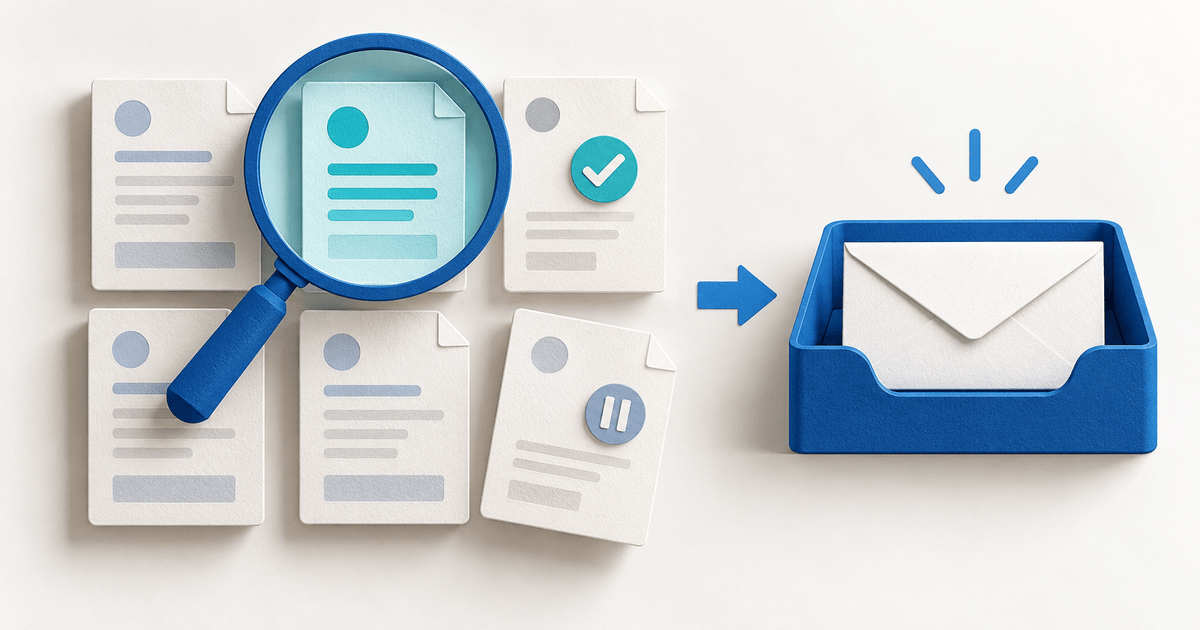
Bulk Invoice Reminders: Check Before You Send
Review invoice status, recent messages, tag scope and delivery exceptions before sending a PayRequest reminder batch. Avoid chasing the same invoice twice.
Read more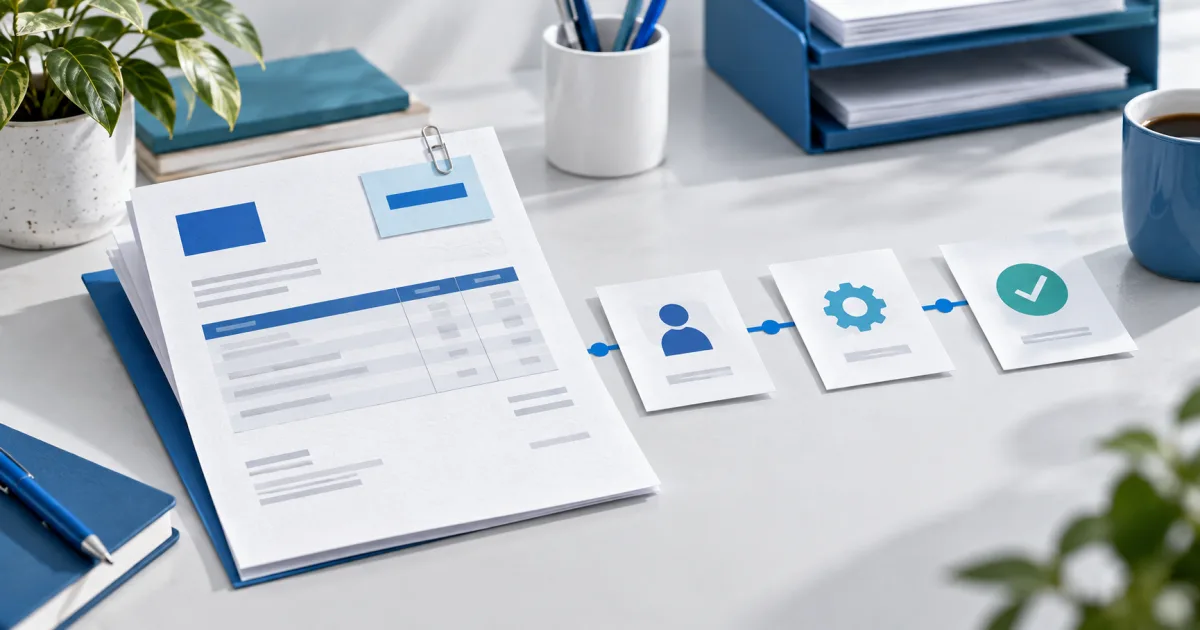
No PO, No Pay: The Invoice Workflow That Prevents B2B Rejection
Prevent a valid B2B invoice from getting stuck by confirming the PO, legal entity, AP route and acceptance record before you send it.
Read more
Client Says They Did Not Receive the Invoice? A Safe Recovery Workflow
Resend the right invoice, avoid duplicates and recover payment when a client says your invoice email never arrived.
Read moreReady to get paid faster?
Set up automatic payment reminders in minutes. Watch your collection rate improve while you focus on your work.
0% platform fees • Cancel anytime