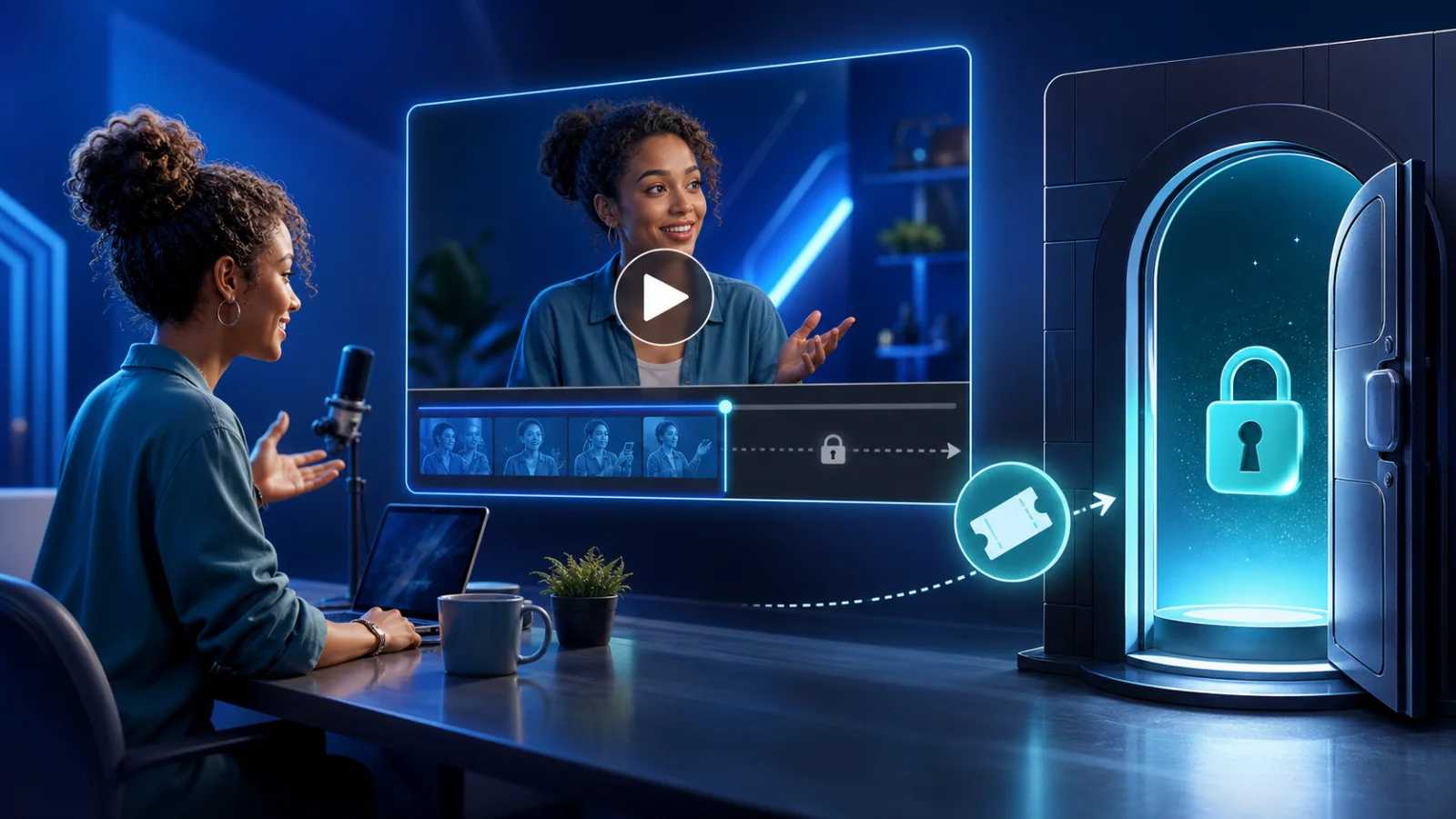
Pay-per-view video does not have to mean building a streaming platform or earning fractions of a cent from ads. For an independent creator, it can be much simpler: publish a short teaser, set one price, and let the buyer unlock the full video after payment.
That model works for tutorials, performances, workshops, premium episodes, short films, fitness sessions, and creator drops that make sense as one-off purchases.
What Does Pay-Per-View Mean for Creators?
The phrase is used for two very different models. Advertising platforms may pay the publisher based on view counts. A transactional video paywall charges the viewer directly for a specific video. This article focuses on the second model: one buyer, one payment, one unlocked original.
You set the price instead of depending on ad rates, follower thresholds, or an algorithm. The tradeoff is that you need an audience or distribution channel of your own.
Use a Teaser, Not the Full Video With a Timer
A safe video preview is a separate file. If the full original loads in a browser and JavaScript merely stops playback after 15 seconds, the source may still be exposed.
PayRequest generates a separate H.264/AAC MP4 teaser at up to 720p. The public player receives only that teaser; the original MP4, MOV, WebM, or M4V remains private until payment. This gives customers enough proof to buy without handing them the complete video first.
How to Create a Paid Video Link
- Export the best original you want the buyer to receive.
- Upload it as a Pay to Unlock Video product, up to 500MB.
- Choose a teaser length between 5 and 60 seconds.
- Add cover art, a result-focused title, and your price.
- Publish the hosted link and complete a test purchase.
The buyer can watch the teaser before checkout. After a successful payment, PayRequest creates secure access to the original through the success page, confirmation email, and customer portal.
Pick the Right Preview Length
Short videos need short teasers. Long educational products can justify more context.
| Full video | Suggested teaser |
|---|---|
| Under 2 minutes | 5–10 seconds |
| 2–10 minutes | 10–20 seconds |
| 10–30 minutes | 20–40 seconds |
| 30+ minutes | 30–60 seconds |
Show the premise, production quality, or teaching style. Do not give away the key reveal or entire solution. The teaser should answer “Is this worth my time?” while leaving a clear reason to unlock.
How to Price Pay-Per-View Video
Runtime alone is a weak pricing signal. A seven-minute specialist tutorial can solve a more valuable problem than a one-hour general recording.
Consider exclusivity, production quality, the buyer outcome, how difficult the material was to create, and whether the purchase includes reuse rights. Short creator drops often start around €5–€15, focused tutorials and performances around €15–€49, and specialist workshops around €49–€199.
Where PPV Video Works Best
- A creator with followers who want an occasional premium release
- A coach selling one recorded session without creating a course
- A filmmaker releasing a short film directly to an existing audience
- A fitness professional selling a specific workout program
- A musician selling a performance or behind-the-scenes documentary
- An educator selling a workshop replay
If buyers need a library that updates every week, a membership may be better. If they want one specific result or release, a one-time video unlock is simpler.
Promote the Outcome, Not the Lock
“Pay to watch my video” describes the transaction. “Learn my complete color-grading workflow in 24 minutes” describes the value. Lead with what changes for the buyer, then explain that a free teaser is available and the full video unlocks immediately.
Share the same link in your bio, newsletter, community, DMs, and existing website. You do not need a different checkout for every channel.
Publish the First Video Before Building a Catalog
One paid video is enough to validate pricing and demand. Start with your strongest narrow topic or release, measure completed sales, and ask early buyers what convinced them. Then use that evidence to plan a series, bundle, or membership.
See the dedicated Pay to Unlock Video page, read the detailed guide to selling videos without a website, or start free.