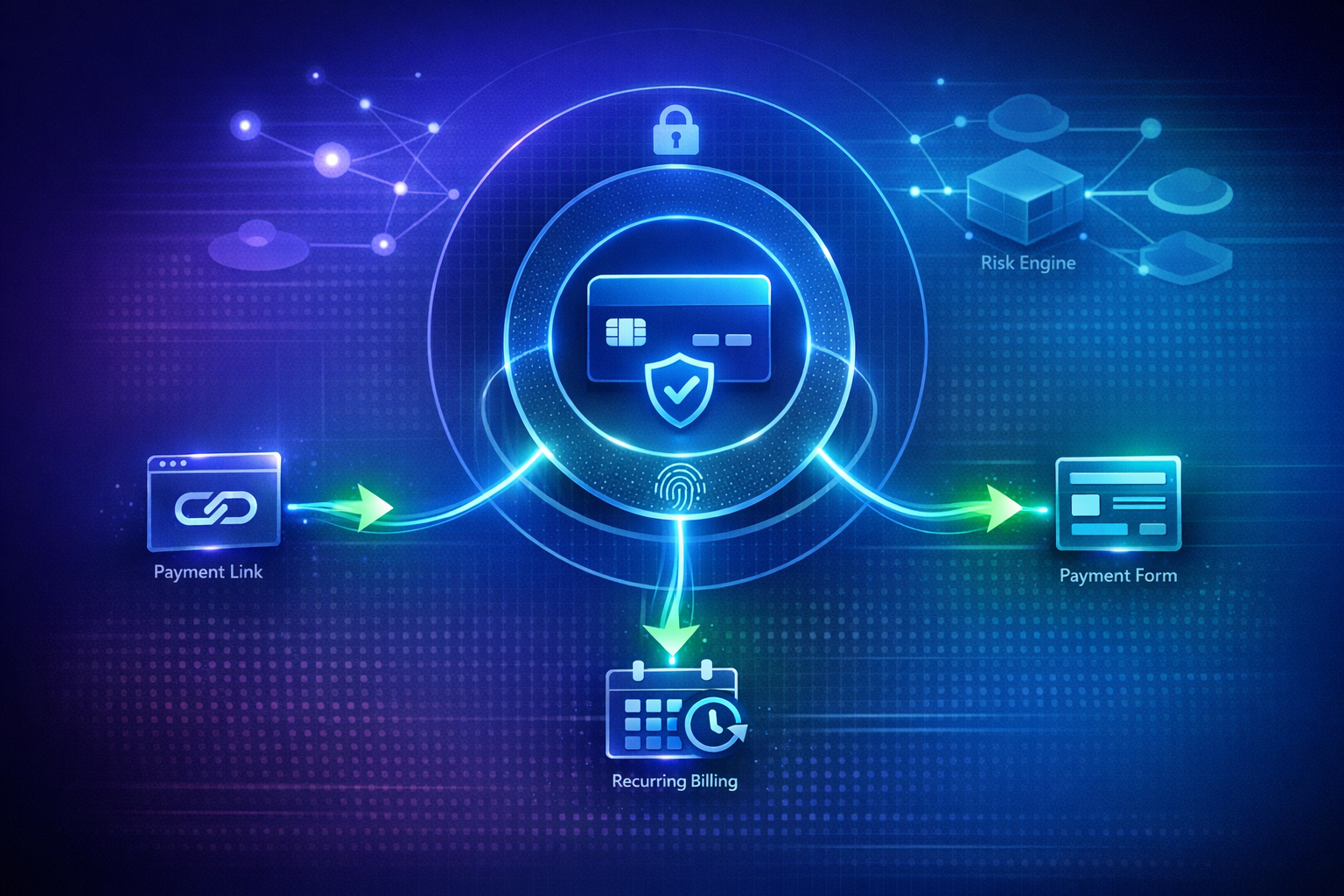
3D Secure (3DS) is the authentication protocol that adds an extra verification step when customers pay with their card online. You have probably seen it as "Verified by Visa", "Mastercard SecureCode", or a bank app notification asking you to confirm a purchase. It is the invisible layer that makes online card payments safer for both merchants and customers.
If you send payment requests — via link, invoice, WhatsApp, or email — understanding 3D Secure helps you reduce fraud, increase customer trust, and stay compliant with European payment regulations.
Key Takeaways
- 3D Secure (3DS) shifts liability for fraudulent chargebacks from your business to the card issuer — once a transaction is authenticated, the bank covers the loss, not you.
- 3D Secure 2.0's frictionless flow authenticates the vast majority of transactions invisibly, so most customers never see a challenge screen.
- Authenticated card payments carry significantly lower fraud rates than unauthenticated ones, which directly reduces chargeback fees and dispute-handling time.
- Under PSD2, Strong Customer Authentication (SCA) makes 3DS2 effectively mandatory for EU merchants, with similar rules now in force in the UK, India, Brazil, and Australia.
- PayRequest enables 3D Secure automatically across Stripe, Mollie, and PayPal — no configuration required for your payment links, invoices, or requests.
What is 3D Secure?
3D Secure works by adding a third party (the "3D" in the name refers to three domains: the merchant, the acquirer, and the issuer) to verify the cardholder's identity during a transaction. When a customer enters their card details on a checkout page, 3DS prompts them to authenticate via their bank's app, a one-time passcode, or a biometric check.
The process happens in seconds and is transparent to legitimate customers. For fraudulent attempts, the extra step blocks the transaction before any money changes hands.
The original 3D Secure (1.0) was clunky — customers were redirected to a separate page and had to enter a static password they set up with their bank. It caused significant checkout abandonment and was widely disliked.
3D Secure 2.0 (released in 2019) is a major improvement. It uses device fingerprinting, transaction risk analysis, and biometric authentication. Most legitimate transactions pass through without any additional challenge — this is called a "frictionless flow." Only high-risk transactions trigger a challenge, making it far less disruptive while maintaining security.
Key improvements in 2.0:
- Frictionless authentication — over 90% of transactions pass without customer interaction
- Mobile-first — optimized for bank app notifications and biometrics
- Richer data sharing — more transaction data shared with the issuing bank for better risk decisions
- Broader payment types — supports digital wallets, recurring payments, and more
Why it Matters for Payment Requests
When you send a payment request and the customer pays on a hosted checkout page, 3DS protection applies automatically if the card network requires it. This matters for three reasons:
The most important benefit of 3D Secure is liability shift. When a transaction is authenticated with 3DS, the liability for fraudulent chargebacks shifts from you (the merchant) to the card issuer. If someone steals a customer's card and uses it to pay your payment request, the bank covers the loss — not you.
Without 3DS authentication, you are liable for chargebacks on card-not-present transactions. For businesses processing significant payment request volume, this can mean thousands of euros in chargeback fees and lost revenue.
Customers trust payment pages that show security measures. Bank-branded authentication screens (Verified by Visa, Mastercard SecureCode) signal that the payment is protected, increasing completion rates.
3DS 2.0's frictionless flow means most customers never even see the authentication screen — their bank approves the transaction invisibly based on risk analysis. Only genuinely suspicious transactions get flagged, which protects you without annoying legitimate customers.
Under PSD2 regulations in the European Economic Area, Strong Customer Authentication (SCA) is required for most card payments. This means 3D Secure 2.0 is effectively mandatory for EU-based merchants accepting card payments.
Other regions have similar requirements:
- UK — SCA requirements mirroring PSD2
- India — RBI mandates additional authentication (often via OTP)
- Australia — CNP fraud liability shift rules
- Brazil — 3DS becomes mandatory in 2026
The Conversion Rate Impact of 3D Secure 2.0
Merchants often worry that adding an authentication step will scare customers away mid-checkout. That fear made sense with 3D Secure 1.0, which redirected shoppers to a separate page and demanded a password they had usually forgotten. With 3D Secure 2.0, the calculation has flipped: the protocol now protects conversion rates more often than it threatens them.
3DS2 evaluates dozens of data points — device type, IP address, transaction history, shipping address — before deciding whether a challenge is needed. For low-risk transactions, the issuing bank approves the payment silently in the background, and the customer never leaves your checkout page. The frictionless flow covers the large majority of authenticated transactions, which means the "extra step" most merchants fear simply does not happen for most customers.
The transactions that do get flagged for a challenge are disproportionately the ones that would have ended in a chargeback anyway. By filtering these out before money changes hands, 3DS2 protects your overall conversion-to-revenue ratio: fewer completed-but-fraudulent orders means fewer refunds, fewer chargeback fees, and less time spent on dispute paperwork.
The risk to conversion comes from misconfiguration, not from 3DS itself. If a payment provider's risk rules are too aggressive — for example, forcing a challenge on every transaction regardless of risk score — the friction that 3DS2 was designed to eliminate comes right back. Returning customers paying small amounts on trusted devices are the most common victims of over-triggered challenges.
The fix is to rely on your provider's default risk-based rules rather than overriding them. Stripe Radar, Mollie, and PayPal all tune their 3DS thresholds continuously based on fraud patterns across their networks — far more data than any individual merchant has access to. PayRequest passes these defaults through unchanged, so your payment requests get the conversion benefits of 3DS2 without manual tuning.
How 3D Secure Works with Different Payment Providers
Each payment provider implements 3DS slightly differently. Here is what you need to know for the major providers.
Stripe supports 3D Secure 2.0 natively through Stripe Checkout and the Payment Intents API. 3DS is enabled by default and applies based on your Radar risk rules. You can set rules like "Always require 3DS for transactions over €100" or "Skip 3DS for returning customers."
Stripe passes the liability shift to you on authenticated transactions and handles the authentication flow automatically on hosted checkouts. For custom payment form implementations, you handle the 3DS flow using Stripe.js.
Mollie also supports 3D Secure 2.0 across card payments. Like Stripe, 3DS is enabled by default. Mollie's dashboard lets you configure 3DS rules per payment method.
Mollie's European focus means excellent SCA compliance out of the box. For Dutch and Belgian businesses accepting iDEAL and Bancontact alongside cards, the 3DS flow integrates seamlessly alongside local payment methods.
PayPal handles authentication differently — PayPal's own authentication and buyer protection serve a similar role to 3DS. When you accept PayPal payments, PayPal manages fraud liability through its Seller Protection program, which covers unauthorized transactions.
Enabling 3D Secure on Your Payment Requests
With PayRequest, 3D Secure is enabled automatically when you connect Stripe, Mollie, or PayPal. No extra setup is required. Your customers get the highest level of card security while you stay protected.
To configure 3DS rules:
- Go to your payment provider settings in PayRequest
- Find the 3D Secure / SCA settings section
- Choose your risk thresholds (default is recommended)
- Save and deploy — changes apply to all new payment requests
For most businesses, the default settings are optimal. You may want to adjust thresholds if:
- You process high-value transactions (lower the threshold for extra protection)
- You have a low chargeback rate (raise the threshold for fewer authentication challenges)
- You serve returning customers (enable 3DS exemption for known customers)
Common Questions
Technically yes, but it is not recommended. Disabling 3DS removes the liability shift — meaning you are responsible for any fraudulent chargebacks. Most payment providers allow merchants to adjust 3DS rules, but the default (and recommended) setting is to require 3DS for transactions above certain thresholds.
Recurring payments (subscriptions, installment plans) have different 3DS rules. The first payment typically requires 3DS authentication. Subsequent payments under a saved mandate may be exempt from 3DS under the "merchant-initiated transaction" (MIT) exemption, provided the initial payment was authenticated.
If a customer cannot complete the 3DS challenge (e.g., their bank does not support it, they enter the wrong code), the transaction is declined. The customer will need to try an alternative payment method or contact their bank to enable 3DS.
No. CVV is the 3-digit security code on the back of a card — a static value that proves the customer has physical access to the card. 3D Secure is a dynamic authentication protocol that verifies the cardholder's identity through their bank. Both are important security layers, but they serve different purposes.
Start Sending Secure Payment Requests
With PayRequest, every payment request is 3DS-protected out of the box. Connect Stripe, Mollie, or PayPal and start sending payment links, invoices, and requests with built-in fraud protection — no technical setup required.