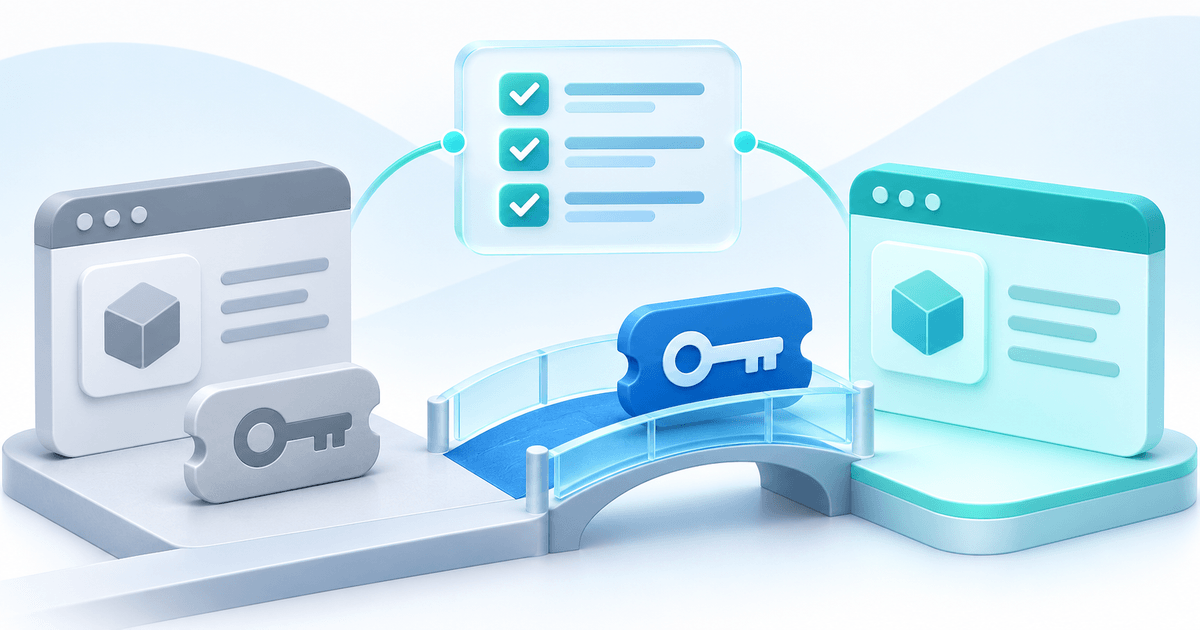
Agree on the amount and when it is due before sending a project deposit link. For a €5,000 website project with 30% due upfront, send a €1,500 link at kickoff and a €3,500 link at the agreed delivery milestone. In PayRequest you can create both links together and follow the outstanding balance from either link.
Agree on what triggers the second payment
Use a milestone that your client can recognise, such as approval of the final design or handover of the website. Write down the project total, both amounts and the due dates. If the scope changes after the upfront payment, settle the revised amount with the client before sending the original balance link. Each link has a fixed amount.
You could write this in your proposal:
> The project total is €5,000. The €1,500 upfront payment is due before kickoff. The remaining €3,500 is due when we deliver the agreed website. We’ll send a separate checkout link for each payment.
Send a link at each milestone
In Payment Links, select Create Link, then Split payment. Enter €5,000 and 30%. Send the €1,500 link first and confirm its status in PayRequest before starting work. When the handover is due, send the €3,500 link. If you share both at kickoff, your client can pay either one immediately.
| Confirmed payments | Received | Outstanding |
|---|---|---|
| Neither payment | €0 | €5,000 |
| Upfront payment | €1,500 | €3,500 |
| Both payments | €5,000 | €0 |
Use a short reference such as “Website redesign · ACME” so your team can recognise the project in the payment overview. If a payment needs verification, look it up with your payment provider before treating it as received or asking the client to pay again.
Set up your first split payment
You need an active Payment Page and a connected payment provider that can accept payments. Both payments are in EUR and each must be at least €1. Split links collect the two amounts separately from any invoices you send. Follow the PayRequest setup guide or see how split payment links work.