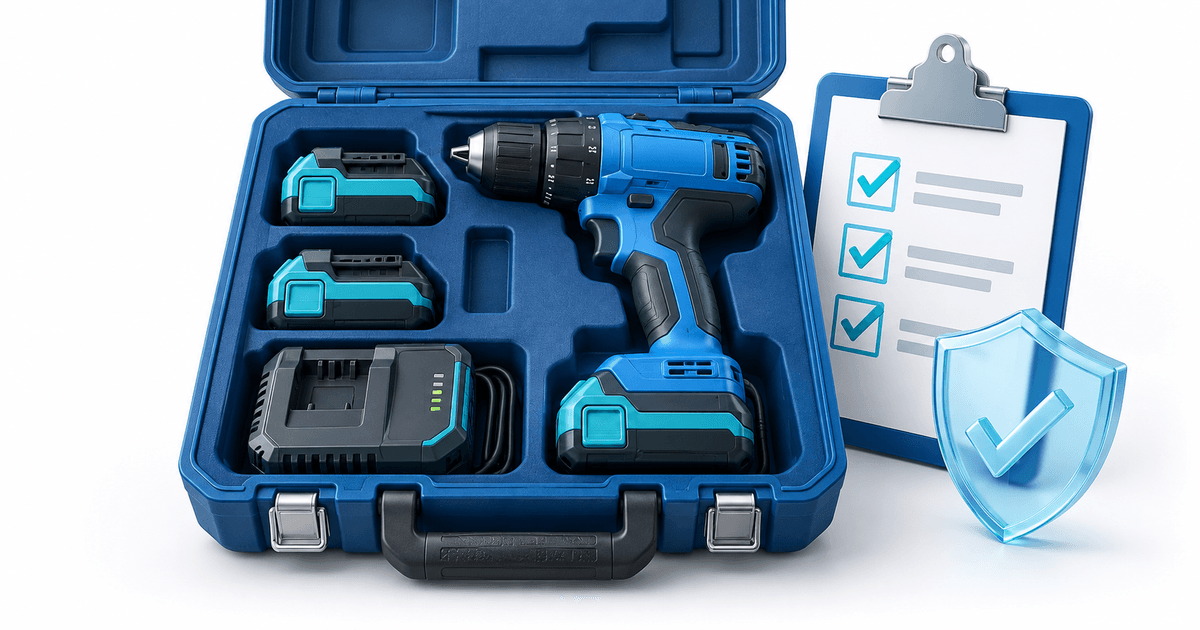
For cordless-tool hire, check the tool, every battery and the charger against the handover record before closing the security deposit. A returned case can still contain the wrong battery or a missing charger. Keep the hire payment separate from the deposit, and base any capture decision on documented loss and the agreed terms.
This workflow is for small tool-hire operators lending multi-part cordless kits. Its original asset is a component-level return record and a worked missing-battery decision. The amounts are illustrative, not recommended penalties or a statement of local law.
Record the Kit, Not Just the Drill
Give the tool, batteries and charger separate identities. Record the visible serial number or your own asset label, model, condition and which items were handed over. Photograph the labels and the complete open case, with the customer's acknowledgment of the inventory.
A battery of the same color is not necessarily the same asset or capacity. Identify each one individually rather than writing “two batteries.” Record any existing cracked casing or intermittent fault before hire; a return-time observation alone cannot establish when it happened.
There is a real commercial distinction between equipment and accessories: Bunnings Australia's hire terms address unreturned accessories separately. That is one operator's Australian policy, not a universal entitlement to charge your customer. Write and review terms appropriate to your own business and jurisdiction.
Use This Component Return Record
The following is a fictional handover, designed to expose mismatches that a single kit checkbox misses. Replace the labels and observations with your actual assets.
| Component | Handover record | Return observation | Decision before deposit closure |
|---|---|---|---|
| Drill T-041 | Label photo; existing scuff | Same label and scuff | No new loss established |
| Battery B-112 | Label and casing photo | Same label, visually intact | Record return; perform normal check |
| Battery B-113 | Label and casing photo | Not in case | Ask customer to check vehicle; keep issue open |
| Charger C-028 | Label and power-on check | Same label, not yet checked | Finish inspection before closing record |
Keep inspection and safety decisions separate from payment. A suspicious or damaged battery should be handled under the manufacturer's safety instructions and your competent inspection procedure. Payment confirmation does not certify equipment as safe to hire again.
For the broader process, use the equipment inspection checklist. This narrower record adds battery identity, component substitution and separate closure states for a cordless kit.
Schedule the Return Check Within the Actual Hold Window
A pre-authorization is a temporary reservation, while a captured deposit is a completed charge. Inspect the authorization status and its actual expiry rather than assuming every provider or card supports the same duration. Schedule collection and inspection with enough time to resolve ordinary discrepancies.
PayRequest's deposit service records the provider's capture deadline when supplied and checks whether a deposit can be captured or released. This behavior was verified in the current implementation on 9 September 2026. It does not automatically inspect your tool or decide whether damage is chargeable.
If a return is delayed beyond the usable hold window, follow a fresh agreed payment or authorization process. Do not describe an expired hold as money you still control. The authorization-expiry workflow explains that exception in more detail.
Work Through a Missing-Battery Decision
Assume an illustrative €250 authorized deposit and one missing battery with a documented €70 charge under the applicable agreement. First confirm the handover identity, return count, communications and basis for €70. Give the customer a clear explanation and a way to respond. A blank case recess alone is not enough evidence that the battery was originally supplied.
If the battery is returned before closure and there is no other justified charge, release the hold. If €70 is properly due and partial capture is supported for the live authorization, capture that amount through the supported process and confirm the remaining reservation is released or finalized correctly. Do not capture €250 simply because that amount is available.
If the evidence is disputed, do not promise that a photo guarantees a successful dispute outcome. Preserve the records and follow the relevant provider process. A customer's agreement and the applicable rules still matter.
Set Up PayRequest Around the Inspection Record
Use security deposits for the authorization workflow and invoicing for the separate hire charge. Keep both references beside the kit identifier in your own register. The table in this article is a manual operational record, not a claim that PayRequest maintains a tool inventory or performs condition analysis.
Close the register with the inspection result, decision, captured amount if any, release confirmation and customer communication. Tell the customer when you released the reservation, while avoiding a guaranteed bank-display time.
Review current pricing and your provider's terms before launch. PayRequest's Free plan charges 2% per successful payment, capped at €25 per transaction; provider fees are separate. Do not use that payment price as a promise that every authorization or refund is cost-free. Begin with one kit and rehearse both a complete return and a missing-component case.
Editorial note: this article and cover were created with AI assistance. The operational table and €250/€70 scenario are original illustrative tools; no customer incident or provider test is claimed.