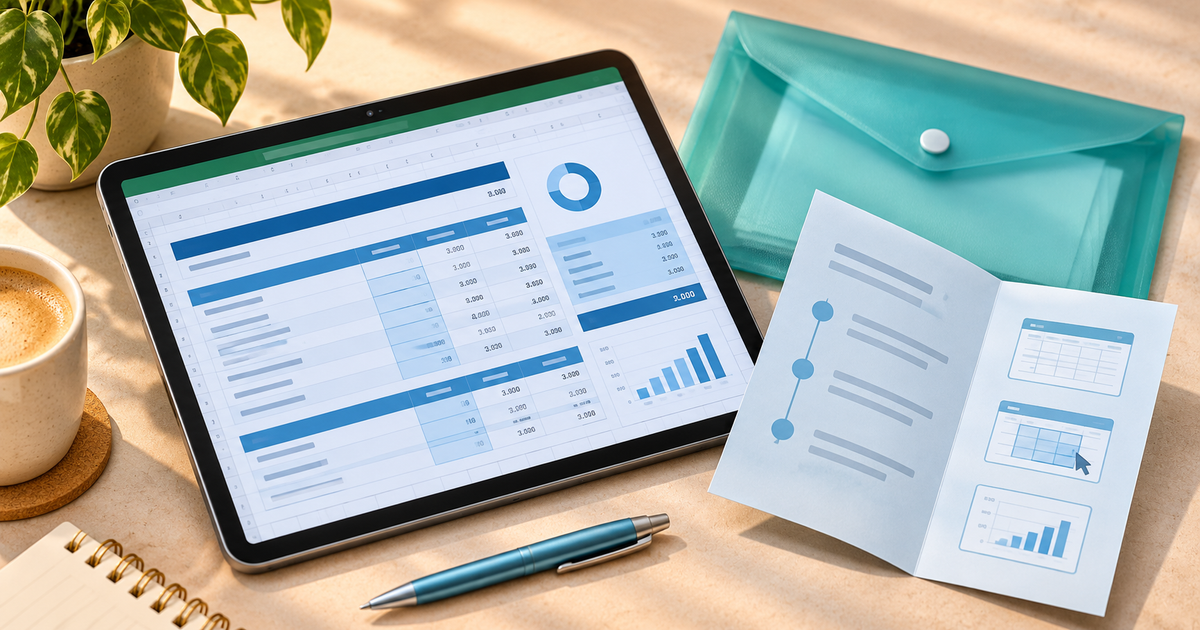
Use Grok Bot to help create a file, check the result yourself, then upload it as a digital product in PayRequest. For an editable calculator, deliver the Excel workbook with a quick-start guide in one ZIP. The manual upload and checkout workflow is available today. The Grok Bot integration demo illustrates a future automated handoff.
Grok Bot can receive files, produce reviewable artifacts and return them in the conversation for inspection and download. Ask for a specific file and acceptance criteria. Grok Bot files and results
Copy this prompt for an Excel calculator
> Build a macro-free .xlsx project-price calculator for freelance designers. Use inputs for hours, hourly labor cost, project expenses and target gross margin. Calculate cost as hours × hourly cost + expenses, and quote before tax as cost ÷ (1 − margin). Reject negative inputs and margins of 100% or higher. Use sample inputs of 10 hours, €40 hourly cost, €100 expenses and 20% margin. Include an Inputs sheet and a worked example. Return the .xlsx file and a short quick-start guide separately.
Give the bot invented figures instead of private client quotes. Open the workbook in the spreadsheet app you plan to list. Check editable cells, formula references, currency and percentage formatting. If you also claim Google Sheets compatibility, import it there and repeat the checks.
Check the math before packaging
Ten hours at €40 plus €100 expenses gives €500 in costs. At a 20% margin, divide €500 by 0.8 to get a €625 pre-tax quote. The €125 difference is 20% of the selling price. Adding 20% to €500 would give €600 and a margin of about 16.67%.
| Test | Expected result |
|---|---|
| €500 cost, 20% margin | €625 quote |
| €500 cost, 0% margin | €500 quote |
| 100% margin | Input error |
| Negative hours | Input error |
These are formula checks for the worked example. Test the generated workbook separately and fix any differences before sharing it with customers. Explain that the quote excludes tax and that the sheet is a planning aid.
Bundle the file and make the checkout
- Put `project-price-calculator.xlsx` and the quick-start guide in one ZIP. The guide should tell buyers which cells to edit, what margin means and which app you tested.
- Create a digital product in PayRequest. Set an example sale price such as €19, add a screenshot of the inputs and output, and attach the ZIP. Describe the workbook as editable and name the supported app.
- Publish the product and check the public link on mobile and desktop. Use your checkout’s supported test workflow to verify that a paid buyer receives the ZIP and can open both files. See how delivery works.
- Share the link with freelancers who already price fixed-scope projects, for instance next to an explanation of how to calculate a margin. Use the Excel template selling guide for more checks on workbook compatibility and packaging.
A planner, EPUB guide or onboarding toolkit can follow the same sequence. The file changes, but the steps stay simple: define the deliverable, inspect it, attach it to a product, and verify that the buyer receives it after payment.
Editorial note. AI assisted with drafting. The €19 offer is illustrative. The four cases are expected formula outcomes, with no claim of a completed Grok Bot export or live sale.