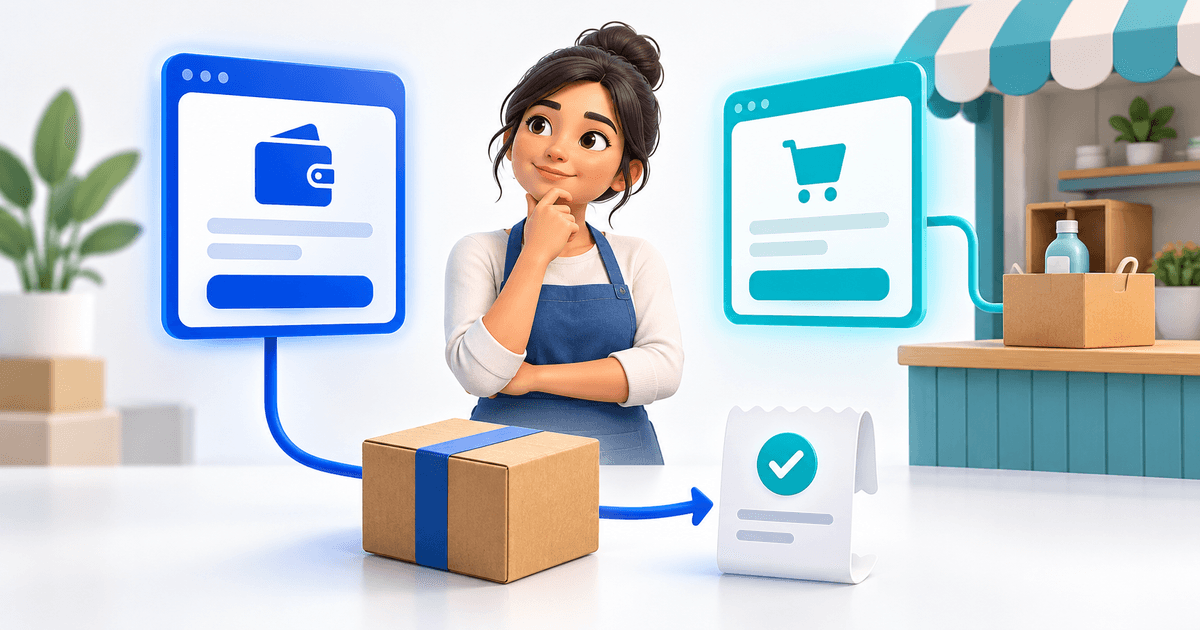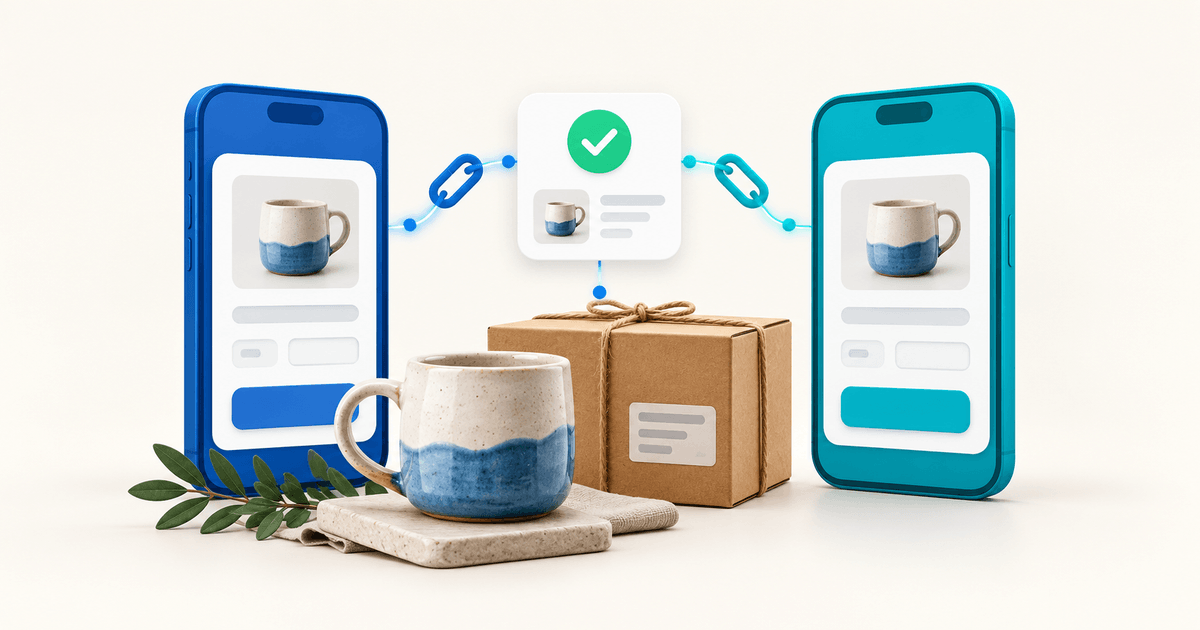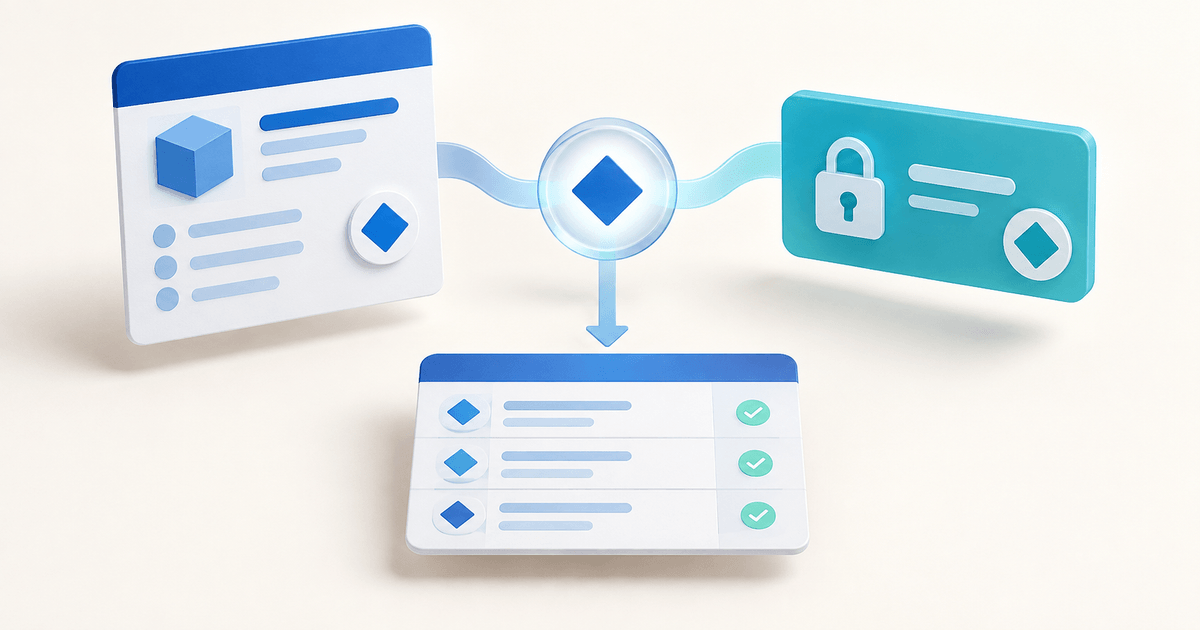
A Google Forms response and a PayPal payment are two separate records. To use them for selling, give each accepted order a reference, record the expected amount and currency, and match it to a completed payment in your own account before confirming delivery. A submitted form or a buyer's screenshot is not enough.
This workflow is for a small business collecting workshop registrations, made-to-order requests or a limited product preorder. It works best when one person can review exceptions before fulfillment. The original example below shows how to reconcile a small batch and decide when a dedicated product checkout would remove unnecessary work.
Choose How Google Forms and PayPal Will Work Together
Start by deciding where the order becomes payable. A form can collect the request, while a separate commercial checkout collects the money. A third-party add-on can connect those stages, but you must verify what that add-on actually records and updates.
Google documents both linking responses to a spreadsheet and editing the confirmation message. Those are useful building blocks. Neither action, on its own, establishes that a particular response has been paid. A confirmation message is shown after form submission, not after payment verification.
| Approach | Suitable situation | Work you still own |
|---|---|---|
| Form, then a separately sent payment request | Orders need approval or a custom quote | Accept request, assign reference, match payment |
| Form with a shared checkout link | Small fixed-price batch with simple choices | Match buyer and response; resolve duplicates |
| Payment add-on | Forms must remain the main interface | Check permissions, fees, status handling and exports |
| Product checkout with required fields | A defined product needs payment and a short intake | Configure product, fields and delivery together |
Keep the general Google Forms payment guide for comparing setup methods. This article addresses the operational question after setup: which order did this money pay for, and is that order ready to fulfill?
For custom work, accepting the request before sending a checkout link is often clearer than collecting an arbitrary amount immediately. You can decline an unsuitable request without creating a refund task. For a fixed digital product, a separate form may add a step that buyers do not need.
Create an Order Reference Before Requesting Payment
Use a short reference you control, such as WORKSHOP-104. Store the response timestamp, customer contact, selected item, quantity, agreed amount, currency and current status beside it. Send the reference in the payment request and retain the provider's transaction identifier once payment completes.
Do not use a person's name or amount as the only identifier. Two people can have the same name, and many people can pay the same workshop fee. The PayPal payer email may also belong to a parent, colleague or company rather than the participant named in the form.
If you manually send requests after reviewing submissions, assign the reference at that point. If you use a shared confirmation-message link, do not claim that Google automatically inserted a unique order number. Any dynamic reference or automatic matching needs a separately configured and verified integration.
Collect the buyer's contact email, the actual participant or recipient when different, the product choice and the information needed to deliver it. Ask about the payer relationship only when it matters. Avoid collecting card details, PayPal credentials or identity documents in an ordinary order form.
For a workshop, distinguish the billing contact from the attendee. For a custom illustration, collect the brief but agree on scope before requesting payment. A longer questionnaire belongs before approval; a few required product choices may fit directly in checkout.
Include a plain-language submission message: “We received your request. Your place is confirmed after we accept the order and verify payment. We will email the payment instructions and your order reference.” Adapt the sequence to the way your business actually reserves capacity.
Use This Google Forms–PayPal Matching Ledger
The following fictional batch contains four registration requests and three payment records. It is a worked operating example, not customer data or a claim that PayRequest synchronizes Google Sheets automatically.
| Order | Expected payment | Observed payment | Decision |
|---|---|---|---|
| WORKSHOP-104 | €45, one attendee | €45 completed; matching reference | Confirm one place |
| WORKSHOP-105 | €90, two attendees | €45 completed; matching reference | Resolve €45 shortfall before confirming both |
| WORKSHOP-106 | €45, one attendee | €45 shown only in buyer screenshot | Verify in receiving account; keep unconfirmed |
| WORKSHOP-107 | €45, one attendee | No payment located | Keep awaiting payment; follow reservation policy |
Record the transaction identifier next to the matched row, not merely “paid” in a colored cell. A second staff member should be able to reopen the same payment and understand why the order was released.
In this example, expected order value is €225, but only €90 is verified as completed. The screenshot is excluded until independently verified. You cannot infer three paid seats from the total received: one payment covers a two-seat order that is still short. Match at order level before totaling confirmed places.
Add columns for the reviewer, review time and exception note. Keep payment status separate from fulfillment status. “Paid, awaiting attendee name” is different from “unpaid,” and “refunded after cancellation” is different from “never paid.” A single checkbox hides those distinctions.
Resolve Exceptions Without Asking Buyers to Pay Twice
When a buyer says they paid, first search the receiving account and your order records. Compare the reference, amount, currency and timestamp. Ask for the payer name or email privately when needed, but independently verify the transaction rather than trusting the details supplied in a message.
A mismatch is a review task, not automatic evidence of fraud. Someone may have paid for a colleague, submitted the form twice or mistyped a reference. Keep the original records while documenting the corrected relationship. Do not overwrite the history simply to make the totals look tidy.
For an underpayment, contact the customer with the agreed order total and the amount already verified. Decide whether to collect the difference, adjust the order or cancel it under the applicable terms. For a duplicate payment, establish that two completed transactions exist before following the provider's refund process.
A pending payment needs a different response from a completed payment whose funds are temporarily unavailable for withdrawal. Read the transaction's actual status and account instructions. Our PayPal invoice payment-status guide explains why a request, approval, completed payment and payout availability should not be treated as the same event.
Replace the Form When the Product Can Collect Its Own Details
If customers buy a defined product and answer only a few delivery questions, consider putting the questions into the product flow. PayRequest's custom fields let a product collect configured information; digital products support the separate job of delivering a purchased file.
The current product-field implementation supports visible configured fields and optional pricing adjustments for supported field types. This is useful for information tied to the order. It does not imply a live Google Forms connector, automatic spreadsheet reconciliation or a full form-builder replacement.
Connect an eligible account through the PayPal integration, configure the product and open the checkout as a buyer. Confirm that every required answer appears with the order, that the correct amount reaches payment, and that the completed sale leads to the promised delivery. Use the actual order record as your evidence.
Keep Google Forms when its survey logic or long intake is valuable. Keep manual review when accepting an order requires judgment. Move to a product checkout when the separate form mainly repeats information the buyer could provide while purchasing. The goal is fewer unmatched records, not replacing a familiar tool without reason.
Rehearse Five Outcomes Before Opening Sales
Test a successful order, an abandoned payment, a different payer email, a duplicate form submission and an amount mismatch. These are proposed acceptance checks; run them against your own setup without treating this article as proof that your integration passed.
Start with a small controlled order and verify the amount in the receiving account. If you use sandbox payments, record that they are sandbox tests. They demonstrate a technical path but do not establish live merchant eligibility or settlement behavior.
Restrict access to the response spreadsheet. Review form-sharing and response-summary settings before collecting customer details. Share a buyer's own confirmation privately; publishing the reconciliation ledger or a full response summary exposes other customers' information and provides no payment benefit.
After launch, measure submitted requests, accepted orders, completed payments, unmatched records and confirmed deliveries separately. A high form-completion rate can coexist with low paid conversion. The most useful improvement may be clearer pricing or a shorter route to checkout, rather than more form traffic.
Review PayRequest pricing before comparing costs: the Free plan charges 2% per successful payment, capped at €25 per transaction, with payment-provider fees separate. Compare that cost with the real time spent reconciling orders. Start with one product and the matching ledger, then remove steps only after the records stay reliable.
For another social-sales route, see Linktree with PayPal checkout. The same principle applies: a click starts the journey, while a verified order and payment determine what the buyer receives.
Editorial note: created with AI assistance and checked against current Google documentation and PayRequest's product-field implementation on 9 September 2026. The ledger and test scenarios are original illustrative tools, not measured customer results.