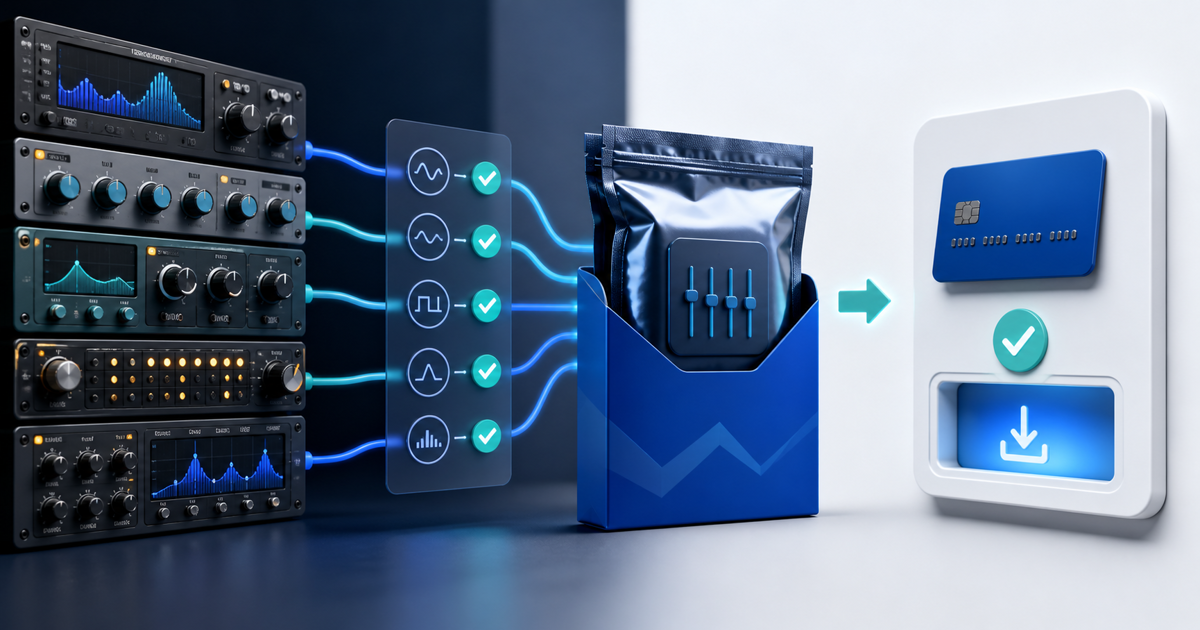
Sell an Ableton Live Rack only after it opens on a second computer with the promised devices, samples, macro mappings and musical behavior intact. A Rack that works inside the creator's library can fail for a buyer because it references an unavailable plug-in, Pack, sample path or newer Live version.
This release workflow is for producers selling their own Audio Effect Racks, Instrument Racks and Drum Racks. Its original asset is a five-state portability card that records the exact retail file, dependencies and test result instead of treating a polished demo as proof of compatibility.
Define the Smallest Honest Product
Decide whether the buyer receives one Rack preset, a Rack plus samples, or a complete Live Project. Do not advertise a preset as self-contained when it depends on a third-party plug-in, paid Pack, Max for Live device or external sample library.
| Product | Buyer receives | State before checkout |
|---|---|---|
| Effect Rack | Rack preset and optional documentation | Live edition, minimum version and every device |
| Instrument Rack | Preset, permitted samples and mappings | Required instruments, Packs and sample footprint |
| Drum Rack | Preset, pads and permitted one-shots | Pad map, choke groups, sample rights and missing-pad behavior |
| Project example | Separate demonstration Set | Extra plug-ins, files and version requirements |
Keep the editable Rack as the paid product. Export a short audio demo for evaluation, but never imply that hearing the render proves the buyer can edit the source.
Freeze a Five-State Portability Card
For every release, record these five states:
- Source: exact Live version, edition, operating system and retail filename.
- Devices: every stock device, Max for Live device, third-party plug-in and Pack.
- Media: each included sample, its source and your right to redistribute it.
- Controls: macro names, ranges, default positions and the behavior each control changes.
- Clean import: second-computer result, warnings, missing items and corrected release checksum.
Ableton's current backward-compatibility guidance notes that files saved in newer point versions may not open in earlier ones. Name the minimum tested version; “Live 12 compatible” is too broad if you saved with a later update.
Remove Hidden Dependencies
Open the Rack in a new, empty Set and inspect every chain. Replace accidental plug-ins or document them as requirements. Freeze or render is not a substitute when the buyer expects editable controls.
If the Rack uses samples, confirm the delivered preset can find them from the packaged location. Ableton explains that a Set normally stores references and that Collect All and Save copies eligible media into a Project, while plug-ins still need separate installation. Use a small transfer Project to test sample collection where needed, then package only files you are permitted to redistribute.
Run the Second-Computer Test
Use another computer or a clean user account without your custom library paths. Install only the dependencies stated on the product page, then:
- import the retail archive and load each Rack;
- trigger every chain, pad and key zone;
- move every macro to its minimum, default and maximum;
- save, close and reopen the Set;
- compare the output with a labeled reference render;
- record all warnings and missing media.
Test the lowest Live edition and version you promise. If you cannot reproduce that environment, narrow the claim instead of guessing. The resulting card is release evidence, not a claim that every future Live update will behave identically.
Package, License and Preview the Rack
Create one versioned ZIP containing the retail presets, permitted samples, a dependency manifest, installation steps, license and short change log. State whether the buyer may use sounds made with the Rack commercially and whether they may redistribute the Rack itself. Do not bundle factory content or third-party presets merely because they load on your computer; check each license.
Show an audio before/after, a clear macro overview and one practical use case. State the exact file size and requirements beside the buy action. Avoid screenshots that expose serial numbers, private paths or unrelated licensed content.
Deliver the Tested ZIP After Payment
Create an audio digital-download product, upload the approved archive and use protected file delivery to release it after confirmed payment. Complete a buyer-view purchase, download the ZIP and rerun the clean import from that exact file.
Start with one focused Rack. Publish when its product page, portability card, archive and delivered order all name the same version and dependencies.

