Sell a PDF workbook online by defining one practical outcome, providing enough writing space and shipping a file that works in the print or digital readers you name. Show sample exercises before checkout and deliver the approved PDF, or a ZIP containing clearly labelled editions, after payment.
This guide is for teachers, coaches and subject specialists turning a repeatable exercise into a standalone download. It covers printable and fillable PDFs, rather than an interactive learning platform that collects students' answers.
Build around a task rather than a page count
A workbook should help someone do something: plan a week, practice sketching, prepare a workshop or review a reading. A longer document is not automatically more useful. Name the reader, starting materials, expected work and concrete output.
For example, a hypothetical sketching workbook could promise five guided practice sessions and a self-review sheet. It should not promise that every buyer becomes an accomplished artist in five days. An honest scope also makes the preview easier: show one complete exercise, including its instructions and response area.
Copy this six-part workbook structure
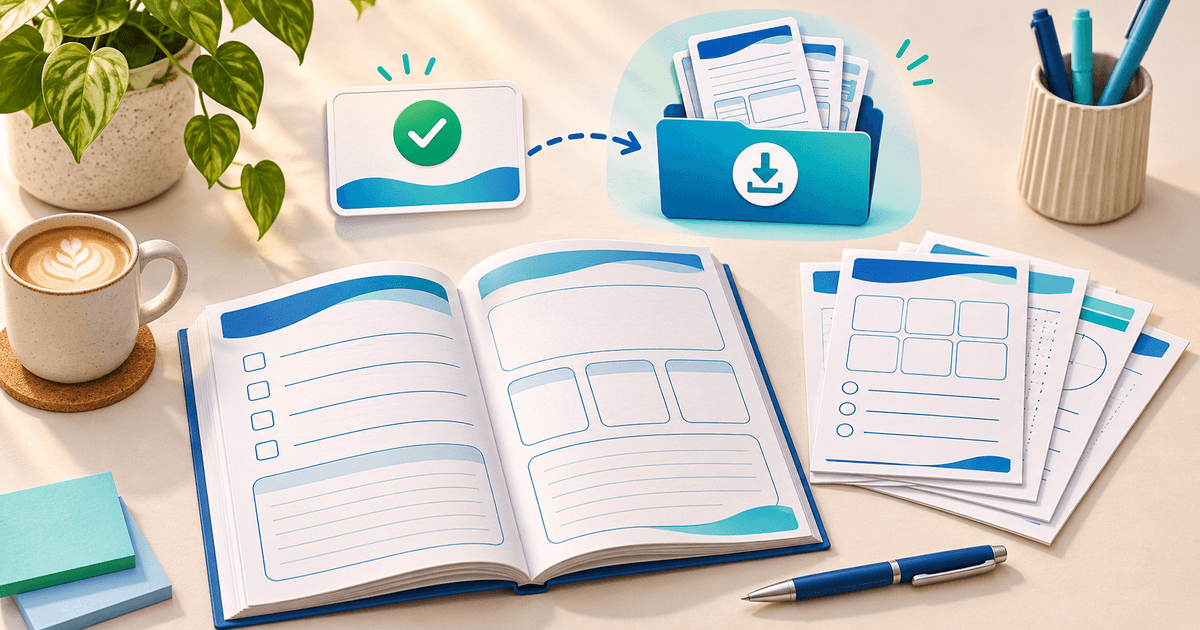
Download the editable workbook planning template. This is an original editorial template, not a finished workbook or a teaching certification.
| Part | What the reader receives | What you should check |
|---|---|---|
| Start here | Audience, materials and sequence | Can a new reader begin without a call? |
| Worked example | One completed exercise using fictional inputs | Does it show the expected level of detail? |
| Practice | Prompts and usable response space | Does a real answer fit? |
| Review | A short self-check or discussion prompt | Does it connect to the exercise? |
| Next step | A way to use the completed work | Is the result useful beyond the page? |
| Edition and support | Filename, version, contact and use terms | Can support identify the file? |
Avoid collecting real student or client information in the sample. Remove private notes and document metadata before creating the retail file.
Choose printable, fillable or both
A printable PDF is designed for paper. A fillable PDF needs actual form fields; an empty rectangle is not an input field. Adobe documents creating fillable forms, including form-field setup. Use the workflow that matches your authoring tool and test the exported result.
If you advertise digital completion, name the reader and device you tested. Open the downloaded file, type a long answer, save it, close the reader and reopen it. Confirm that answers persist and are legible. Test keyboard navigation through fields and provide meaningful labels. Do not promise compatibility with every browser PDF viewer.
For print, check the advertised paper sizes, margins, writing space and a grayscale output. If A4 and US Letter are included, export and inspect both editions. Do not rely on the buyer to resize a page containing tight tables.
Use a buyer acceptance card before launch
Record the exact filename and edition, intended paper sizes or readers, whether responses are editable and which tests remain incomplete. The acceptance card belongs in your release process; it is not an automatic PayRequest report.
Ask a reviewer to complete one exercise without verbal help. Note where they hesitate and whether their answer fits. This is a test to run, not a claim that PayRequest has reviewed your educational method.
For a bundle, use simple names such as workbook-print-a4.pdf, workbook-print-letter.pdf and workbook-fillable.pdf. Include a start-here file explaining the differences. Show which editions are included on the product page so the buyer does not mistake a printable PDF for a live online workbook.
Put the preview and permission terms before the price button
Display sample pages, the exercises covered, delivery format and whether answers or feedback are included. Distinguish an individual-use download from classroom copying or a team license. Check the rights for illustrations, fonts and quoted material instead of assuming a design-tool subscription permits redistribution.
Skillshare's digital-product guidance treats standalone educational downloads separately from class resources. The useful decision for your offer is similar: can the workbook stand alone, or does it require a lesson the buyer has not purchased? State that dependency explicitly.
Set up the download in PayRequest
Use the existing workbook selling page as your starting point. Create a digital product, connect a supported provider and attach the final PDF. If there are several editions, package them into a single ZIP with the guide. Review the digital-product setup documentation and your configured access terms.
Rehearse the buyer's route from the product page through confirmed payment to opening and saving the file. File delivery supplies the handoff; teaching, marking and feedback remain part of whatever service you actually offer.
Digital products are available on Free with a 2% standard payment fee, capped at €25 per transaction. Premium (€5/month) and Business (€20/month) remove standard platform fees while paid access is active. Provider fees and commission exceptions remain separate. Choose the plan for your needs; a workbook does not itself require a paid plan. See plans and fees.
Publish one useful workbook with an honest sample exercise. Share it beside the lesson, workshop or newsletter where the reader first encounters the problem it solves.
Editorial method: prepared with AI assistance and an original planning template; linked documentation reviewed on 8 November 2026. The sketching offer is hypothetical. No learner outcome, completed usability test or sale is claimed. The cover is an AI-generated conceptual illustration.