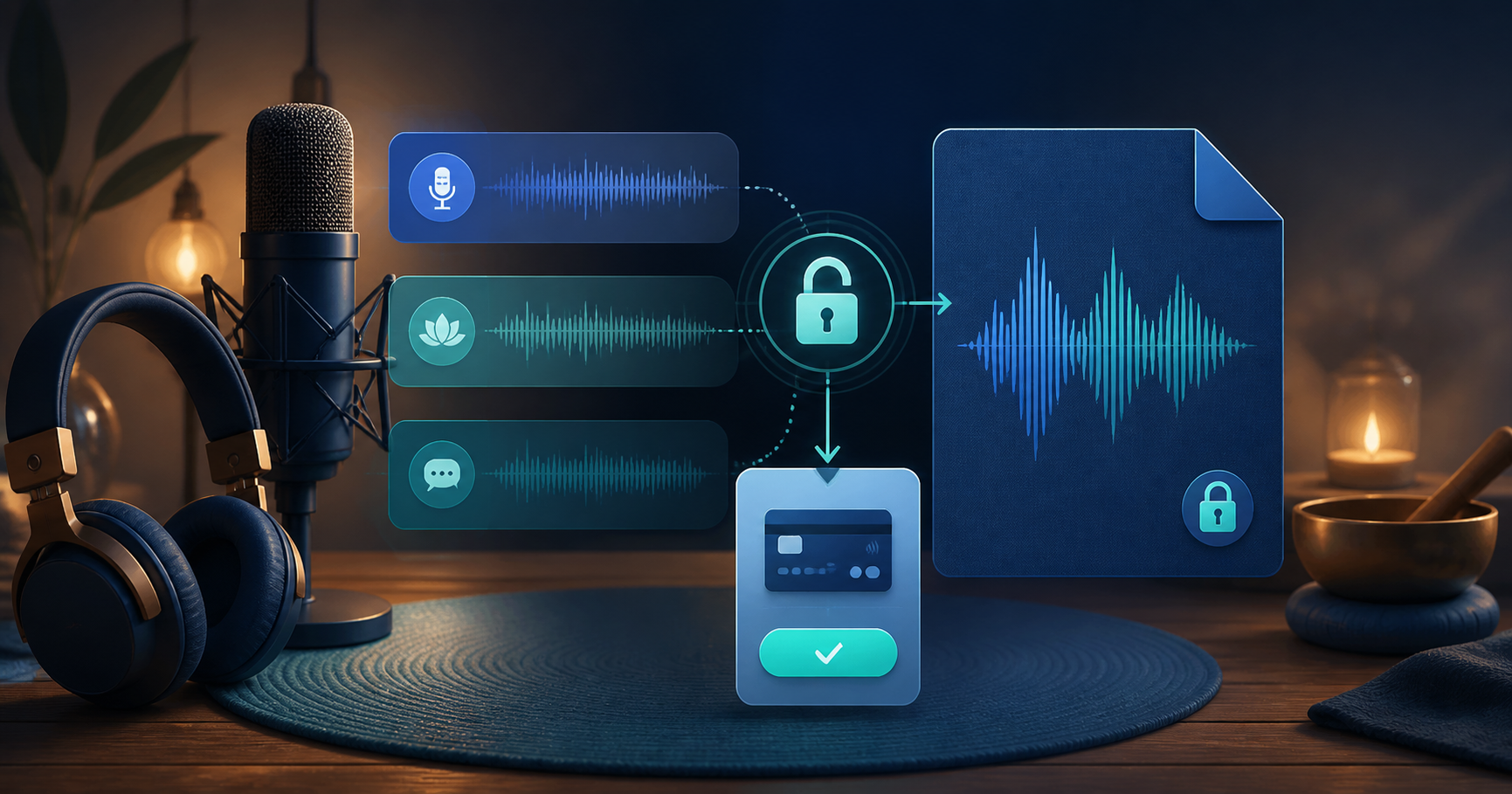
You can sell a premium podcast episode, guided meditation, audiobook chapter, or spoken-word recording as a one-time audio product. The strongest offer gives listeners a useful free sample, explains what the complete track includes, and delivers the original automatically after payment.
This model fits creators who publish irregularly, have a finished audio drop, or want to sell a specific experience without promising a new subscription every month.
When One-Time Audio Beats a Subscription
A subscription makes sense for an ongoing library, community, or reliable release schedule. A one-time unlock is often better when:
- The buyer wants one specific episode or session
- The content is evergreen and stands alone
- You release occasionally rather than weekly
- You want to test willingness to pay before creating a membership
- The audio has a clear outcome, such as sleep, focus, learning, or entertainment
You can always bundle successful individual releases later. Start with the promise you can keep consistently.
Build a Premium Audio Product
Before uploading, define the product in one sentence: “A 28-minute wind-down meditation for people who need a screen-free bedtime routine,” or “An ad-free director’s commentary for listeners who finished season one.” Specificity makes pricing and promotion easier.
Then prepare:
- The full MP3, WAV, or FLAC file, up to 100MB
- A cover image separate from the audio file
- A 5–60 second preview that demonstrates voice, sound, pacing, or atmosphere
- A one-time price and a short description of what the buyer receives
- Any transcript, show notes, or license terms included with delivery
A Safe Preview Flow for Spoken Audio
Do not upload the complete recording and rely on a timer in the browser. If the full source reaches the client, a timer does not prevent someone from retrieving it.
PayRequest creates a separate, shorter preview clip from the private original. The public listener receives only that clip, with a short fade-out. After payment, the customer receives access to the original through the delivery flow. This distinction is especially useful for premium episodes, paid voice lessons, and guided sessions where the entire value is in the recording.
How to Create the Audio Unlock
- Open Products and click New Product.
- Select Pay to Unlock (Audio).
- Upload the finished recording and choose a free preview length.
- Add the cover image, title, listener outcome, and price.
- Save and listen to the generated clip. Check that it ends naturally and that the full length is shown correctly.
- Make a test purchase before sending the link to listeners.
If you upload a revised recording, the previous original and preview are replaced automatically. If only the preview length changes, PayRequest regenerates the preview from the stored original.
How Long Should the Preview Be?
The best length depends on what the listener needs to judge.
| Audio type | What the preview should prove |
|---|---|
| Premium podcast | Voice, production quality, and the episode premise |
| Guided meditation | Narration, pacing, and atmosphere |
| Audiobook or fiction | Character voice, writing style, and sound design |
| Language lesson | Teaching style and the kind of exercise included |
Start with 15–30 seconds. Use a section that feels complete enough to build trust, but do not give away the conclusion, exercise, or full guided sequence.
Price the Outcome, Not the Runtime
A 12-minute specialist lesson may be worth more than a 60-minute general conversation. Explain the result, production quality, format, and any extras before choosing the price.
For a standalone product, test one clear price rather than multiple confusing tiers. A bundle can make sense once you know which topics or episodes people buy. If a recording includes commercial rights, private coaching material, or licensed music, describe those terms separately.
Promote Premium Audio Where Listeners Already Are
Share the same product link in show notes, your newsletter, social profile, community, and guest appearances. Lead with the listener's outcome instead of the lock: “Get the ad-free 42-minute sleep session” is more useful than “Buy my premium audio.” Mention the free preview so the request feels low-risk.
Explore Pay to Unlock, audio downloads, or start free with one finished recording.