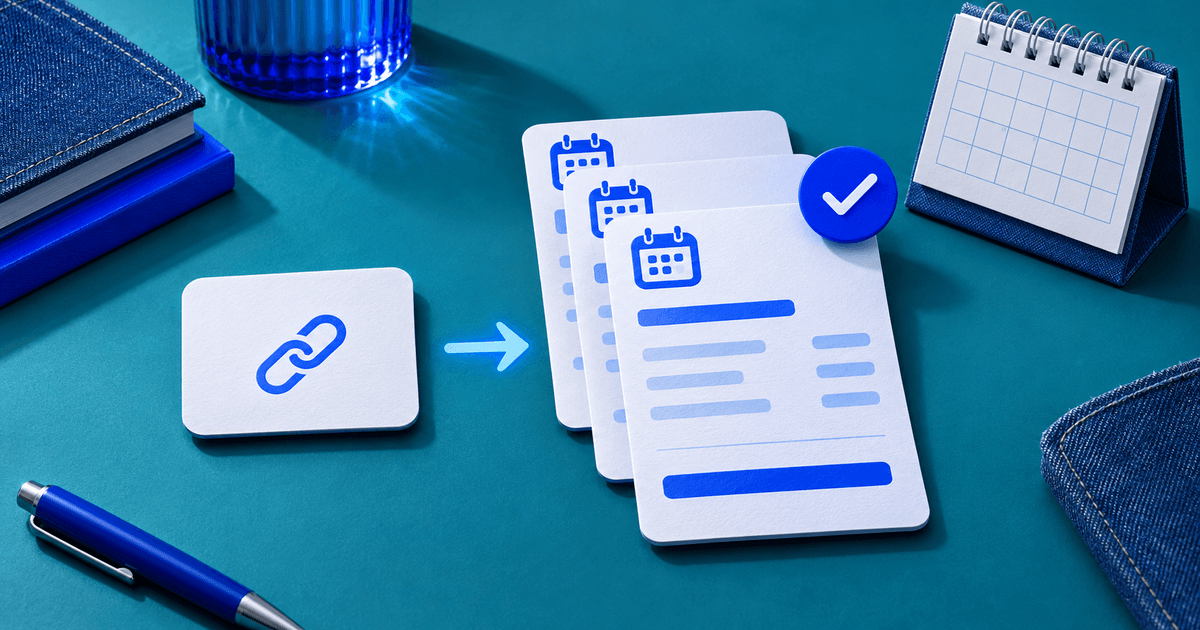
If you send the same client a new PayPal payment link every month, move the schedule to recurring invoices. Your client can keep paying with PayPal. The invoice gives each month its own amount, due date and payment status. If you need to charge the client automatically, use a subscription flow that explicitly collects their approval for recurring charges.
Choose between an invoice schedule and an automatic charge
| What you want the client to do | Setup to use |
|---|---|
| Pay one agreed amount once | Send a PayPal payment link for that payment |
| Review and pay a new invoice each month | Schedule recurring invoices in PayPal or use invoice-based billing with a connected PayPal Business account in PayRequest |
| Approve once and pay automatically on later billing dates | Set up a native PayPal subscription and collect the customer's approval |
PayPal Invoicing can already schedule an invoice series. It can be the simplest choice if you handle all billing in PayPal. Use PayRequest if you want to keep that client alongside customers who use other connected providers and give customers a place to return to their invoices. If you need automatic charges, check PayPal's native subscription documentation before setting up invoice-based billing.
Move one client without billing the same month twice
Suppose you charge €180 per month for website maintenance. November was paid using your old link. December is the first month you want to bill through PayRequest. Make the December invoice the customer's next payment and let that payment start the invoice-based subscription. When December is paid, the next scheduled invoice should cover January.
| Service period | Amount | Which request should the customer pay? | Check before moving on |
|---|---|---|---|
| November | €180 | Old PayPal link, already paid | Record the completed payment reference |
| December | €180 | First payment for the PayRequest recurring offer | Remove any duplicate December request and verify the new payment before marking it paid |
| January | €180 | PayRequest renewal invoice, once eligible | Check the previous invoice is paid and the period and amount are correct |
If the client already has a pending December payment on the old link, settle or resolve that payment first. Then use the next unbilled month as the starting period. Keep old receipts with your records. Change the links and invoice schedules you control only after agreeing the switch with the client.
Set up monthly invoices payable with PayPal
- Connect an eligible PayPal Business account in PayRequest. Create a recurring offer with the agreed amount, currency and monthly interval. For this workflow the customer pays the first period immediately, without a trial.
- Share the offer when the first unbilled period is due. Say which month the payment covers and that the customer will approve each later invoice payment themselves.
- Confirm the first payment completed and check the resulting subscription record and next billing date. Opening the checkout or approving an unfinished payment does not establish that the invoice has been paid.
- On the next cycle, check the renewal invoice and its payment link. An outstanding invoice in this PayPal flow blocks the next one, so resolve an unpaid period before expecting another invoice.
Start with one customer before moving the rest. Compare the last payment on the old link, the first completed PayPal payment on the new offer and the first renewal invoice against the agreed service periods. Connect PayPal in PayRequest once you know which period belongs on the first invoice.