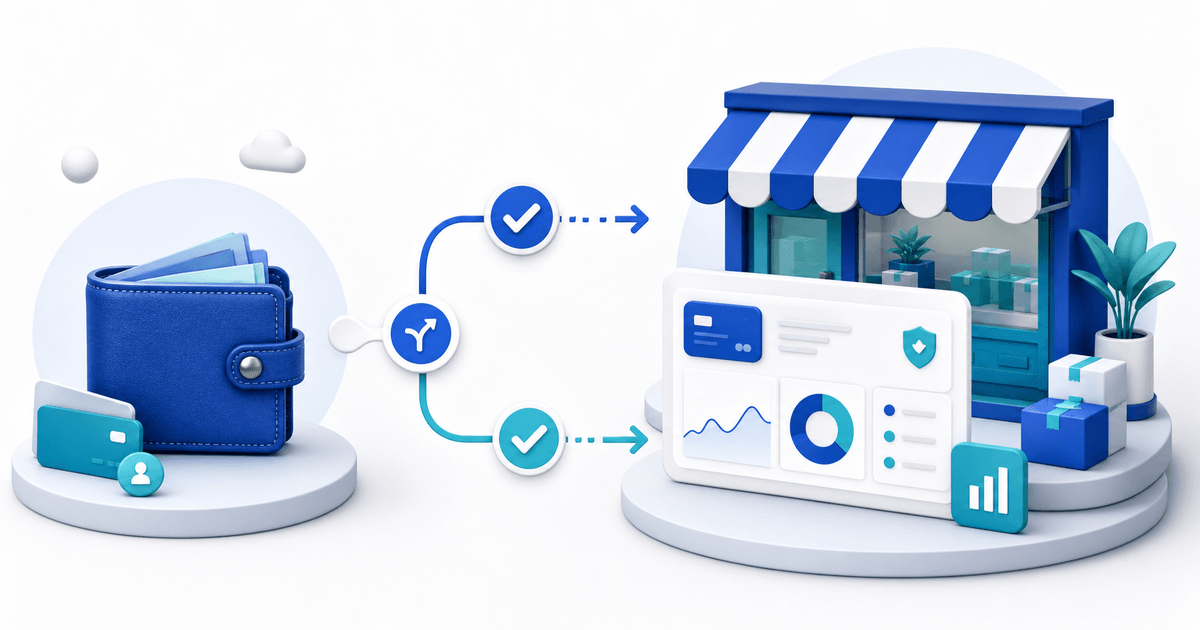
If you mainly use PayPal to shop or repay friends, a Personal account fits that job. If you primarily use PayPal to sell products or services online, PayPal's European user agreement says you must open a Business account or convert your Personal account. You do not need to be an incorporated company to make that change.
That distinction matters because a Business account is the account type used for commercial checkout, business details and partner integrations such as PayRequest. This guide helps you decide from the activity you perform—not from whether your business has a large team or a formal office.
PayPal Personal vs Business at a Glance
| Question | Personal account | Business account |
|---|---|---|
| Primary job | Shopping and personal transfers | Selling goods or services |
| Seller identity | Your personal account identity | Business or trading identity where supported |
| Commercial checkout tools | Limited compared with Business | Built for checkout and merchant tools |
| Staff access | Not designed for a team | Limited employee access is available |
| Partner integrations | Often not eligible | Used for commercial partner onboarding |
| Best fit | A buyer or occasional non-commercial user | Freelancer, creator, sole trader or company selling online |
PayPal describes Personal accounts as suitable for shopping, sending money and casual selling. Its Business account adds operation under a company or group name, checkout capabilities and controlled employee access. Read the official account comparison together with the agreement for your account country.
Use This Seller Decision Tree
Start with the reason money arrives in the account.
- Are customers paying for a product, download, booking, subscription or professional service? If yes, treat the activity as commercial and use a Business account.
- Do you want to connect PayPal to a store, payment page or partner platform? If yes, expect Business onboarding.
- Do you need customers to see a trading name or need colleagues to help manage payments? A Business account is the appropriate route.
- Are you only buying online or exchanging personal payments with people you know? A Personal account may remain sufficient.
- Is the activity genuinely occasional selling? PayPal's help page mentions casual sellers, but its European user agreement says accounts used primarily to sell must be Business accounts. When selling becomes a repeatable activity, convert rather than stretching the exception.
The safest trigger is not a revenue threshold. It is commercial intent: you publish an offer and expect buyers to pay you.
You Can Be a Sole Trader and Still Use PayPal Business
“Business account” does not mean “limited company.” PayPal's European agreement expressly allows Business accounts for individuals and organizations that are not incorporated. A freelancer, creator, sole trader, association or small shop can therefore use one.
You still need to give PayPal accurate legal, contact and business information. The public name a buyer sees does not replace your legal identity, tax registration or consumer-law obligations. Requirements vary by country and activity, so check the registration and tax rules that apply where you operate.
What Changes When You Upgrade?
Converting changes the account's intended use and unlocks merchant onboarding. It does not create a separate storefront by itself. You will still need to decide what the buyer sees before PayPal checkout: a product page, an invoice, a reusable payment link or a custom site.
Before converting, record the email addresses, currencies, bank details, active recurring payments and integrations attached to the account. During onboarding, use the same legal details that appear in your business records. Afterward, review:
- the business name and customer-service contact shown to buyers;
- the statement name customers may recognize on their bank or card record;
- refund, shipping and return settings relevant to what you sell;
- account users and permissions;
- notification, dispute and security settings;
- the currencies you accept and how conversion is handled.
Never share the owner password with a colleague. Use role-based access where available and require strong authentication.
What Does a PayPal Business Account Cost?
Opening or upgrading an account is not the same as paying a monthly software subscription. PayPal generally charges when you receive eligible commercial payments, with rates depending on the account country, payment type, buyer location and currency conversion. Use the current fee page for your market before pricing a product.
For a Netherlands account, see PayPal's current Dutch business fee schedule. Do not copy a US rate from a comparison article into a Dutch forecast.
PayRequest includes its standard selling and billing features on the Free plan. It charges 2% per successful payment, capped at €25 per transaction, in addition to PayPal's processing fee. There is no PayRequest charge when no successful payment occurs. Review current PayRequest pricing before publishing your offer.
Turn the Account Into an Online Sales Flow
A PayPal account processes the payment; it does not automatically explain the offer. A high-converting flow answers four questions before checkout: what is included, what it costs, when it is delivered and who supports the purchase.
Choose the page type from the sale:
| Selling situation | Best starting page |
|---|---|
| Same offer sold repeatedly | Reusable payment link or product page |
| Named client and agreed work | Invoice |
| Several products or options | Hosted payment page |
| Download released after payment | Digital product delivery |
| Appointment or session | Booking page with the terms shown before payment |
With PayRequest for PayPal, the connection uses PayPal's partner onboarding. Sign in with an existing PayPal Business account or convert during the flow, approve the requested permissions and return to PayRequest. No API keys are required.
Pre-Launch Checklist
Do not stop after connecting the account. Complete one buyer journey from a private browser or a different device.
- Confirm the seller name and support contact are recognizable.
- State the product, price, currency, tax treatment and delivery timing.
- Link the refund, cancellation or return terms before payment.
- Test a real low-value transaction and the confirmation message.
- Verify that an order, invoice or customer record is created correctly.
- Issue a test refund and confirm your internal process.
- Check the mobile flow from the social or email channel you will actually use.
- Save evidence of the page version and terms used for the sale.
The practical rule is simple: use Personal for personal activity and Business when selling becomes the purpose. Then put a clear sales page in front of checkout so buyers understand the purchase before PayPal asks them to pay.