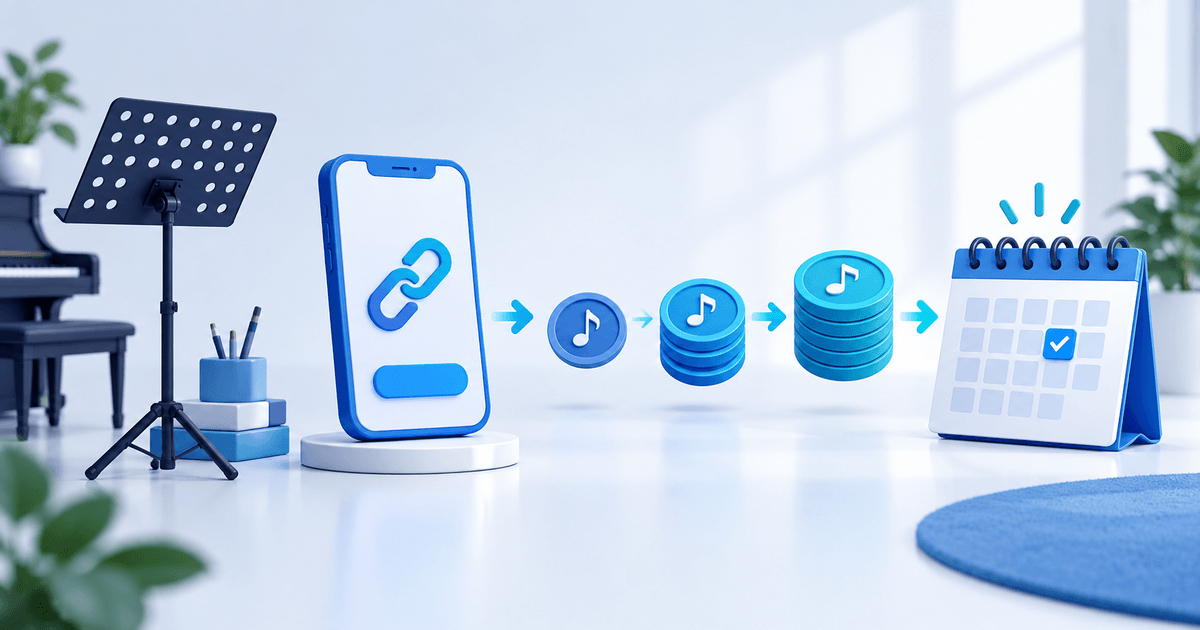
A PayPal-compatible payment link for music lessons should identify one lesson, lesson pack or term and connect it to a student record before a place or credit is confirmed. The link collects money; it does not know whether a learner attended, used a make-up lesson or has an available time slot.
This workflow is for independent teachers and small music schools that sell one-to-one lessons or prepaid packs. PayPal says its Payment Links can be shared through email, text, social channels and QR codes for eligible business accounts; availability and payment options vary by account and market. Check the methods visible in your own checkout before promising a family a particular option.
Give every offer one entitlement
| Offer | Checkout must state | Student record must state |
|---|---|---|
| Single lesson | Instrument, duration, format and date/booking step | One lesson and confirmation state |
| Lesson pack | Number of credits, expiry and cancellation rule | Credits purchased, used and restored |
| Term | Included dates, breaks and make-up policy | Student, term, attendance and balance |
Do not reuse a generic “music lesson” link when the offer switches between a 30-minute trial, five-lesson pack and full term. A specific offer lets the family see what they are paying for and lets you reconcile the payment to the right entitlement.
Keep payment and attendance separate
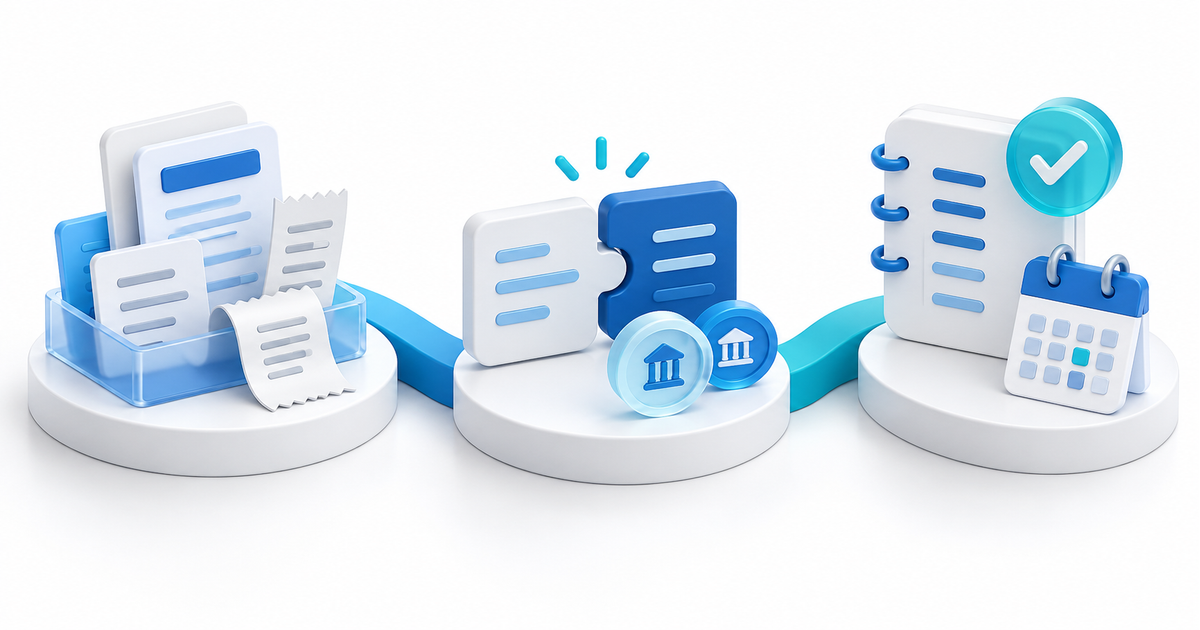
Use these states in a simple ledger: enquiry, link sent, payment confirmed, place reserved, lesson delivered, credit restored/expired or term renewed. A screenshot or an open link is not a completed payment. Confirm the provider status first, then reserve the slot and send the calendar details.
For a fictional five-lesson pack, record the student, pack ID, payment reference, five credits, expiry rule and each delivered or restored credit. The model prevents a common mismatch: a paid receipt that is later treated as proof of six lessons, an unlimited reschedule right or a guaranteed weekly slot.
Build and test the buyer route
In PayRequest, create an offer with the exact lesson name and price, connect the eligible PayPal provider, and use payment links for the shareable checkout route. PayRequest can collect payment through a connected provider; it does not run a teaching diary, decide attendance or enforce a cancellation policy.
Open the public page privately on a phone. Check the lesson name, currency, amount and next step; use the supported test route available to your account; then ensure the confirmed state creates the correct student action. PayPal's developer documentation likewise recommends verifying the displayed product, price and payment options before sharing a link.
Measure completed payments, confirmed places, attended lessons, expired credits, reschedules and pack renewals. Begin with one lesson-pack product and one tested confirmation message rather than a catch-all link.
Editorial note: AI assisted with this article and its illustrative cover. The entitlement table and seven-state ledger are original planning tools; no live PayPal payment, lesson booking or teacher result is claimed.