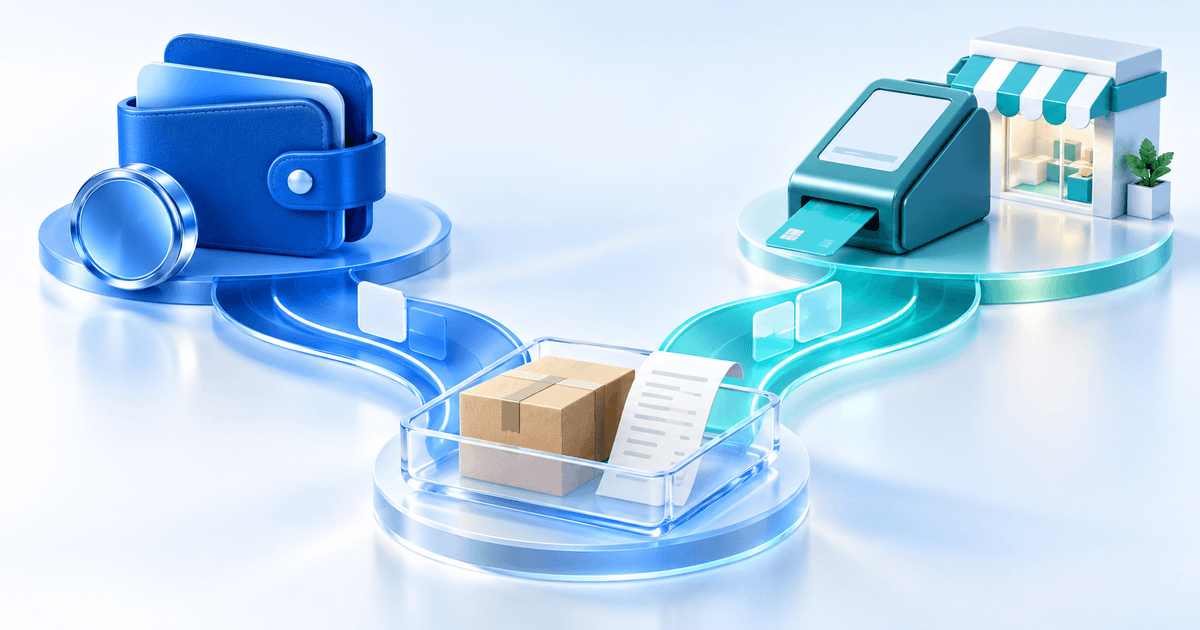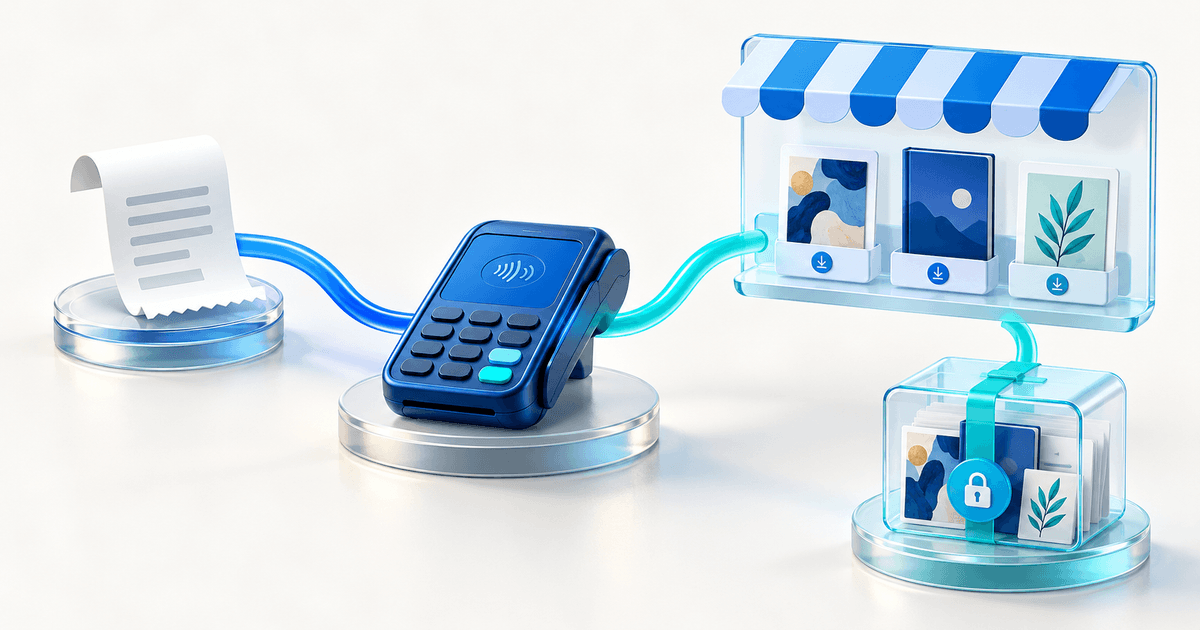
Use a native PayPal payment link when collecting the payment completes the online part of your sale and you already handle fulfillment. Use a digital-product shop such as Payhip when you also need a catalog and controlled file delivery. Payhip can use PayPal to process payments, so the choice is often PayPal alone versus a selling layer on top of PayPal.
This matters for creators selling ebooks, templates and other downloads through email or social media. A checkout can accept money successfully while leaving you to match the order, send the right file and help a buyer recover access.
Compare the layers, not just the brand names
PayPal's current merchant Payment Links offer hosted checkout for products, services and digital items. They support product details and reusable links; they are not simply personal PayPal.Me requests. Available payment methods vary by market and eligibility.
Payhip's selling workflow adds a shop around the payment: customers choose a product, pay and receive the digital purchase. Its PayPal connection guide explains the processor relationship. Adding Payhip does not mean PayPal is replaced.
| Your requirement | Native PayPal checkout | A digital-product shop |
|---|---|---|
| Collect a one-off payment | May be sufficient with eligible merchant setup | Also possible, with a separate platform model |
| Present several downloads | Plan how buyers find and choose each offer | Evaluate catalog and product-page features |
| Release the correct paid file | Verify your actual fulfillment arrangement | Evaluate protected delivery after confirmed payment |
| Replace a failed or expired download | You need a supported recovery process | Check buyer access and seller controls |
| Run a course or membership | Evaluate separate access and recurring requirements | Check the specific shop feature, not just file delivery |
An after-payment return URL is not evidence of secure file hosting. Sending everyone to one public file URL exposes that file to anyone who gets the address. Ask where the file is stored, what confirms payment and what limits access. This does not claim that PayPal cannot be connected to a separate delivery service.
Work out the extra shop cost
Payhip's current pricing lists Free at $0/month plus 5%, Plus at $29/month plus 2%, and Pro at $99/month with no Payhip transaction fee. Provider processing remains additional on all three plans.
Here is a hypothetical seller worksheet using two monthly sales levels. It calculates only the Payhip platform component, before processing, tax or other charges.
| Monthly sales | Free: 5% | Plus: $29 + 2% | Pro: $99 |
|---|---|---|---|
| $600: 30 orders at $20 | $30 | $41 | $99 |
| $1,800: 90 orders at $20 | $90 | $65 | $99 |
With those plan rates, Free and Plus meet at $29 ÷ (5% − 2%) = about $966.67 in monthly sales. Plus and Pro meet at ($99 − $29) ÷ 2% = $3,500. These are fee break-even points, not promises that switching plans improves sales or profit.
To compare with native PayPal, add the actual processing quote for each route. Only cancel processing out of a comparison if the rates and order mix really are identical. Do not assume a PayPal-native product and a third-party integration have the same rates, eligible methods or currency costs.
Make the choice with one representative order
Write down the file promised, buyer email, payment confirmation, access period and support route. Then ask each shortlisted solution to demonstrate the complete journey. A pending payment should not be treated as confirmation simply because a buyer returns to your page.
Stay with your native checkout if the rest of the process already works and a shop adds little value. Choose Payhip when its catalog, delivery or wider selling features meet your requirements. If you need tax handling, licensing or courses, verify those specific obligations rather than treating every download platform as equivalent.
Where PayRequest fits
PayRequest digital products are another route for sellers who want a paid product link and protected downloads with expiry and download limits. One product uses one file; bundle several files in a ZIP and check your actual upload capacity. No automatic Payhip import or equivalent course player is claimed.
Review current plans: digital products require Premium (€5/month) or Business (€20/month). Active paid plans have 0% standard platform payment fees; provider fees and commission-payment exceptions remain separate. Those euro prices are not directly comparable with the dollar worksheet without a consistent currency and tax basis.
Create one representative product, confirm provider eligibility and delivery settings, then activate the suitable paid plan before selling. If you only need collection, review payment links before adding a shop.
Editorial note: AI assisted this article and illustration. Primary sources were checked on 25 October 2026. The fee worksheet is original arithmetic using published plan rates; no checkout test, conversion uplift or customer savings is claimed.